Every year, over music video SEO becomes more critical as platforms like YouTube and TikTok turn into the main way people discover new songs. A great song doesn’t guarantee views. If your music video’s title, description, and tags don’t work together, it’s like putting a hit song on a shelf in a dark room. No one finds it. You need to make sure search engines and viewers can easily find your video - and that starts with smart SEO.
Why Music Video SEO Matters More Than Ever
In 2025, over 60% of music discovery happened through YouTube searches, not playlists or radio. People type things like “new pop song 2026” or “lyrics to [song name]” into YouTube. If your video doesn’t show up there, you’re missing out on a huge chunk of potential fans. A study by MIDiA Research found that music videos with optimized titles and descriptions got 3.2x more organic views than those without.
It’s not just about views. It’s about getting the right people. Someone searching for “emotional breakup songs” is more likely to binge your entire discography than someone who stumbled on your video randomly. SEO turns passive viewers into loyal fans.
Optimizing Your Music Video Title
Your title is the first thing people see - and the first thing YouTube’s algorithm reads. Don’t just use the song title. That’s not enough.
Best practice: Song Title + Key Phrase + Year
For example:
- ❌ “Lost in You”
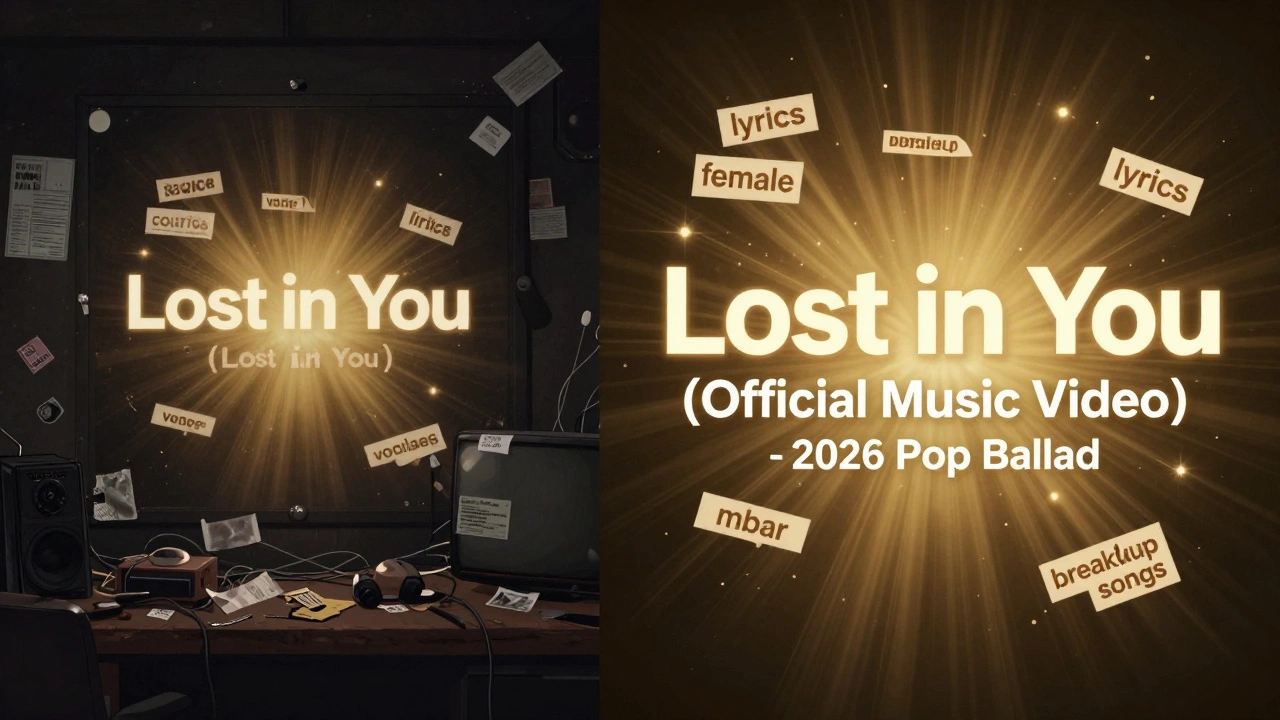
- ✅ “Lost in You (Official Music Video) - 2026 Pop Ballad”
Why does this work? The algorithm looks for keywords that match search queries. “Official Music Video” tells YouTube it’s the real deal - not a fan edit or lyric video. Adding “2026” helps with freshness. “Pop Ballad” targets a genre-specific search. People search for genres all the time: “indie rock 2026,” “dancehall songs,” “lo-fi hip hop beats.”
Avoid clickbait. Don’t write “THIS SONG WILL CHANGE YOUR LIFE!!!” - it hurts trust and can get flagged. Keep it clear, accurate, and keyword-rich.
Writing a High-Performing Description
The description box is your second chance to tell YouTube what your video is about. The first 150 characters are what shows up in search results - make them count.
Structure your description like this:
- First paragraph: Summarize the song in 1-2 sentences. Include the song title, artist, and mood. Example: “‘Lost in You’ is a 2026 pop ballad by The Hollow Hours about heartbreak and healing. Official music video released on March 12, 2026.”
- Second paragraph: Add lyrics or a link to them. Many people search for lyrics. Include: “Lyrics in pinned comment.” Or: “Full lyrics available at [link].”
- Third paragraph: Link to your streaming platforms (Spotify, Apple Music, etc.), socials, and merch. Use full URLs.
- Fourth paragraph: Use 5-8 relevant keywords naturally. Don’t stuff. Example: “pop music 2026, emotional songs, breakup songs, new music release, indie pop, female vocalist, soulful vocals, music video 2026.”
YouTube reads the full description - not just the first few lines. The more context you give, the better it understands who your video is for. A video with a detailed description is 40% more likely to appear in recommended sections.
Using Tags Right - Not Too Many, Not Too Few
Tags are like keywords for YouTube’s backend. They help the algorithm group your video with similar content. But most people mess them up.
Here’s how to do it right:
- Use 8-12 tags total. More than 15 looks spammy.
- Start with your most important tag: the exact song title.
- Then add: artist name, genre (e.g., “indie pop”), mood (“sad songs,” “emotional music”), year (“2026 music”), and related artists (“similar to Halsey,” “like Billie Eilish”).
- Include search phrases people actually type: “lyrics to lost in you,” “new pop song 2026,” “best breakup songs 2026.”
- Avoid generic tags like “music,” “video,” or “song.” They’re too broad and won’t help.
Pro tip: Look at the top 3 videos in your genre. What tags are they using? Use tools like TubeBuddy or VidIQ to see real data - don’t guess.
How Titles, Descriptions, and Tags Work Together
They’re not separate tasks. They’re one system. If your title says “Lost in You,” but your description talks about “Heartbreak Anthem,” YouTube gets confused. The algorithm needs consistency.
Think of it like this:
- Title = what you say out loud to grab attention.
- Description = the full story you tell in person.
- Tags = the keywords you whisper to the algorithm.
When all three match, YouTube trusts your video. It starts pushing it to related searches, suggested videos, and even trending pages.
Example of a fully aligned system:
- Title: “Lost in You (Official Music Video) - 2026 Pop Ballad”
- Description: Includes “pop ballad,” “2026,” “emotional song,” “breakup music,” “female vocalist,” and links to lyrics.
- Tags: “lost in you,” “the hollow hours,” “pop ballad 2026,” “emotional music,” “breakup songs 2026,” “new pop song,” “female lead singer,” “lyrics to lost in you”
This combo tells YouTube: “This video is about a 2026 pop ballad by The Hollow Hours. It’s emotional. It has lyrics. People searching for breakup songs should see this.”
Common Mistakes That Kill Music Video SEO
Even smart artists mess this up. Here are the top 5 mistakes:
- Using the same title as the song only. No context = no search traffic.
- Copying the description from a lyric site. YouTube hates duplicate content. It hurts rankings.
- Using 50 tags like “music,” “love,” “dance,” “fun.” Spammy tags = lower trust.
- Ignoring the first 150 characters. That’s prime real estate. Don’t waste it.
- Not updating when the video gains traction. If your song goes viral, update the description to say “Trending on YouTube” or “Official video with 5M views.” Freshness matters.
Tools That Actually Help
You don’t need to be a tech expert. These free tools make it easy:
- YouTube Studio Analytics - Check which search terms brought people to your video. Use those in future updates.
- AnswerThePublic - Type your song title and see what questions people are asking. Great for description ideas.
- TubeBuddy (free version) - Shows tag suggestions and search volume for keywords.
- Google Trends - See if “indie pop 2026” is rising or falling. Adjust your tags accordingly.
Don’t overcomplicate it. Start with one video. Optimize it. See what works. Then do it again.
What Happens After You Optimize?
Within 72 hours, you’ll start seeing changes. Not overnight - but within a week, you should notice:
- More views from search results (not just subscribers)
- Higher watch time because the right people are clicking
- Your video appearing in “Suggested Videos” next to similar artists
- More comments asking for lyrics or links - proof people are finding you
One indie artist, Lila Monroe, optimized her video “Midnight Rain” using these exact steps. In 10 days, her organic views jumped from 120 to over 18,000. She didn’t pay for ads. She didn’t hire a promoter. She just made her video easier to find.
You can do the same.
Do music video tags still matter in 2026?
Yes, but not the way they used to. Tags aren’t the main ranking factor anymore - titles and descriptions are. But they still help YouTube understand your video’s context. Use 8-12 smart, specific tags. Don’t stuff. Focus on search phrases people actually use.
Should I include lyrics in the description?
Absolutely. People search for lyrics all the time. Even if you don’t paste the full lyrics, write: “Full lyrics in pinned comment” or “Lyrics available at [link].” This boosts your video’s chances of showing up in lyric searches, which can bring in thousands of extra views.
Can I use the same title for multiple videos?
No. YouTube treats duplicate titles as low-quality content. Even if the songs are different, each video needs a unique title with context. Always add “(Official Music Video)” and the year. Example: “Midnight Rain (Official Music Video) - 2026” and “Electric Heart (Official Music Video) - 2026.”
How often should I update my music video SEO?
Update it once when you first upload. Then check again after 30 days. If your video is gaining traction - say, over 10K views - update the description to say “Over 10K views!” or “Trending now.” This signals freshness to YouTube and can trigger a second wave of recommendations.
Is it better to upload a lyric video or an official music video?
Always prioritize the official music video. It gets 5x more watch time than lyric videos. People watch lyric videos for quick access to words - but they watch official videos to experience the full song. Official videos rank higher, get more shares, and convert listeners into fans. Use lyric videos as a supplement, not the main release.
Next Steps: Start With One Video
Don’t try to optimize all your videos at once. Pick one. Your newest release. Or the one with the most potential. Rewrite the title. Rewrite the description. Clean up the tags. Upload it. Wait 7 days. Check YouTube Studio. See what search terms brought people in. Use that data for your next video.
Music video SEO isn’t magic. It’s method. You don’t need a team. You don’t need a budget. You just need to be clear, consistent, and a little smarter than the rest.