Imagine sending your Electronic Press Kit (EPK) is a digital portfolio used by musicians to pitch themselves to venues, labels, and media outlets to a booking agent or a music blogger. They open the file, scroll past your bio, and hit the first image. If it’s blurry, pixelated, or stretched into an unrecognizable shape, they close the tab. You have seconds to make a visual impact before you ever play a note.
Getting the photo specifications right isn't just about aesthetics; it's about professionalism. In 2026, with high-resolution screens everywhere and streaming platforms demanding crisp visuals, sloppy images signal that you don't care about the details. This guide breaks down exactly what sizes, ratios, and formats you need so your EPK looks sharp on any device.
The Non-Negotiables of EPK Image Quality
Before we get into specific pixels, let's talk about resolution. The industry standard for print-quality images is 300 DPI (dots per inch), but for digital EPKs, you are aiming for screen resolution. Screen resolution is measured in PPI (pixels per inch), typically 72 or 96 PPI. However, modern Retina and 4K displays double that density. To ensure your photos look crisp on an iPhone, a MacBook, or a large desktop monitor, you should export your images at a width of at least 1200 pixels. Ideally, aim for 1920 pixels wide for your hero image-the main photo that greets visitors.
Why does this matter? Because if you upload a tiny 800-pixel image and stretch it to fill a 1920-pixel header, it will look blocky and amateurish. Conversely, sending a raw 50MB camera file slows down your EPK load time, frustrating readers who are on mobile data. The sweet spot is balancing high resolution with fast loading speeds.
- Minimum Width: 1200 pixels
- Ideal Width: 1920 pixels
- File Size Limit: Under 2MB per image (ideally under 500KB for faster loading)
- DPI/PPI: 72-96 PPI is sufficient for web, but ensure pixel dimensions are high.
Choosing the Right Aspect Ratio
Aspect ratio is the relationship between the width and height of your image. Using the wrong ratio leads to awkward cropping or black bars, which distracts from your branding. For an EPK, you generally need two types of images: horizontal (landscape) and square.
Landscape (16:9): This is the standard for website headers, YouTube thumbnails, and most social media covers. It mimics the natural field of view and fits perfectly within browser windows. When shooting your band photos, frame them horizontally. A 16:9 ratio means for every 16 units of width, there are 9 units of height. For a 1920-pixel wide image, the height should be 1080 pixels.
Square (1:1): Instagram feeds, Spotify artist profiles, and many festival lineups use square crops. If you only provide landscape shots, these platforms will auto-crop them, often cutting off heads or instruments. Provide a dedicated square version of your key photos. A 1:1 ratio means equal width and height. For example, 1080x1080 pixels.
| Use Case | Aspect Ratio | Recommended Pixels (W x H) | Notes |
|---|---|---|---|
| Website Header / Hero | 16:9 | 1920 x 1080 | Primary visual anchor |
| Social Media Profile | 1:1 | 1080 x 1080 | Instagram, Spotify |
| Social Media Cover | 16:9 | 1920 x 1080 | Facebook, Twitter |
| Press Release Insert | 4:3 | 1200 x 900 | Traditional media layouts |

File Formats: JPEG vs. PNG vs. WebP
You might wonder why you can't just send everything as one format. Different formats serve different purposes based on how the image is compressed. Choosing the wrong one can result in visible artifacts or bloated file sizes.
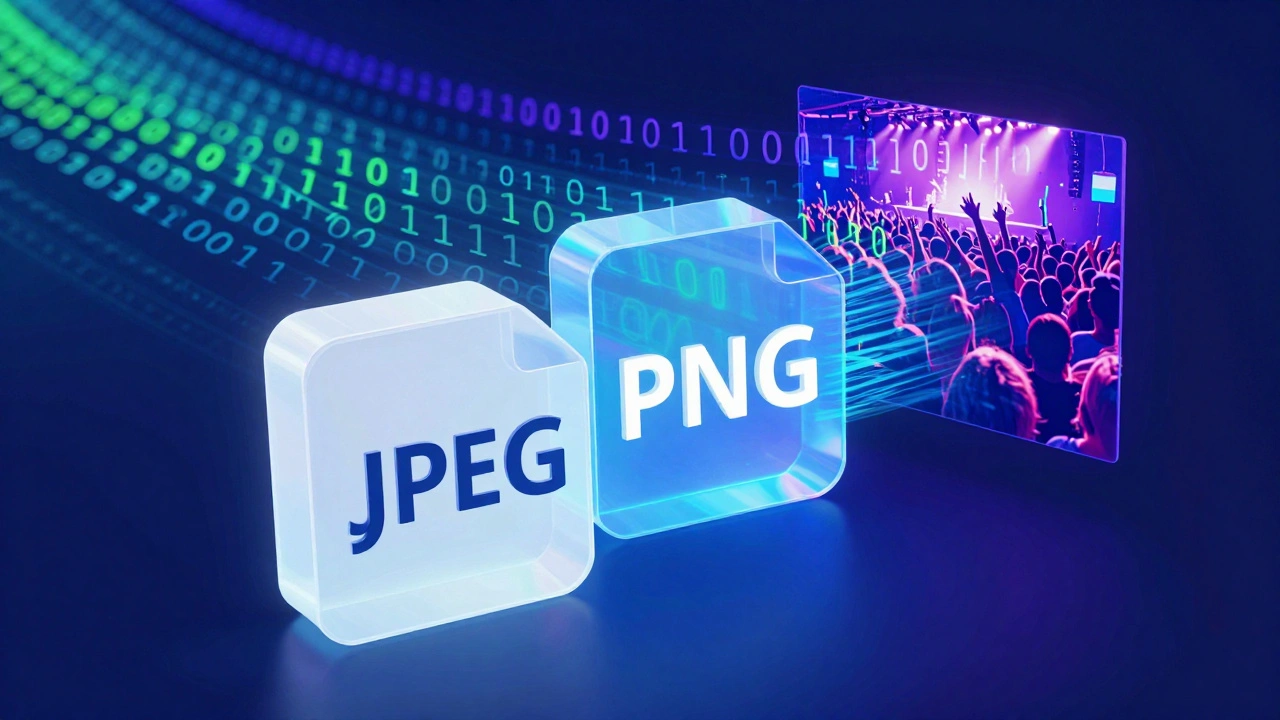
JPEG (or JPG): This is the workhorse of the music industry. It uses lossy compression, meaning it discards some data to reduce file size. For photographs-especially those with complex lighting, skin tones, and stage backgrounds-JPEG is ideal. It keeps files small while maintaining acceptable quality. Set your JPEG quality setting to 80-90%. Going higher than 90% rarely improves visual quality significantly but increases file size unnecessarily.
PNG: PNG uses lossless compression. It’s larger in file size but preserves every detail. Use PNG for images with text overlays, logos, or graphics with sharp edges. If your EPK includes a logo or a tour poster with typography, save it as PNG to avoid the fuzzy halo effect that JPEG creates around text. Do not use PNG for full-band photos unless you need transparency.
WebP: This is the modern standard supported by all major browsers. WebP provides superior compression compared to JPEG, offering smaller file sizes with similar quality. If your EPK is hosted on a custom website, consider serving WebP images. However, for email attachments or direct downloads to booking agents, stick to JPEG or PNG for maximum compatibility.
Optimizing Images Without Losing Quality
Raw photos from a DSLR or mirrorless camera can be 20MB each. You cannot email these. You need to optimize them. Optimization isn't just about resizing; it's about cleaning up the file structure.
First, resize your image to the exact dimensions needed. Don't upload a 4000-pixel wide image to a space that only displays 800 pixels. Most content management systems (like WordPress or Squarespace) will handle the display sizing, but the browser still downloads the huge file. Resize manually before uploading.
Second, use compression tools. Tools like TinyPNG, ImageOptim, or Photoshop's "Save for Web" function strip out metadata (camera settings, location data) that viewers don't need. This can reduce file size by 50-70% without noticeable quality loss. Aim for under 500KB for body images and under 1.5MB for hero headers.
Third, check your color profile. Ensure your images are saved in sRGB color space. Professional cameras shoot in Adobe RGB or ProPhoto RGB, which have wider color gamuts. Browsers, however, default to sRGB. If you upload an Adobe RGB image, colors may look washed out or dull on screens. Converting to sRGB ensures your vibrant stage lights and skin tones appear correctly across all devices.
Consistency Across Your Visual Brand
Your EPK isn't just a collection of random photos; it's a cohesive brand statement. Consistency builds recognition. Choose a primary visual style-maybe gritty and dark for rock, bright and clean for pop-and apply it across all images.
Use the same aspect ratio for all grid-based images on your EPK page. If you mix 16:9 and 4:3 images in a gallery, it looks cluttered. Stick to one ratio for galleries and use another for headers. Also, maintain consistent lighting and editing styles. If one photo is heavily filtered and another is natural, it breaks the immersion. Hire a photographer who understands your aesthetic, or learn basic editing presets to unify your DIY shots.
Finally, name your files logically. Instead of `DSC_0012.jpg`, use `band-name-headshot.jpg` or `artist-stage-photo.jpg`. This helps with SEO (Search Engine Optimization) and makes it easier for bloggers to find and use your images. Search engines can read filenames, and clear names help your EPK rank when journalists search for your act.
What is the best file format for EPK photos?
For standard band photos and portraits, JPEG is the best choice due to its balance of quality and small file size. Use PNG only for images containing text, logos, or graphics where sharp edges are critical. Avoid TIFF or BMP as they are too large for web use.
How many photos should I include in my EPK?
Quality over quantity. Include 3-5 high-resolution images: one main headshot, one action shot from a live performance, and one casual lifestyle shot. Too many photos can dilute your brand message and slow down your EPK load time.
Can I use smartphone photos for my EPK?
Yes, if the lighting is good and the image is sharp. Modern smartphones produce excellent images. Ensure you edit them properly, convert to sRGB, and compress them appropriately. Avoid low-light shots that appear grainy or noisy.
What is the difference between DPI and PPI?
DPI (Dots Per Inch) refers to print resolution, while PPI (Pixels Per Inch) refers to screen resolution. For digital EPKs, PPI matters more. However, the actual pixel dimensions (e.g., 1920x1080) are more important than the PPI setting itself.
Should I watermark my EPK photos?
Avoid heavy watermarks on your main EPK images. Booking agents and bloggers want clean images to use in their promotions. Watermarks can look unprofessional and hinder sharing. Trust that proper credit lines in your bio will protect your rights.