Most artist websites look the same: a homepage with a photo, a few song links, a bio, and a "Contact" button that goes nowhere. But if your music is your business, your website isn’t just a portfolio-it’s your storefront. And just like any store, it needs a clear layout so people can find what they’re looking for without getting lost. That’s where a smart sitemap structure comes in.
Why Your Music Website Needs a Real Sitemap
A sitemap isn’t just for Google. It’s for your listeners. When someone lands on your site-maybe from a playlist link, a blog mention, or a social media post-they should know exactly where to go. No guessing. No clicking through five pages just to find your latest single. If your site feels like a maze, people leave. And they won’t come back.
Artists who treat their website like a curated experience see more streams, more ticket sales, and more email sign-ups. Why? Because the structure guides the visitor. It doesn’t just list content-it tells a story.
Core Pages Every Artist Website Must Have
Start with the basics. These pages aren’t optional. They’re the foundation.
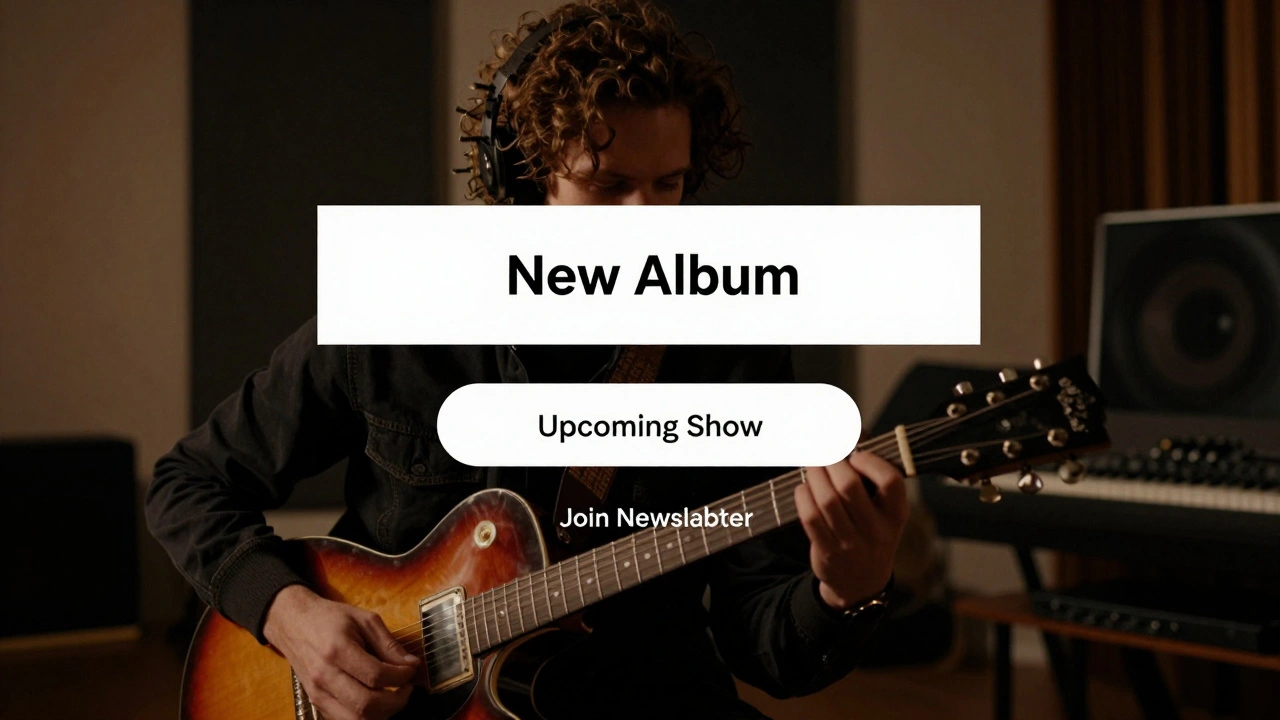
- Homepage - Your front door. Keep it clean. Show your latest release, upcoming show, and one strong visual. No more than three calls to action.
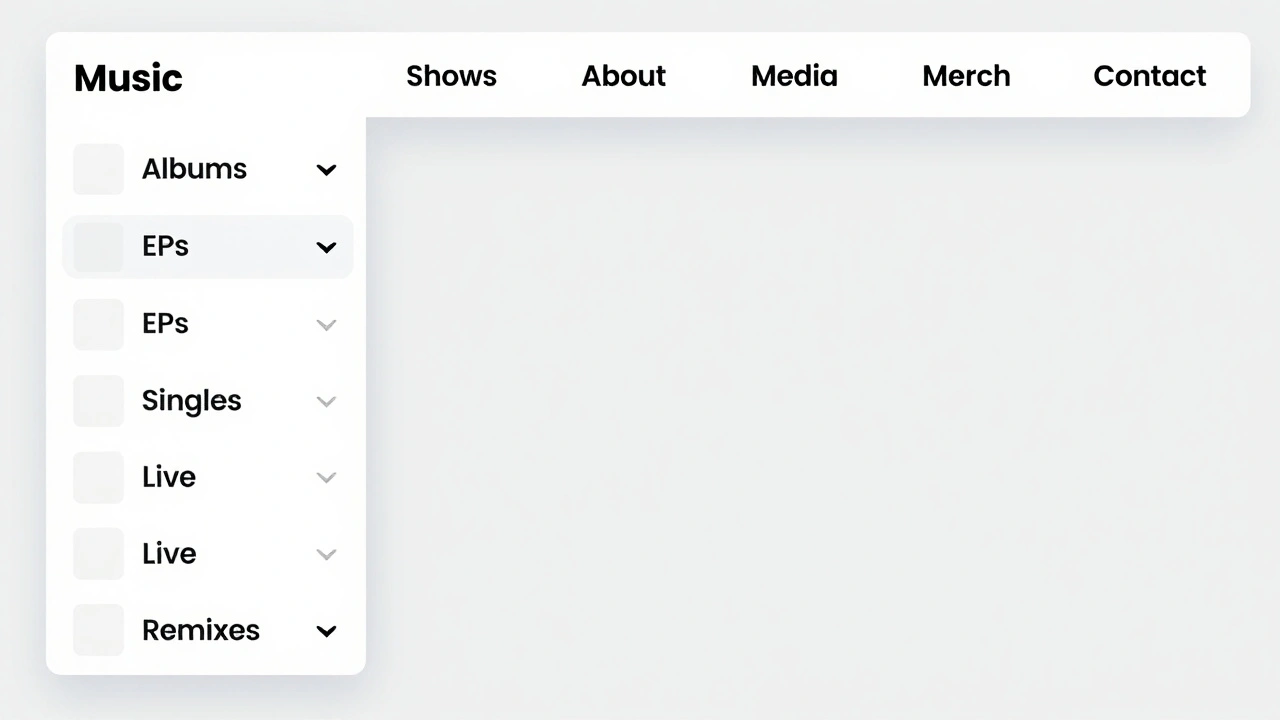
- Music - The heart of your site. Don’t bury your songs in a dropdown. This page should list all albums, EPs, and singles with cover art, release date, and streaming links.
- Shows - Tour dates need to be easy to find and update. Use a calendar view, not a long list. Include venues, ticket links, and notes like "openers" or "VIP packages".
- About - Not a resume. Tell your story. Why do you make music? What shaped your sound? Keep it human. Avoid buzzwords like "visionary" or "groundbreaking."
- Contact - Include a form. Don’t just list an email. People won’t type it in. Add a note like "For bookings, press, or collabs-use this form."
Organizing Your Music Content Like a Pro
Here’s where most artist sites fail. They throw all their music into one big list. But fans don’t want to scroll through 30 tracks to find your 2023 EP. They want to explore by project, mood, or year.
Break your music into subpages under the main Music section:
- Albums - Full-length releases. Include liner notes, credits, and a streaming player.
- EPs - Shorter projects. Label them clearly. Some fans only care about your EPs.
- Singles - Standalone tracks. Group recent ones together. Add a "New Releases" filter.
- Live Recordings - Show your energy offstage. Label the venue and date. Fans love raw, unfiltered versions.
- Remixes & Collaborations - Credit your collaborators. This builds connections and credibility.
Each subpage should have a short intro. Example: "My 2024 album 'Neon Drift' blends synthwave with field recordings from Portland’s waterfront. Available on all platforms."
Don’t Forget the Hidden Gems
There’s content most artists ignore-but it’s gold for superfans.
- Lyrics - Post them. People search for them. Use a clean, readable format. Add a toggle for "hide/show" if the page gets too long.
- Behind the Scenes - Photos from the studio. Short video clips of you tweaking a synth. This builds intimacy.
- Press & Reviews - Link to interviews, blog features, or magazine quotes. Even small outlets matter.
- Merch - If you sell shirts, vinyl, or stickers, make this its own page. Use high-res images. Include sizing charts.
- Newsletter Signup - Don’t just add a form. Explain what they’ll get: "Weekly updates on new tracks, secret gigs, and unreleased demos. No spam. Ever."
How to Structure the Navigation Menu
Your menu should reflect how people think-not how you think. Here’s what works:
- Music - Dropdown with subpages: Albums, EPs, Singles, Live, Remixes
- Shows - Links to calendar and past tour dates
- About - No dropdown. Just one page
- Media - Press, videos, interviews
- Merch - Separate from Music
- Contact - Always visible
Don’t use vague labels like "More" or "Stuff." Be specific. If you have a fan club, call it "Fan Club"-not "Community."
Mobile First, Always
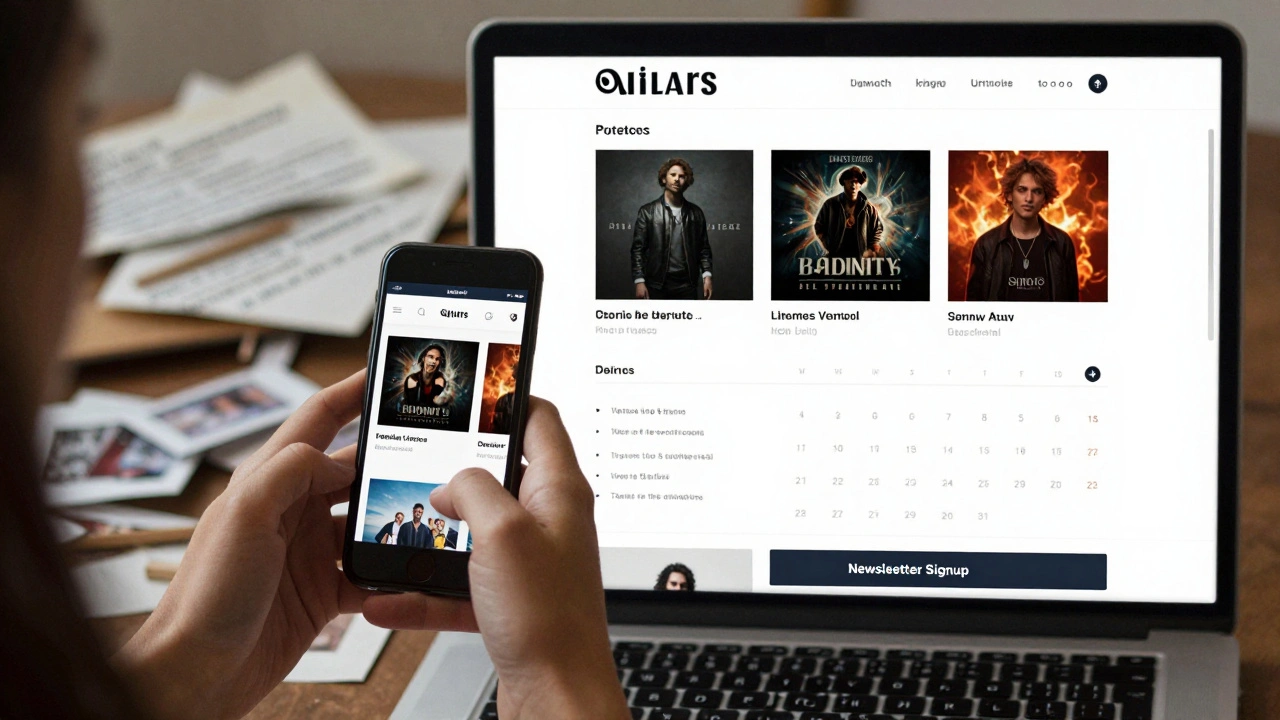
Over 60% of music discovery happens on phones. Your sitemap must work on small screens. Test it. Tap every link. Does the menu collapse cleanly? Do images load fast? Is the contact form easy to fill out with one thumb?
If your site feels clunky on mobile, no amount of great music will save it. Speed matters. Simplicity matters. If your sitemap doesn’t work on a phone, you’re losing half your audience.
Update It Like a Living Thing
Your sitemap isn’t a one-time project. It’s part of your ongoing art. Every time you drop a new single, add it to the Music section. Every time you play a show, update the Shows page. Delete old tour dates. Archive old press releases that don’t matter anymore.
Set a reminder: once a month, review your site. Ask: "If I were a new fan, would I find what I’m looking for in under 10 seconds?" If not, fix it.
Tools to Help You Build It
You don’t need to code. Use platforms built for artists:
- Bandcamp - Great for music sales, but limited for storytelling.
- Wix - Drag-and-drop. Good for visuals. Watch out for slow load times.
- WordPress + Elementor - More control. Better for SEO. You can build a custom sitemap without touching code.
- Linktree alternatives - Like Linkin.bio or Tap.bio. Use these only as a bridge to your main site-not as your homepage.
Pro tip: Use a tool like Google Search Console to see what pages people are trying to find. If lots of searches lead to a 404 error, fix it. That’s your next sitemap update.
What Happens When You Get It Right
One indie artist from Portland, Mara Reyes, restructured her site using this model. She had 2,000 monthly visitors. After six months of clean organization, her traffic jumped to 14,000. Not because she made better music-but because people could finally find it.
Her album sales went up 70%. Her email list grew by 300%. Why? Because her site didn’t just show her music-it led people through a journey. From discovery, to listening, to buying, to joining her community.
Your music deserves that kind of clarity. Not a cluttered homepage. Not a buried Bandcamp link. A sitemap that works as hard as you do.
What’s the difference between a sitemap and a navigation menu?
The navigation menu is what visitors see and click on. The sitemap is the full map of every page on your site-visible to search engines and site builders. Think of the menu as the road signs and the sitemap as the entire highway system. You need both.
Should I include my YouTube channel in the sitemap?
Only if you use it as a primary platform for music releases. If you post exclusive tracks, live sessions, or behind-the-scenes content there, link to it as a "Media" page. Don’t just put a YouTube icon in the footer. Make it part of your story.
How often should I update my sitemap?
Every time you add new content: a song, a show, a press feature. At minimum, review it once a month. Outdated links hurt your credibility. A clean, current site makes you look professional-even if you’re just starting out.
Do I need a sitemap.xml file for my artist website?
Yes-if you’re using WordPress, Wix, or a similar platform, it usually generates one automatically. But don’t rely on it alone. Your human-facing navigation (the menu) is just as important. Google uses sitemap.xml to crawl, but your fans use your menu to explore. Both matter.
What if I have too many pages? Will that confuse visitors?
Not if you group them well. Instead of listing 15 singles individually, create a "Singles" section with a filter for "2020s" or "Most Played." Use clear headings and short descriptions. People don’t mind depth-they mind clutter. Organization turns complexity into curiosity.