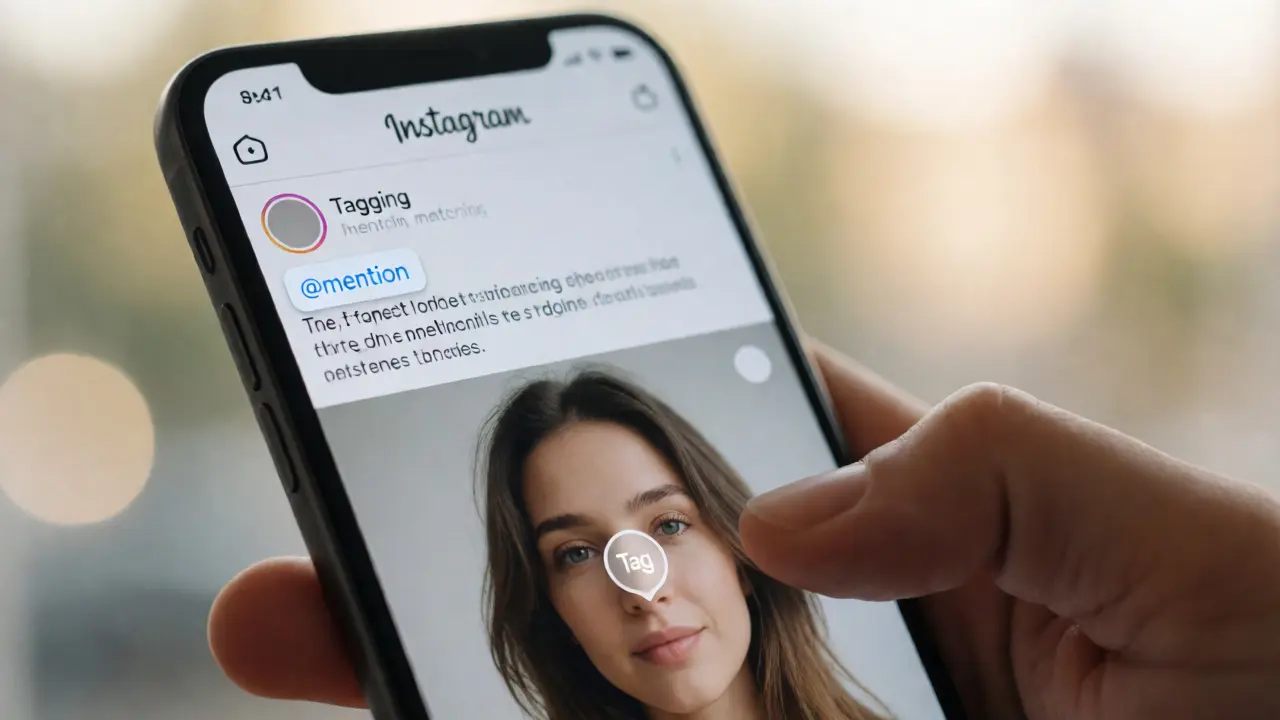
You post a photo. You write a caption. You hit publish. And then? Silence. Or worse, you get ten likes from people who already know your name. Meanwhile, that other creator with half your followers just got featured by a brand three times their size because they knew exactly how to use the @mention feature.
It’s not magic. It’s mechanics. Tagging and mentioning are the two most underutilized levers in your social media toolkit. Most people treat them like spam buttons-spraying names into captions hoping for luck. But when used correctly, these tiny features turn passive scrolling into active community building. They bridge the gap between your audience and theirs. If you’re serious about growing through collaboration, you need to stop guessing and start strategizing.
The Critical Difference Between Tagging and Mentioning
Before we talk tactics, let’s clear up the confusion. People use these terms interchangeably, but on platforms like Instagram, TikTok, and LinkedIn, they do very different things. Understanding this distinction is the first step to avoiding awkward faux pas or missed opportunities.
A Mention (text-based reference using the @ symbol that links to a user profile within the caption or comment body) appears directly in your text. It notifies the person mentioned and creates a clickable link in the feed. This is conversational. It says, "Hey, look at what I’m saying about you." It’s best for context, credit, or starting a dialogue.
A Tag (metadata marker placed on specific elements of visual content, such as faces in photos or products in videos, which adds the post to the tagged user's grid) lives on the image or video itself. On Instagram, tags appear in the bottom corner of the post and add it to the "Tagged" tab on the user’s profile. This is structural. It says, "You are part of this visual story." It’s best for visibility and portfolio building.
| Feature | Mention (@) | Tag (Visual) |
|---|---|---|
| Location | Caption, Comment, Bio | Image/Video Overlay |
| Visibility | In Feed & Notifications | In User's "Tagged" Grid |
| Best For | Conversation, Credit, Call-to-Action | Exposure, Portfolio, Product Discovery |
| Notification | Direct Alert | Activity Alert |
Why Brands Ignore Small Creators (And How to Fix It)
Here’s a hard truth: big brands don’t have time to find you. Their social managers sift through thousands of mentions daily. If your mention looks like every other generic shoutout, it gets buried. To get noticed, you need to make it easy for them to say yes.
Stop tagging random influencers. Start tagging relevant partners. If you run a coffee shop, don’t tag Beyoncé. Tag the local roaster whose beans you use. Why? Because Relevance (the degree to which a connection is contextually appropriate and mutually beneficial) drives engagement. When you tag a supplier, you’re offering them free content. When you tag a customer, you’re building loyalty. When you tag a peer, you’re signaling community.
Try this tactic: The "Credit Sandwich." In your caption, thank the partner first, describe the collaboration second, and ask a question third. Then, tag them visually in the image if possible. This triple-touch approach increases the likelihood of a reshare. Data from recent social audits suggests that posts with both visual tags and contextual mentions see 40% higher engagement than those with only one method.
Mastering the Art of the Collaborative Post
Instagram introduced the Collab Feature (a native tool allowing two accounts to co-author a single post, sharing views, likes, and comments across both profiles), and it changed the game. Unlike standard tagging, where the post sits on one profile and merely appears in another’s grid, a Collab post lives on both main feeds simultaneously.
This is powerful because it doubles your reach instantly. Your followers see it; their followers see it. But there’s a catch: it requires trust. You can’t just invite anyone. Usually, you need an existing relationship or a mutual agreement. Here’s how to pitch it:
- Identify Complementary Audiences: Don’t tag competitors. Tag complementary services. A wedding photographer should collab with a florist, not another photographer.
- Prepare High-Quality Assets: Send them the high-res file beforehand. Make sure the aesthetic matches their brand guidelines. If your photo clashes with their grid, they’ll decline.
- Draft the Caption Together: Agree on the tone before posting. Who writes the hook? Who handles the comments? Ambiguity kills collaborations.
- Publish Simultaneously: Use the "Invite Collaborator" function during creation. Once accepted, the post appears on both profiles at the same time.
If the Collab feature isn’t available (or you’re on a platform without it), simulate it. Post on your account, tag them heavily, and ask them to share it to their Story with a "Link Sticker" back to your post. This manual collab often performs better than automated ones because Stories drive immediate, urgent clicks.

TikTok and Reels: Where Context Beats Credits
Short-form video platforms operate differently. On TikTok (a short-form video hosting service known for its algorithm-driven discovery and viral trends), the algorithm cares more about watch time than who you tagged. However, tagging still matters for SEO and networking.
On TikTok, use the "Mention" feature in the caption, not just the "Tag" button. Why? Because TikTok’s search engine indexes captions heavily. If you mention "#SustainableFashion," you’re telling the algorithm what your video is about. If you also @mention a sustainable brand, you’re linking your content to their niche authority.
For Reels (short-form vertical videos hosted on Instagram, designed for discovery via the Explore page), the strategy shifts slightly. Reels benefit from trending audio and hashtags, but tagging creators in the description helps categorize your content. If you duet someone, ensure you tag them in the caption. If you stitch someone, tag them. This creates a web of connections that signals to Instagram that you are part of an active conversation cluster.
Pro tip: Avoid over-tagging on TikTok. Unlike Instagram, where 10 tags might be fine, TikTok users perceive excessive tagging as desperate. Stick to 1-3 highly relevant mentions. Quality over quantity wins here.
LinkedIn: The Professional Power Move
LinkedIn is where tagging becomes political. A poorly executed tag can look like self-promotion spam. A well-executed one looks like thought leadership. The key is value exchange.
When you tag someone on LinkedIn, you must answer: "What does my network gain from this connection?" If you just say "Great work @JohnDoe," it’s fluff. Instead, try: "@JohnDoe’s recent article on AI ethics changed how our team approaches data privacy. Specifically, his point about bias in training sets helped us refine our hiring algorithms. What are your thoughts on this?"
This structure-Tag + Insight + Question-forces engagement. It shows you actually read their work. It invites dialogue rather than demanding validation. According to LinkedIn’s own data, posts with meaningful mentions generate 3x more comments than posts without them. Comments drive distribution. Distribution drives leads.
Also, consider the "Comment Section Strategy." Sometimes, tagging in the post feels intrusive. Instead, post valuable content yourself, then go to the target person’s latest post and leave a substantive comment. Tag them in the reply. This softens the blow and builds rapport before you ever ask for a collaboration.

Common Pitfalls That Kill Engagement
Even with good intentions, you can sabotage your efforts. Here are the mistakes that make people unfollow or mute notifications.
- The Ghost Tag: Tagging someone in a photo where they aren’t clearly visible or relevant. It looks lazy.
- The Spam Wall: Putting 20 @mentions in the first line of your caption. It pushes your actual message down and looks cluttered.
- The Wrong Account: Tagging the personal profile instead of the business handle. Always double-check the username.
- The Silent Partner: Tagging a brand without engaging with their content first. If you’ve never liked or commented on their posts, your tag might feel transactional.
Fix these by auditing your last five posts. Did each tag serve a purpose? Did you provide context? If not, delete and repost. Better late than ignored.
Building a Long-Term Collaboration Ecosystem
Tagging isn’t a one-off trick. It’s a habit. Think of it as planting seeds. Some grow immediately; others take months. Create a "Collaboration List"-a simple spreadsheet of peers, brands, and influencers you want to work with. Track your interactions. Did you tag them? Did they respond? Did they engage?
Rotate your targets. Don’t always tag the biggest fish. Mid-tier creators (5k-50k followers) often have higher engagement rates and are more likely to reciprocate. Build relationships with them first. As you grow, leverage those smaller partnerships to gain credibility, which attracts larger players.
Remember, social media is social. The algorithm rewards interaction, not broadcast. Every time you tag, you’re extending a hand. Make sure your hand is clean, your grip is firm, and your intent is clear.
Does tagging increase reach on Instagram?
Yes, but indirectly. Tagging adds your post to the tagged user's "Tagged" tab, exposing it to their profile visitors. However, it does not automatically push your post to their followers' feeds unless they share it. Visual tags combined with mentions in the caption yield the best results for initial visibility.
How many people should I tag in a post?
There is no hard limit, but quality matters more than quantity. For Instagram, tagging 3-5 highly relevant people is ideal. Over-tagging (10+) can look spammy and may annoy users. On LinkedIn, stick to 1-2 key individuals per post to maintain professionalism.
What is the difference between a mention and a tag on TikTok?
On TikTok, "Mentions" occur in the caption and notify the user. "Tags" are less prominent and often refer to location or product tags. Most creators focus on Mentions in the caption for visibility. Using the "Duet" or "Stitch" features automatically credits the original creator, which is more effective than manual tagging for collaborative content.
Can I tag a private account?
You can tag a private account, but the post will only be visible to their approved followers. If you tag a private account in a public post, their followers might see it, but the notification goes to the user. It’s generally safer to tag public accounts for maximum exposure unless you have a close relationship with the private user.
Should I tag everyone in a group photo?
Yes, but prioritize clarity. Ensure each face is clearly identifiable. If someone is blurry or partially hidden, it might confuse the algorithm or the viewer. Also, ask permission if the photo is candid or potentially unflattering. Respecting boundaries builds long-term goodwill.