When you put up a stream-whether it’s a live concert, a podcast, or a weekly YouTube show-you’re not just broadcasting. You’re building a relationship. But without knowing who’s watching, when they leave, or what keeps them hooked, you’re flying blind. Streaming analytics isn’t about fancy dashboards or complicated jargon. It’s about answering one simple question: What’s working?
What streaming analytics actually tracks
Most platforms-YouTube, Twitch, Vimeo, or even your own self-hosted stream-track the same core data points. They don’t just count views. They watch behavior. Here’s what really matters:
- Viewership count: The total number of unique people who joined your stream. Not just total watch time, but actual distinct users.
- Average watch time: How long, on average, does someone stay? If your stream is 60 minutes long but people leave after 8 minutes, something’s off.
- Drop-off points: At what exact minute do viewers leave? If 40% of people quit right after the intro, your opening needs work.
- Peak concurrent viewers: The highest number of people watching at once. This tells you your real breakout moment.
- Geographic distribution: Where are your viewers? If 70% are in Brazil but you’re streaming at 3 AM Pacific Time, you’re missing a huge opportunity.
- Device types: Are people watching on phones, smart TVs, or laptops? If most are on mobile, your layout needs to be thumb-friendly.
These aren’t abstract numbers. They’re signals. A drop-off at 12 minutes might mean your guest interview started too late. A spike in mobile viewers could mean you should optimize for vertical video.
Why average watch time beats total views
Let’s say your last stream hit 15,000 views. Sounds great, right? But if the average watch time was 2 minutes, you didn’t engage anyone. You just got clicks. Compare that to a stream with 4,000 views and an average watch time of 28 minutes. That’s 112,000 minutes of attention. That’s real engagement.
Platforms like YouTube and Twitch rank content based on retention, not just views. The more people stick around, the more the algorithm pushes your stream to others. It’s not about how many people saw it-it’s about how much they cared.
Here’s a rule of thumb: If your average watch time is under 30% of your total stream length, you’re losing people early. Fix your hook. If it’s over 70%, you’ve got something sticky. Double down on that format.
Using drop-off points to improve your content
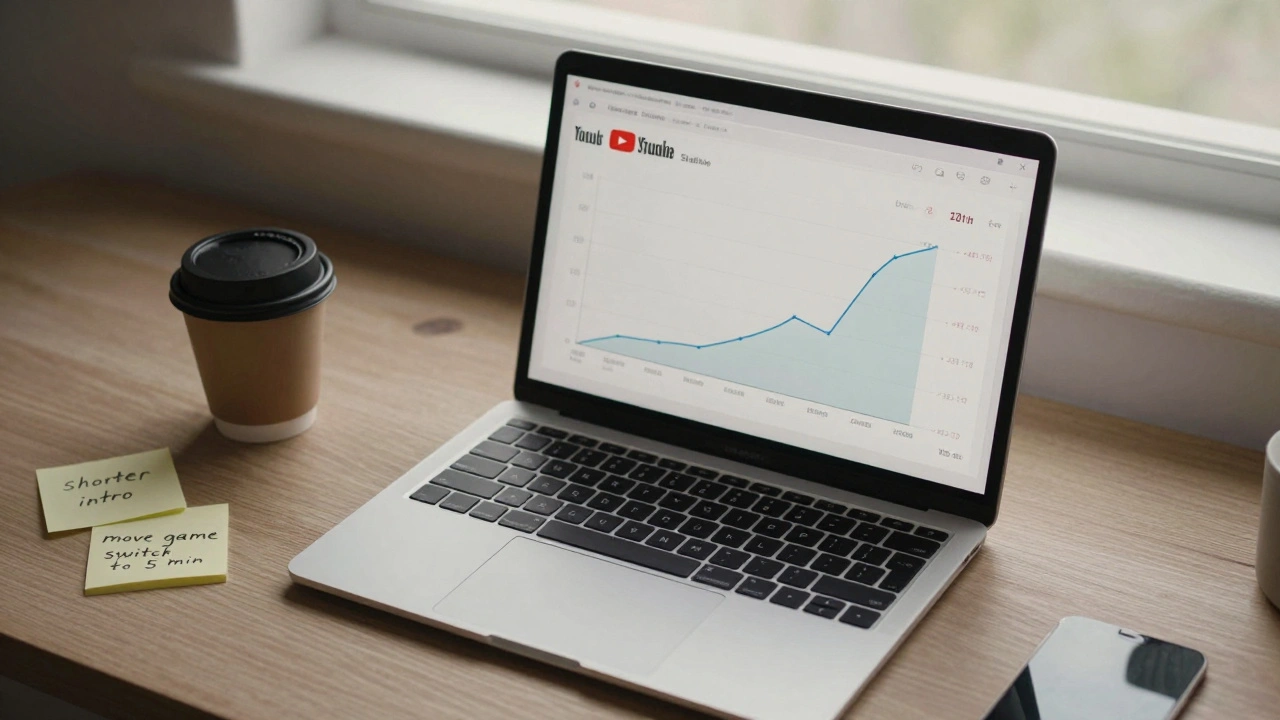
Every streaming platform gives you a viewer retention graph. It looks like a roller coaster. That’s your map.
Let’s say you run a weekly gaming stream. Your graph shows:
- 15% drop in the first 30 seconds
- Another 20% drop at 7 minutes
- A spike at 18 minutes when you start playing a new game
- Big drop at 42 minutes when you take a commercial break
That’s not noise-that’s feedback. The first 30 seconds? Your intro is too slow. People don’t know what they’re getting into. At 7 minutes? You’re probably rambling. At 18 minutes? That’s your golden moment. You found what hooks people. At 42 minutes? Don’t take a break. Just change the topic.
Test small changes. Try cutting your intro to 10 seconds. Move the game switch to minute 5. Skip the ad break and just say, “Hey, if you like this, drop a like.” Then check the graph again. Small tweaks, big results.
Geography and timing: when your audience is awake
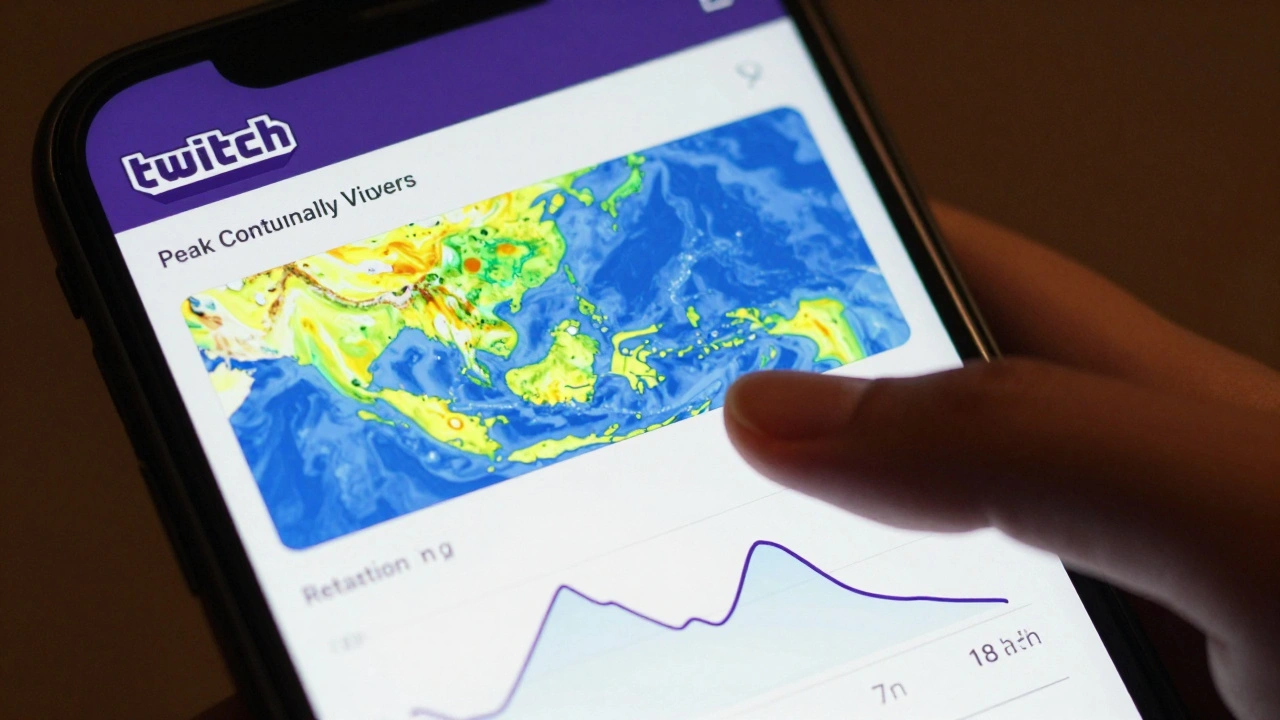
You’re in Portland. Your stream goes live at 7 PM Pacific. But your analytics show 62% of viewers are in India and Indonesia. That’s 12-14 hours ahead. You’re streaming at midnight for them.
That doesn’t mean you have to change your schedule. But it does mean you need to adapt. Upload a high-quality VOD right after your live stream. Add timestamps so viewers can jump to their favorite parts. Use auto-subtitles in multiple languages. Your audience isn’t waiting for you to go live-they’re watching later.
Also, look at weekends. If your weekday streams average 50 viewers but Saturday nights hit 300, that’s your prime time. Don’t force a 7 PM Tuesday stream if your real audience shows up on Saturday.
Device data: why your stream looks bad on phones
Did you know 58% of all streaming traffic now comes from mobile devices? That’s from Twitch, YouTube, and even Facebook Live data in 2025.
If your stream looks great on your 32-inch monitor but blurry and cramped on a phone, you’re losing half your audience. Text is too small. Buttons are too close. The chat overlay covers the action.
Test your stream on a phone. Use a real device, not an emulator. Watch how people scroll, tap, and pinch. If they can’t see your face or the game without zooming in, redesign. Use larger fonts. Simplify overlays. Make sure your key action-the game, the music, the talking head-is centered and clear at 5-inch screen size.
What to track daily, weekly, and monthly
You don’t need to check analytics every hour. But you do need a rhythm.
Daily: Look at live viewers and chat activity. Did engagement spike when you mentioned a specific topic? Did someone in chat ask a question you didn’t answer? That’s your next content idea.
Weekly: Compare your retention graphs. Did average watch time go up? Did drop-off points shift? Track one metric per week. Don’t try to fix everything at once.
Monthly: Look at geographic trends. Are you gaining viewers in a new country? Are device usage patterns changing? Did a single video go viral and bring in 5,000 new subscribers? That’s your breakthrough. Replicate it.
Common mistakes and how to avoid them
- Chasing views: More views don’t mean better performance. A stream with 1,000 viewers who stay 20 minutes is better than one with 10,000 who leave in 30 seconds.
- Ignoring the graph: If you never look at your retention curve, you’re guessing. The graph tells you exactly where your content fails.
- Copying what others do: What works for a big streamer with 500K followers won’t work for you. Your audience is different. Trust your data, not their hype.
- Only checking total numbers: Total views, likes, and subs are vanity metrics. They don’t tell you if people actually care.
Here’s a simple habit: Every time you finish a stream, open your analytics. Look at the retention graph. Ask: Where did people leave? What kept them? Then write down one thing to change next time. That’s all it takes.
Tools that actually help (no fluff)
You don’t need expensive software. Most platforms give you what you need for free.
- YouTube Studio: Best for retention graphs and geographic data. Shows exact drop-off minutes.
- Twitch Dashboard: Real-time viewer count, chat sentiment, and device breakdown.
- Vimeo Analytics: Great for longer-form content. Tracks repeat viewers and watch paths.
- Streamyard: If you stream across platforms, it combines metrics from YouTube, Twitch, and Facebook into one view.
Don’t install ten plugins. Use one tool well. Learn its graph. Trust its data. That’s enough.
What to do next
Go to your next stream. Before you go live, set one goal: Improve average watch time by 2 minutes. Don’t chase views. Don’t try to go viral. Just make one small change-shorter intro, better pacing, clearer visuals-and measure the result.
After the stream, open your analytics. Find the retention graph. Compare it to last week. Did people stay longer? Where did they leave? What did they like?
That’s how you grow. Not by luck. Not by copying. By watching, learning, and adjusting. Streaming isn’t about broadcasting. It’s about listening. And your analytics? They’re the voice of your audience.
What’s the most important metric for streaming success?
The most important metric is average watch time. It tells you how much of your content people actually consumed. A stream with 1,000 viewers who watch 20 minutes each (20,000 minutes total) is more valuable than one with 10,000 viewers who watch 30 seconds each (5,000 minutes total). Platforms prioritize content that keeps viewers engaged, not just gets clicks.
Why do I lose viewers right after my intro?
If viewers leave in the first 30-60 seconds, your intro is too slow or unclear. They don’t know what they’re getting into. Fix it by stating your value in the first 5 seconds: “Today I’m showing you how to fix lag in your stream,” or “This is the only setup that works for mobile streamers.” Skip fluff. Get straight to the point.
Should I change my streaming schedule based on analytics?
Yes-if your data shows a clear pattern. If 70% of your viewers are in Europe and you stream at 7 PM Pacific, you’re streaming at 4 AM for them. You don’t have to change your time, but you should upload a high-quality VOD immediately after your live stream. Add timestamps so they can jump to the best parts. Your audience isn’t waiting for you to go live-they’re watching later.
Do I need expensive tools to track streaming performance?
No. Most platforms-YouTube, Twitch, Vimeo-give you detailed analytics for free. Focus on one: YouTube Studio for retention graphs, Twitch Dashboard for real-time data. Don’t install ten tools. Learn one well. Your data is already there. You just need to look at it.
How do I know if my content is getting better?
Compare your retention graphs week to week. If the curve gets flatter-meaning people stay longer-you’re improving. If drop-off points move later in the stream, you’ve nailed a better structure. Don’t chase views. Chase consistency in watch time. That’s the sign of growing audience trust.