When your song gets pulled from Spotify, Apple Music, or YouTube, it’s not always a mistake. Sometimes, it’s a legal cleanup. Other times, it’s a mistake in metadata. And sometimes, it’s the same track you uploaded twice-just with different titles, covers, or mixes. This is the messy reality of managing a music catalog in 2026. Takedowns, reuploads, and version control aren’t just backend chores. They’re the difference between losing royalties and keeping your catalog clean, discoverable, and profitable.
Why Takedowns Happen
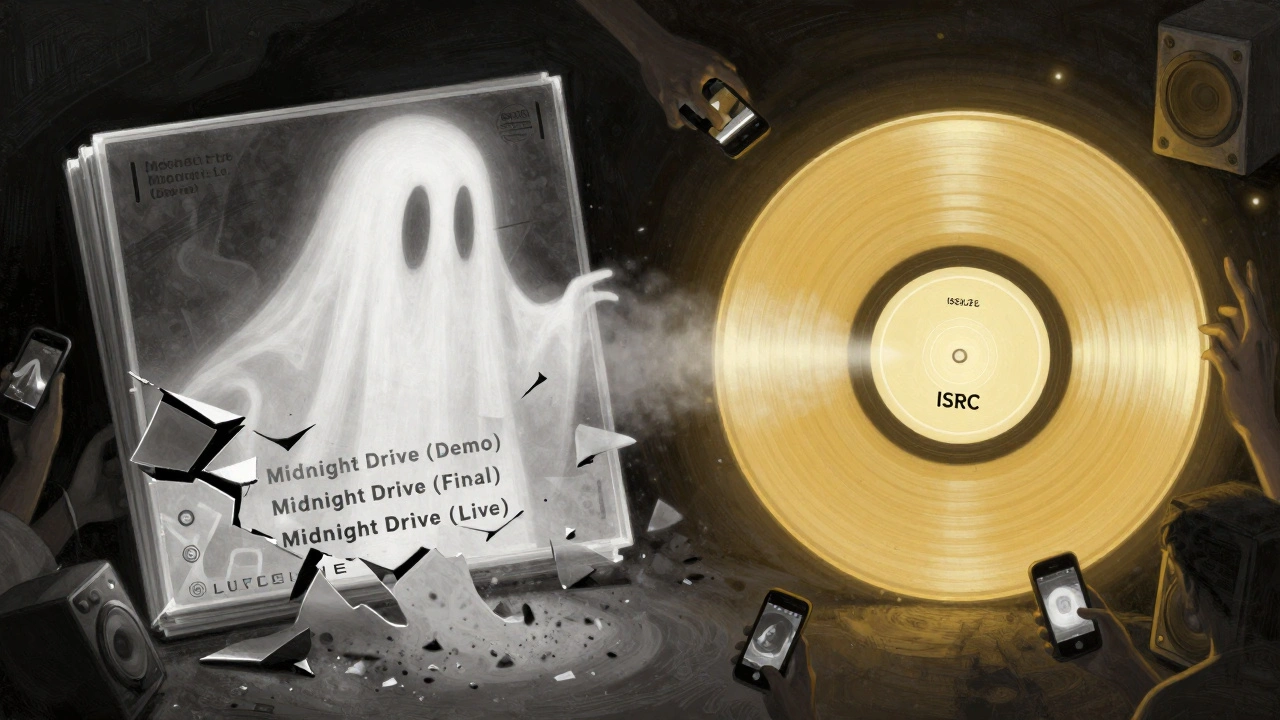
Takedowns aren’t random. They follow patterns. The most common reason? copyright claims. If your track samples a 1980s synth line without clearance, or uses a vocal snippet from a YouTube cover, rights holders can trigger automated removals. Platforms like YouTube’s Content ID system scan uploads 24/7. If a match is found, the owner can choose to mute, monetize, or remove your track. Another reason? Licensing conflicts. If you signed with a distributor that didn’t secure sync rights for a track, and that song was used in a TV show, the original rights holder might demand removal. Even if you own the master, if you didn’t clear the publishing, the track can vanish overnight. And then there’s the quiet killer: duplicate uploads. You upload a song as “Midnight Drive (Demo)” on DistroKid. Later, you re-release it as “Midnight Drive (Final Mix)” on TuneCore. Both stay live. Now there are two versions. Listeners get confused. Algorithms split streams. Royalties get split between two IDs. That’s not a feature-it’s a bug.Reuploads: The Hidden Cost of Fixing Mistakes
When a track gets taken down, the instinct is to reupload. But reuploading isn’t just hitting “publish” again. It’s starting over. Every platform treats a new upload as a new asset. That means:- Your old playlist placements disappear
- Your YouTube watch time resets
- Your Spotify listener history is wiped
- Your metadata-like ISRC codes-is replaced
Version Control: Managing Multiple Mixes Without Chaos
Artists don’t just release one version of a song. There’s the demo. The live version. The radio edit. The remix. The acoustic. The extended club mix. And if you’re not careful, they all show up as separate tracks. Here’s how to handle it:- Use the same ISRC for all versions of the same song.
- Change only the title to reflect the version: “Midnight Drive (Acoustic)” or “Midnight Drive (feat. Lila Rose)”
- Keep the original album art, but add a small tag in the description: “Original release: 2024”
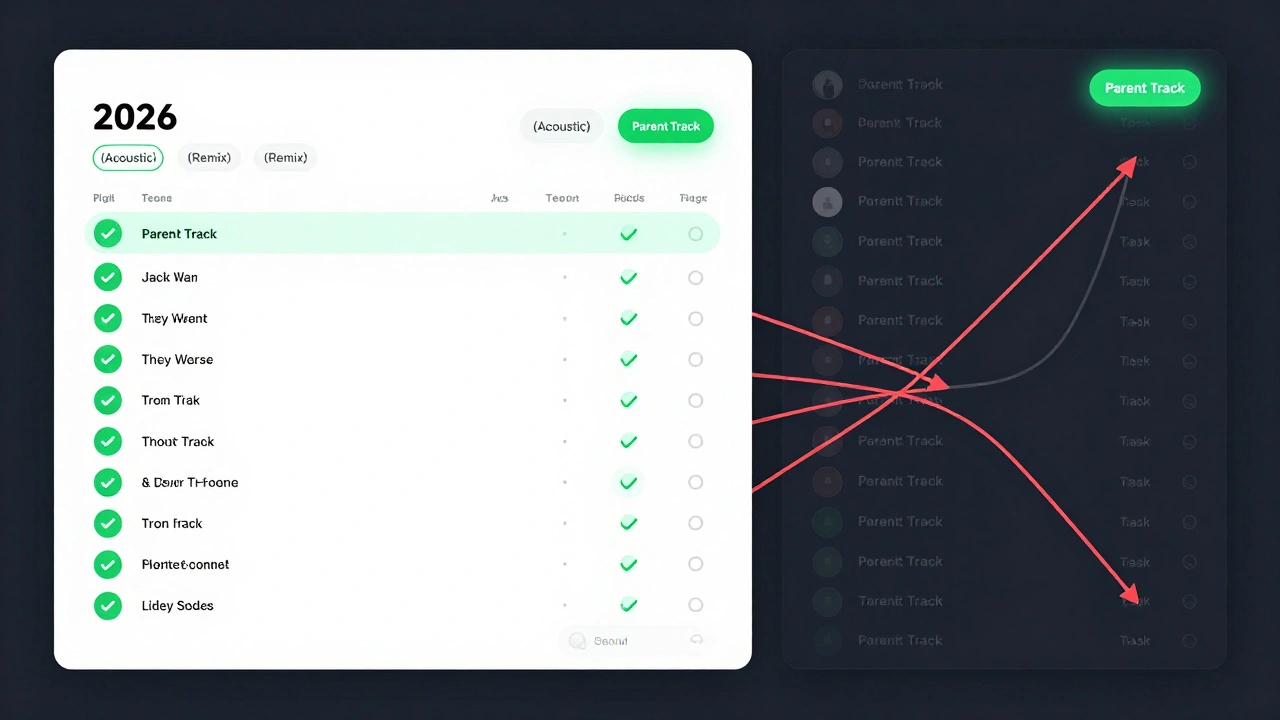
- Use the “Parent Track” field in distributor dashboards (available on DistroKid, CD Baby, and Tunecore since 2024)
Tools That Actually Work in 2026
There’s no magic bullet, but these tools make catalog management manageable:- DistroKid’s Catalog Health Dashboard-flags duplicates, mismatched ISRCs, and unclaimed claims. It’s free for all users.
- SoundExchange’s Track Manager-lets you audit which versions are registered for performance royalties.
- MetaTrack-a desktop app that scans your local files and matches them to streaming IDs. It finds orphaned tracks you forgot about.
- YouTube’s Content ID Dashboard-use it to dispute false claims or release them manually.
How to Audit Your Catalog (Step-by-Step)
You don’t need to be a tech expert. Just follow this checklist every six months:- Log into every distributor you use (DistroKid, TuneCore, etc.)
- Export your full track list with ISRC codes
- Search each track title on Spotify, Apple Music, and YouTube
- Look for duplicates with different spellings or versions
- Check if any track has “Claimed” status on YouTube
- Compare release dates-are two versions from the same day?
- Use MetaTrack or DistroKid’s dashboard to flag issues
- Fix metadata first. Only reupload if the file is corrupted.
What Happens If You Ignore It?
Ignoring catalog chaos doesn’t make it go away. It makes it worse. In 2024, an artist from Nashville lost $18,000 in royalties because three versions of the same song were split across platforms. One version had a copyright claim. Another had no publishing rights registered. The third was uploaded twice with different titles. The distributor couldn’t reconcile them. The artist had to file a manual claim with every platform-and even then, only got back 40%. Or take the case of a lo-fi hip-hop producer who uploaded 42 tracks under 11 different artist names. He thought it would help him reach different audiences. Instead, his Spotify profile looked like spam. His account got flagged. He lost access to his dashboard for six weeks. Catalog hygiene isn’t optional. It’s the foundation of your career.Final Rule: One Song, One ISRC, One Identity
It’s simple: one song should have one ISRC and one identity across all platforms. Don’t let your music become a ghost town of duplicates. Don’t let reuploads erase your hard work. Don’t let takedowns become a cycle you can’t escape. Manage your catalog like you manage your gear. Clean. Organized. Understood. Because in 2026, your catalog isn’t just a list of songs. It’s your financial record. Your legacy. Your brand.What should I do if my song is taken down for copyright?
First, check the claim notice. If it’s from Content ID on YouTube or a similar system, you’ll see who made the claim. If it’s a legitimate sample or interpolation, contact the rights holder directly-many will release the claim if you offer credit or a revenue share. If it’s a false claim, dispute it through the platform’s appeal process. Never reupload the same file. Instead, fix the issue and keep the original ISRC.
Can I reupload a track with the same ISRC after a takedown?
No. ISRC codes are permanent and tied to the original upload. If a track is removed and you reupload it, even with the same file, platforms treat it as a new asset. You’ll lose all previous data. Instead of reuploading, work with your distributor to fix the issue on the original entry-whether it’s metadata, a claim, or a file error.
How do I know if I have duplicate tracks in my catalog?
Search your song titles on Spotify, Apple Music, and YouTube. Look for multiple entries with similar names, different release dates, or slight variations in the title. Use tools like DistroKid’s Catalog Health Dashboard or MetaTrack to scan for matches. If two tracks have the same ISRC but different titles, that’s a red flag-those should be merged as versions, not separate releases.
Do I need to use different ISRCs for remixes or live versions?
No. Use the same ISRC for all versions of the same song. Different versions-like acoustic, remix, or live-should be labeled in the title and grouped under a parent track. Changing the ISRC turns them into separate songs, which splits your streams and confuses algorithms. Only assign a new ISRC if it’s a completely new composition.
Why do my streams drop after I fix a metadata error?
They shouldn’t. If your streams dropped after fixing metadata, you likely reuploaded the track instead of editing the existing one. Reuploading resets your history. Always edit metadata through your distributor’s dashboard-never delete and reupload. If you’ve already reuploaded, contact your distributor to see if they can merge the tracks. Some can, if the ISRC matches.