The Core Appeal of Real-Time Interaction
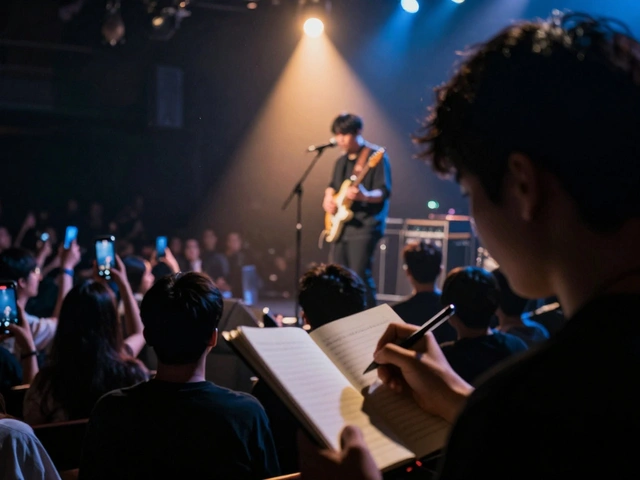
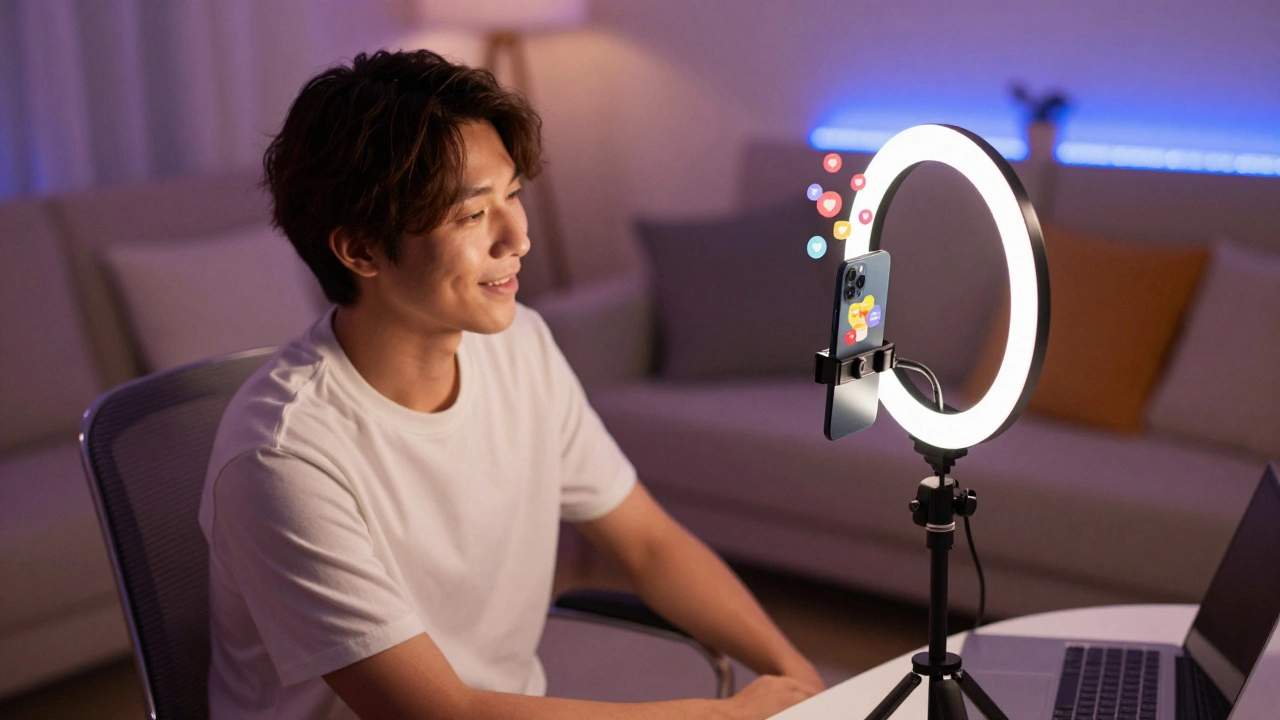
Why do people flock to live streams over edited videos? It's the unpredictability. In a world of highly polished, filtered content, authenticity is a rare currency. When you go live, you can't edit out the stumbles or the awkward pauses. That vulnerability is exactly what makes you relatable. Think about the psychological shift. In a standard interview, the guest is answering questions curated by a producer. In a Live Q&A, the producer is the crowd. This gives the audience a sense of ownership over the conversation. They aren't just consuming content; they are helping create it. This shift in power transforms a passive viewer into an active participant, which significantly boosts retention rates. If someone knows their question might be answered in ten minutes, they aren't going to click away.Picking Your Platform for Maximum Reach
Not every platform handles live interaction the same way. Depending on where your fans hang out, your choice of tool will dictate the vibe of the session.| Platform | Primary Strength | Best For | Interaction Style |
|---|---|---|---|
| Instagram Live | Visual accessibility | Casual, fast-paced chats | Rapid-fire comments |
| YouTube Live | High quality & Searchability | Deep dives/Long interviews | Structured chat & polls |
| Twitch | Deep community integration | Gaming or long-form creativity | High-frequency interaction |
| TikTok Live | Algorithmic discovery | Reaching new audiences | Spontaneous, high-energy |
Planning the Session Without Killing the Spontaneity
One of the biggest mistakes creators make is over-scripting. If you sound like you're reading a press release, your fans will tune out. However, total chaos can be just as bad. The trick is to create a "loose framework." Start by setting a clear theme. Instead of a generic "Ask Me Anything," try "Asking about my creative process for the new album" or "How I handle burnout as a freelancer." A specific theme acts as a prompt, giving your fans a starting point. It prevents the first twenty minutes from being filled with "Hi from Brazil!" and "Can you hear me?" To keep the momentum, prepare a few "seed questions." These are questions you've already received via DMs or email that you know will spark a great discussion. If the chat goes quiet for a moment, you can say, "Actually, Sarah asked me earlier about [Topic], and I think that's a great place to start." This keeps the energy high and shows that you value your fans' input even before the stream started.
Managing the Crowd in Real-Time
As your audience grows, the chat becomes a blur. You can't answer every single person, and trying to do so will actually slow down the pace of the show. This is where you need a strategy for filtering. First, use a moderator. Whether it's a trusted friend or a dedicated community manager, a moderator acts as the filter. They can pin the most important questions to the top of the screen or flag trolls before they disrupt the flow. In a Live Stream, the moderator is essentially your producer, ensuring the conversation stays on track. Second, group your answers. If five people are asking about your gear, don't answer them one by one. Say, "I'm seeing a lot of questions about the equipment I use-let's tackle that all at once." This makes the session feel efficient and ensures more people get their questions addressed. It also allows you to dive deeper into the "why" rather than just giving a list of products.Converting Live Moments into Evergreen Content
A live session that exists only as a four-hour recording is a wasted opportunity. The real value of live interactive content is its ability to be chopped up into smaller, high-impact pieces. Take the best 60 seconds of a Q&A-the part where you gave a truly insightful answer or had a funny realization-and turn it into a Short-form Video (like a Reel or TikTok). These clips often perform better than the original live stream because they deliver a concentrated dose of value without the filler. Moreover, the questions your fans ask during a live session are a goldmine for future content. If you notice ten different people asking the same question about a specific topic, that's not just a question-it's a demand for a full article or a dedicated video. Use your live sessions as a free market research tool to understand exactly what your audience wants from you.
Common Pitfalls and How to Dodge Them
Technical failure is the most obvious fear, but it's actually a great opportunity. If your internet cuts out or your mic glitches, don't panic. Laugh at it. The audience loves seeing that you're human. The real danger is the "dead air" silence. Another trap is the "Echo Chamber" effect, where you only answer the fans who agree with you. To build real authority, don't be afraid of the tough questions. When someone challenges you or asks something critical, address it calmly and honestly. This proves you have the confidence to handle criticism and makes the interaction feel like a genuine dialogue rather than a choreographed PR stunt. Finally, avoid the temptation to promote your products every five minutes. A Q&A is about relationship building, not sales. If you spend the whole time pitching, people will feel manipulated. Instead, weave your offerings into the answers naturally. If someone asks how you achieved a certain result, mention the tool or course you used. The value comes first; the sale follows as a result of the trust you've built.What is the best time of day to go live for a Q&A?
There is no universal "best time," as it depends entirely on your audience's geography. The best approach is to use your platform's analytics to see when your followers are most active. For a global audience, Tuesday or Wednesday evenings (EST) often provide a good overlap between European and American time zones. Always announce the time at least 48 hours in advance via a story or post to ensure a baseline audience is waiting for you.
How do I handle trolls or negative comments during a live stream?
The most effective way to handle trolls is to ignore them or use a moderator to mute them instantly. Engaging with a troll gives them exactly what they want: attention. If a comment is a legitimate critique, address it briefly and move on. If it's pure harassment, use the platform's blocking tools. Your priority is the energy of the community, not the ego of one disruptor.
Do I need professional equipment to start doing live Q&As?
No, you don't. In fact, a smartphone with a decent camera and a well-lit room is often better for the "authentic" vibe of a Q&A. The two things you should actually prioritize are lighting and audio. Use a window for natural light so people can see your expressions, and if you can, use a basic clip-on microphone. People will forgive a grainy image, but they will leave immediately if the audio is echoing or distorted.
How long should a live Q&A session last?
Most successful interactive sessions last between 30 and 60 minutes. Any shorter, and you don't give enough time for people to join and for the conversation to warm up. Any longer, and you risk the energy dipping and the quality of the answers declining. Aim for 45 minutes: 10 minutes for intros and warm-up, 30 minutes of core Q&A, and 5 minutes for a wrap-up and call to action.
What if nobody asks any questions when I go live?
This is a common fear, but it's easily solved by using "seed questions." Have a list of 5-10 questions you've received in the past or common things people always ask you. Start the stream by saying, "While we wait for more people to join, I wanted to answer a question I got from a fan on Twitter yesterday..." This fills the silence, demonstrates the value of the session, and encourages others to start typing their own questions.