When you upload a music video, do you really need 4K? Or is 1080p good enough? It’s a question every artist, label, and content creator asks-especially when storage costs, upload times, and streaming performance start to add up. The answer isn’t as simple as "higher resolution is better." Let’s break down what actually changes when you shoot in 4K versus 1080p for music videos-and why most viewers won’t notice the difference.
What’s the real difference between 4K and 1080p?
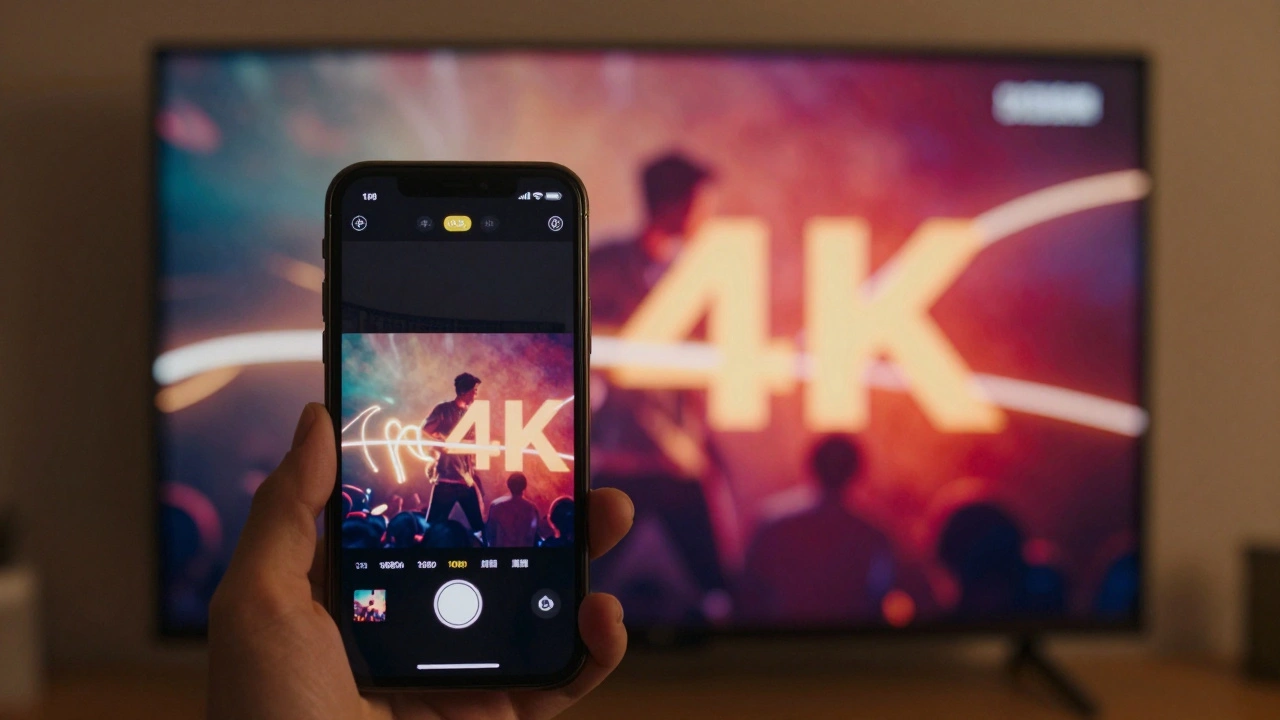
4K means 3840 x 2160 pixels. 1080p is 1920 x 1080. That’s four times as many pixels in 4K. More pixels = sharper image, right? In theory, yes. But in practice, especially for music videos, it’s not that straightforward.
Most people watch music videos on their phones. The average phone screen is 6 inches or less. At that size, the difference between 4K and 1080p is barely visible unless you’re pixel-peeping. Even on a 55-inch TV, unless you’re sitting less than 6 feet away, your eyes can’t pick up the extra detail. The human eye just doesn’t resolve that much fine detail at normal viewing distances.
So if the visual gain is small, what’s the cost? File size. A 3-minute 4K music video at 30fps with good compression can be 15-25 GB. The same video in 1080p? Around 3-5 GB. That’s a 5x to 8x difference. For artists uploading to YouTube, Vimeo, or even label servers, that adds up fast. One 4K video can take up the space of five 1080p videos. If you’re releasing five singles a year? That’s 75-125 GB of storage just for video files.
Streaming platforms don’t serve 4K to most users
YouTube says it supports 4K. So does Vimeo and Apple Music. But here’s the catch: less than 12% of YouTube viewers watch in 4K. Most are on mobile, on slow Wi-Fi, or using older devices. YouTube automatically downscales videos to match the viewer’s connection and screen. A 4K upload gets compressed, re-encoded, and often delivered as 1080p or even 720p to 80% of viewers.
That means your extra effort, storage, and upload time doesn’t improve the experience for most people. It just makes your workflow heavier. And if your video gets streamed in 1080p anyway, why spend hours rendering 4K footage?
Music videos are about mood, not sharpness
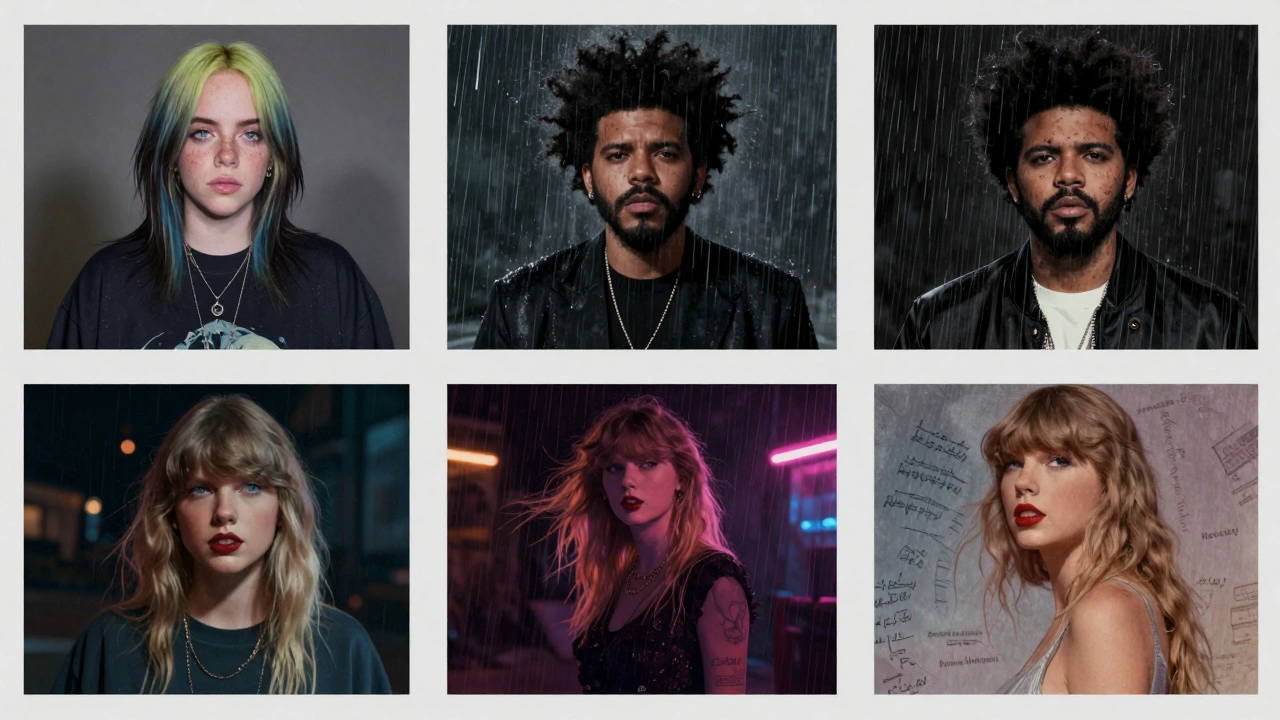
Think about the music videos that went viral. Billie Eilish’s "Happier Than Ever"? Shot in 1080p. The Weeknd’s "Blinding Lights"? 1080p. Even high-budget videos like Taylor Swift’s "All Too Well (10 Minute Version)" were mastered in 1080p for online release.
Why? Because music videos aren’t documentaries. They’re emotional experiences. Lighting, color grading, movement, editing rhythm, and performance matter more than pixel density. A well-lit 1080p shot with dramatic shadows and slow motion can feel more powerful than a sterile 4K shot with flat lighting.
Producers know this. Most music video directors shoot in 4K only to give themselves room to crop, stabilize, or zoom in during editing. But they still export the final version in 1080p for online platforms. It’s not about quality-it’s about flexibility.
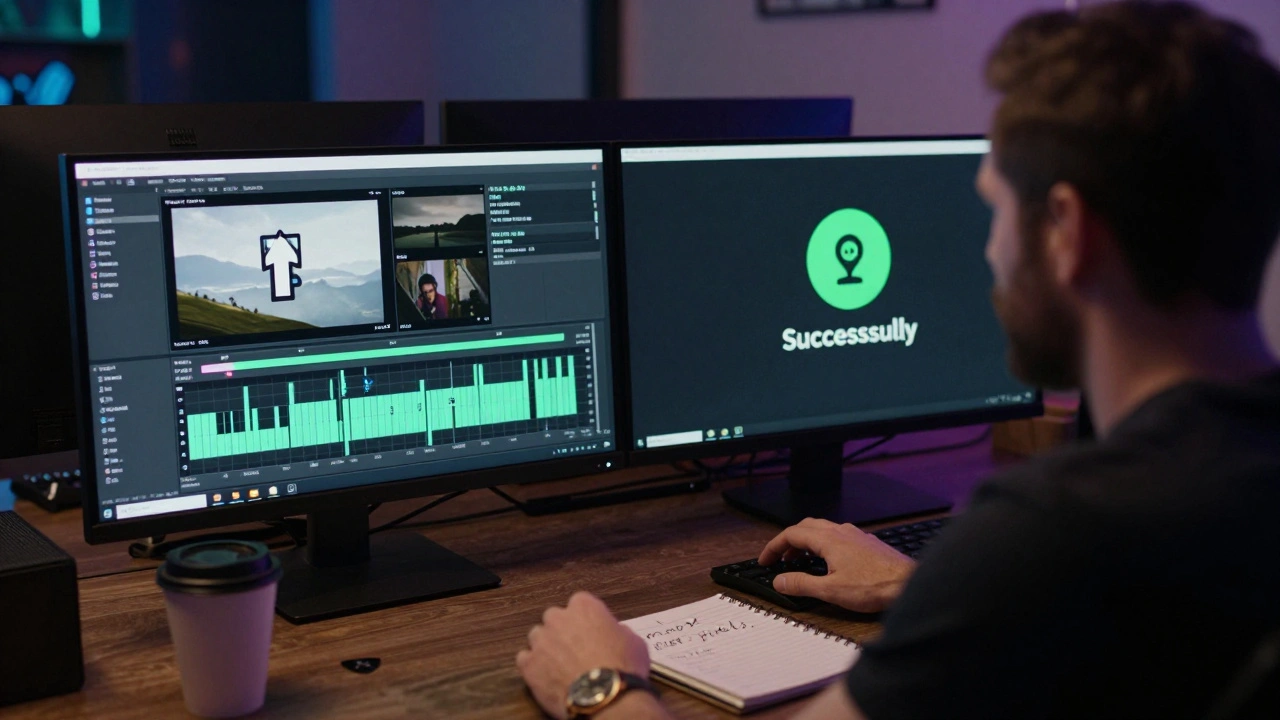
File size affects your reach
Large files slow down uploads. If you’re uploading a 20GB 4K file on a slow home internet connection, it could take 3-4 hours. That’s time you could spend promoting your video, replying to fans, or working on your next release.
And what happens when the platform compresses it? If your original file is too large and poorly encoded, the compression gets ugly-blocky shadows, muddy colors, lost detail. A well-encoded 1080p file, on the other hand, compresses cleanly. It looks smooth, even on low-bandwidth connections.
There’s also the issue of mobile data. Fans on cellular networks might skip your video if it’s too big. YouTube’s algorithm favors videos with high watch time. If your 4K video takes too long to load on a phone, people hit pause-or worse, leave. That hurts your ranking.
When does 4K make sense?
There are exceptions. If you’re shooting for a theatrical release, a physical media box set, or a museum installation, 4K is worth it. If your video includes fine details-like intricate tattoos, fabric textures, or close-ups of instruments with fine engravings-then 4K gives you breathing room in post-production.
But for 95% of music videos? No. The extra resolution doesn’t improve the viewer’s experience. It just adds cost, time, and complexity.
Here’s a simple rule: shoot in 4K if you plan to crop or zoom during editing. Otherwise, shoot in 1080p. Use a high-bitrate codec like ProRes or H.265 for clean compression. Render your final upload in 1080p at 25-30 Mbps. That’s the sweet spot for quality, file size, and streaming reliability.
What about future-proofing?
Some say, "But what if everyone switches to 4K in a few years?" That’s true. But platforms don’t upgrade overnight. Even in 2026, most smartphones still max out at 1080p screens. The iPhone 15 Pro Max? 1080p. The Samsung Galaxy S24? 1080p. The Pixel 8? 1080p. The shift to 4K mobile screens is slow-and even when it happens, the video will still be downscaled for most viewers.
And here’s the real kicker: the next big thing in music video isn’t resolution. It’s interactivity. 360-degree views, AI-generated visuals, real-time lyrics synced to performance, and spatial audio are what’s gaining traction-not higher pixel counts.
Final verdict: Stick with 1080p
For music videos, 1080p is the smart choice. It looks great on every device, uploads faster, takes up less space, and plays smoothly on weak connections. You’re not sacrificing quality-you’re optimizing for how people actually watch.
Save your 4K for projects where detail matters: nature documentaries, architectural films, or high-end commercials. For music? Focus on the vibe, the lighting, the movement. That’s what sticks with people-not the number of pixels.
If you’re still unsure, test it. Upload the same video in 4K and 1080p. Compare how long each takes to upload. Check the analytics. See how many people watch to the end. You’ll likely find that the 1080p version performs just as well-if not better.