You just dropped a single. The Spotify streams are trickling in. But what’s actually happening on Instagram, TikTok, and Twitter? If you’re checking your phone every ten minutes, you’re working too hard. You need a system. A weekly social media analytics review is the only way to know if your music campaign is building momentum or just making noise.
Most artists fail here because they look at vanity metrics. Likes feel good, but they don’t pay rent. Shares do. Saves do. Comments that ask "where can I buy this?" definitely do. This guide breaks down exactly how to audit your week, spot trends before they die, and tweak your strategy without burning out.
Why Weekly Beats Daily or Monthly Reviews
Daily checks are anxiety-inducing. One bad day doesn’t mean your campaign is failing; it means Tuesday was slow. Monthly reviews are too late. By the time you realize a trend died three weeks ago, the algorithm has already moved on. Weekly reviews hit the sweet spot. They give you enough data to see patterns but keep you close enough to the action to pivot quickly.
Think of it like tuning a guitar. You don’t retune after every song (too much work), and you don’t wait until the concert starts (too risky). You tune between sets. That’s your weekly cadence. It aligns with most platform reporting cycles and gives you time to create content based on last week’s insights rather than guessing blindly.
The Core Metrics That Actually Matter
Stop obsessing over follower count. It’s a lagging indicator. Focus on engagement quality and conversion intent. Here is what you need to track for each major platform.
| Platform | Primary Metric | Secondary Metric | Actionable Insight |
|---|---|---|---|
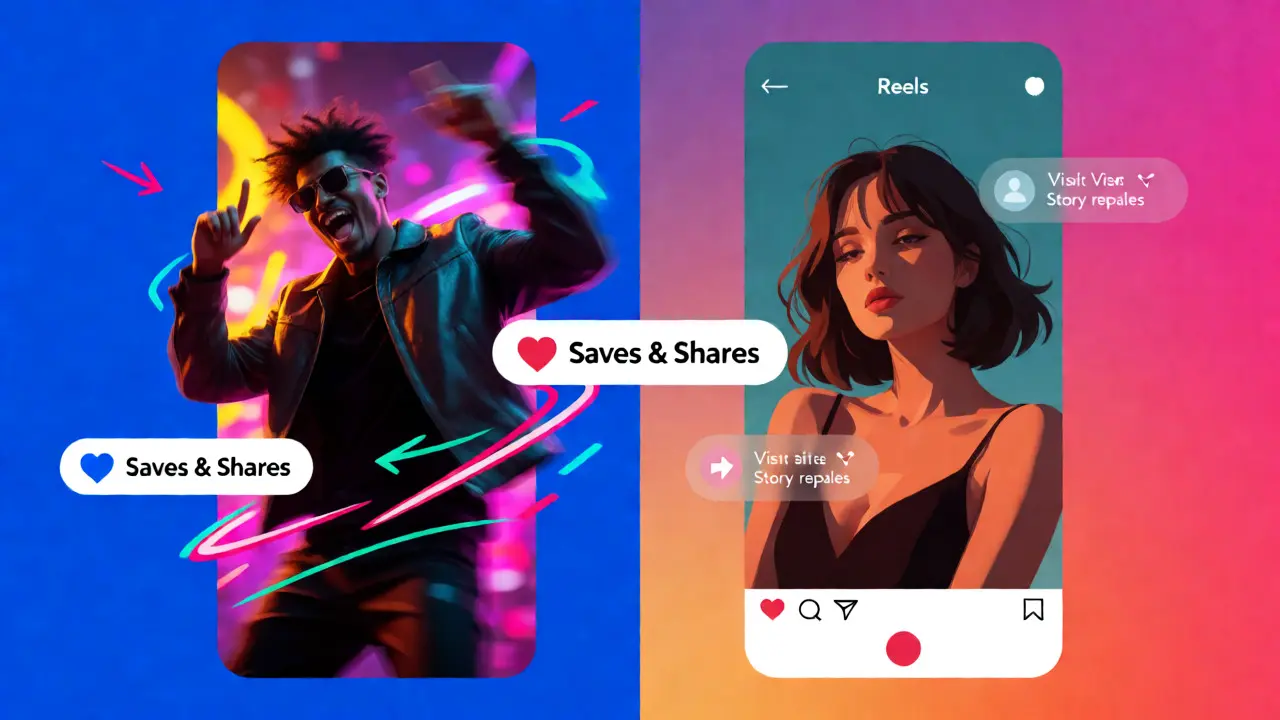
| TikTok | Saves & Shares | Watch Time % | If saves are high, the hook works. Replicate the audio or visual style immediately. |
| Profile Visits | Story Replies | High visits from Reels mean your CTA is working. Low replies mean content is passive. | |
| YouTube Shorts | Click-Through Rate (CTR) | Average View Duration | Low CTR? Fix thumbnails/titles. Low duration? Cut the intro fluff. |
| X (Twitter) | Retweets with Quote | Link Clicks | Quote tweets show conversation. Link clicks show pre-save intent. |
Notice we didn’t list "Likes." Why? Because a bot can like a post. A human who saves a reel intends to watch it again or share it with a friend. In music marketing, intent beats volume. When you run your review, ask: Did this post make someone stop scrolling long enough to act?
Step-by-Step: Conducting Your Monday Morning Audit
Pick one day. For me, it’s Monday morning with coffee. Set a timer for 45 minutes. No distractions. Here’s the workflow.
- Pull the Raw Data: Go to each native analytics dashboard (Meta Business Suite, TikTok Analytics, YouTube Studio). Export the top 5 performing posts and the bottom 5 from the last 7 days. Don’t look at averages yet; look at outliers.
- Identify the "Why": Look at the top performer. Was it the audio? The caption? The time of day? Be specific. "It was funny" is vague. "The first 3 seconds showed a face reacting to a loud noise" is specific.
- Check Conversion Funnel: Did those top posts lead to link clicks? Use UTM parameters if you aren’t already. If a video got 10k views but zero profile visits, your call-to-action failed. Or worse, the content attracted the wrong audience.
- Review Community Sentiment: Read the comments. Not all of them-just the ones on top posts. Are people tagging friends? Asking about release dates? Complaining about buffering? This qualitative data tells you more than numbers ever will.
- Plan Next Week’s Content: Based on steps 1-4, decide what to repeat, what to tweak, and what to kill. Double down on what worked. Kill what flopped twice in a row.
This process takes less than an hour but saves you dozens of hours creating content nobody wants.
Spotting Trends Before They Burn Out
Music campaigns live and die by cultural relevance. A sound might be trending on Friday but dead by Wednesday. Your weekly review helps you catch these shifts early. Look for sudden spikes in engagement on older posts. Sometimes, a clip you posted two months ago suddenly gets traction because a meme format resurfaced.
When you see this, jump on it. Remake that clip with current visuals. Update the caption. Ride the wave. Conversely, if a trend you jumped on last week is flatlining, stop forcing it. Pivot to something new. The algorithm rewards freshness, not stubbornness.
Common Pitfalls in Music Analytics
Even seasoned marketers fall into traps. Here are the big ones.
- Comparing Apples to Oranges: Don’t compare a viral TikTok to a static Instagram Story. They serve different purposes. Compare similar formats across weeks to see true growth.
- Ignoring Dark Social: Much of your traffic comes from DMs and private shares, which platforms don’t always track perfectly. Ask followers directly in Stories: "Did you send this to a friend?"
- Over-Attributing Success: Did a spike happen because of your post, or because a playlist curator added your song? Correlate social spikes with streaming data. If streams jumped but social didn’t, credit the playlist, not the tweet.
- Chasing Algorithm Changes: Platforms change constantly. Don’t panic over one week’s dip. Look for multi-week trends. Panic only when a metric drops for three consecutive weeks.
Tools to Streamline Your Workflow
You don’t need expensive software, but spreadsheets get messy fast. Consider using a lightweight tool like Later, Hootsuite, or even a simple Airtable base to log your weekly findings. Tag each post with attributes: "Meme," "Behind-the-scenes," "Teaser," "Live Clip." Over time, you’ll see which tags consistently drive conversions.
For deeper analysis, use Bitly links to track click-through rates precisely. Most free plans offer basic analytics, which is plenty for a solo artist or small team. The goal isn’t fancy charts; it’s clear answers.
Turning Data into Creative Decisions
Data shouldn’t stifle creativity; it should guide it. If your analysis shows that behind-the-scenes clips get 3x more shares than polished music videos, don’t stop making videos. Just make more BTS content. Maybe film the recording session instead of the final performance.
Test hypotheses weekly. Week 1: Post a lyric video at 6 PM. Week 2: Post the same lyric video at 9 AM. Week 3: Post a raw studio clip. Compare results. Keep what works. Discard what doesn’t. This scientific approach removes ego from the equation. You’re not trying to prove you’re right; you’re trying to find what resonates.
Frequently Asked Questions
How many posts per week is ideal for music campaigns?
There is no magic number, but consistency matters more than volume. For most independent artists, 3-5 short-form videos per week across TikTok and Reels, plus daily Stories, is a sustainable baseline. Quality and relevance outweigh quantity. If you can only produce one great piece of content a week, focus on maximizing its reach through engagement strategies.
What is a good engagement rate for music accounts?
Engagement rates vary by platform and follower size. Generally, 1-3% is average for larger accounts. Smaller accounts (under 10k) often see higher rates, sometimes 5-10%, due to closer community ties. Focus on improving your own baseline month-over-month rather than chasing industry averages. A rising trend is better than a static high number.
Should I hire an agency for social media analytics?
Not necessarily. Agencies are useful for execution and strategy, but you must understand your own data. Relying entirely on external reports can disconnect you from your audience. Start by doing the weekly review yourself. Once you have a solid grasp of what works, you can delegate the manual labor while keeping strategic oversight.
How do I attribute sales to social media?
Use unique discount codes or UTM links for each campaign. If you promote a merch drop on Instagram, use a code like INSTA10. Track redemptions. For digital releases, monitor pre-save links specifically shared on social channels. Direct attribution is hard, so look for correlations between social activity spikes and store visits or stream increases.
What if my analytics show nothing is working?
First, check your tracking setup. Are pixels installed? Are links correct? If data is accurate, reassess your content angle. You might be talking to yourself. Engage with other creators’ content, comment genuinely, and try posting interactive content like polls or questions. Sometimes the issue isn’t the algorithm; it’s the lack of community interaction.