Key Takeaways for Your Virtual Show
- Prioritize audio quality over video; fans will forgive a grainy image, but not a buzzing guitar.
- Use a dedicated ticketing platform rather than manual PayPal links to manage access.
- Build anticipation through a 'digital lobby' and pre-show engagement.
- Focus on interactive elements like live Q&As to make the event feel exclusive.
The Tech Stack: Moving Beyond Basic Video
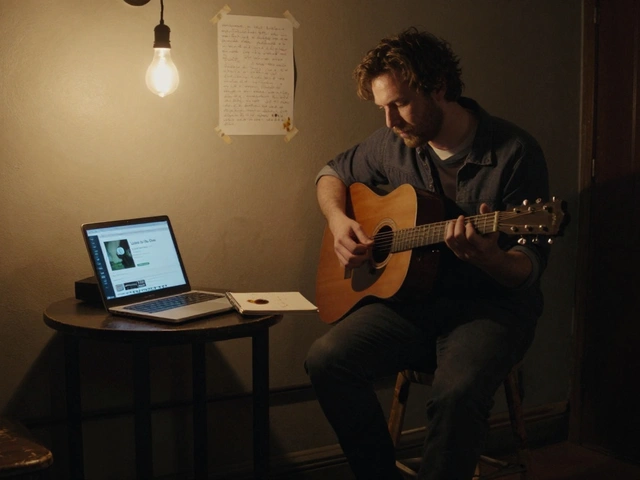
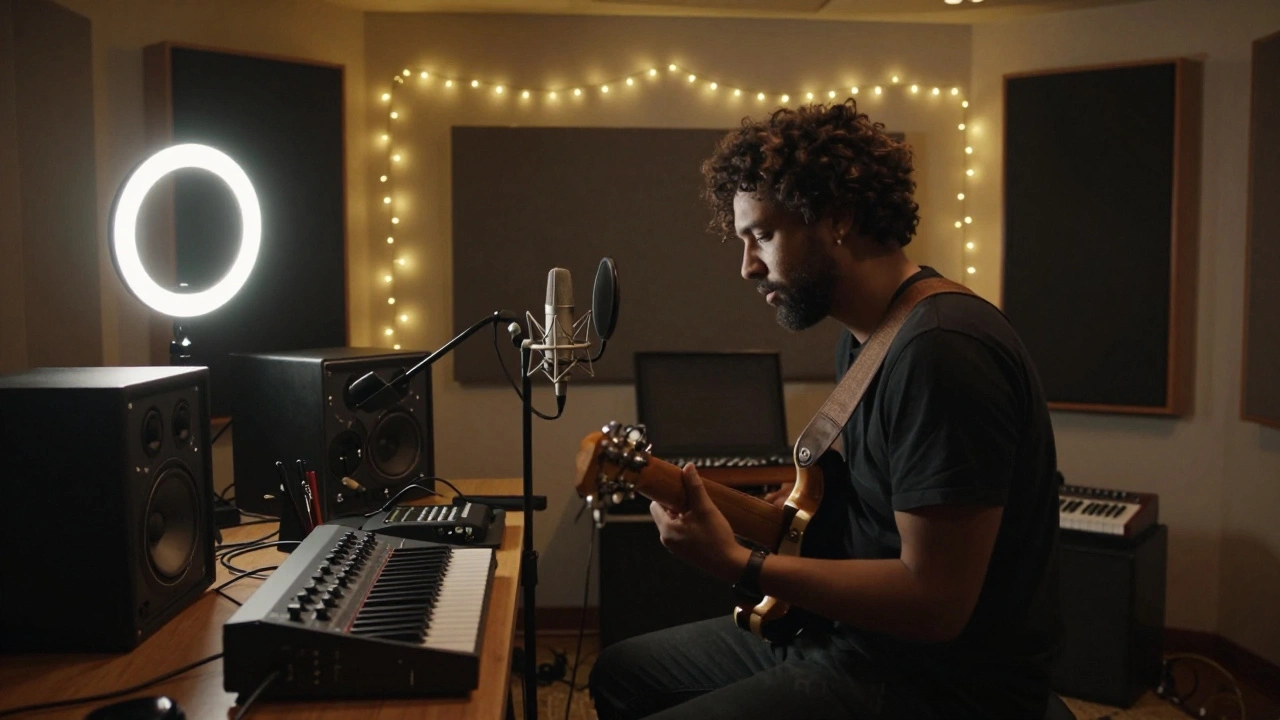
To get started, you need to understand that a professional stream requires a separate path for your audio and video. If you just plug a laptop into a webcam and hit 'Go Live,' you're fighting a losing battle against lag and poor sound. You need a Digital Audio Workstation (DAW) like Ableton Live or Logic Pro to process your sound before it hits the stream. This allows you to add reverb or compression so your music sounds like a record, not a telephone call.
The heart of your setup is the Video Switcher. While you can use hardware, most indie artists use OBS Studio (Open Broadcaster Software). OBS is a free, open-source tool that lets you switch between different camera angles, overlay your social media handles, and trigger pre-recorded videos. For those who want a more polished, cloud-based approach, StreamYard is a great alternative because it allows you to bring guests onto the screen without them needing to install complex software.
| Tool | Best For | Key Attribute | Learning Curve |
|---|---|---|---|
| OBS Studio | High Control | Custom Scenes & Overlays | Steep |
| StreamYard | Ease of Use | Browser-based Guests | Low |
| vMix | Professionalism | 4K Production Quality | High |
Solving the Audio Puzzle
The biggest mistake musicians make is using the built-in microphone on their laptop. To get professional results, you need an Audio Interface, such as a Focusrite Scarlett or Universal Audio Apollo. This device converts your analog instrument signals into digital data. If you are streaming a full band, you'll need a mixer that supports USB output or a dedicated interface with enough inputs for every mic.
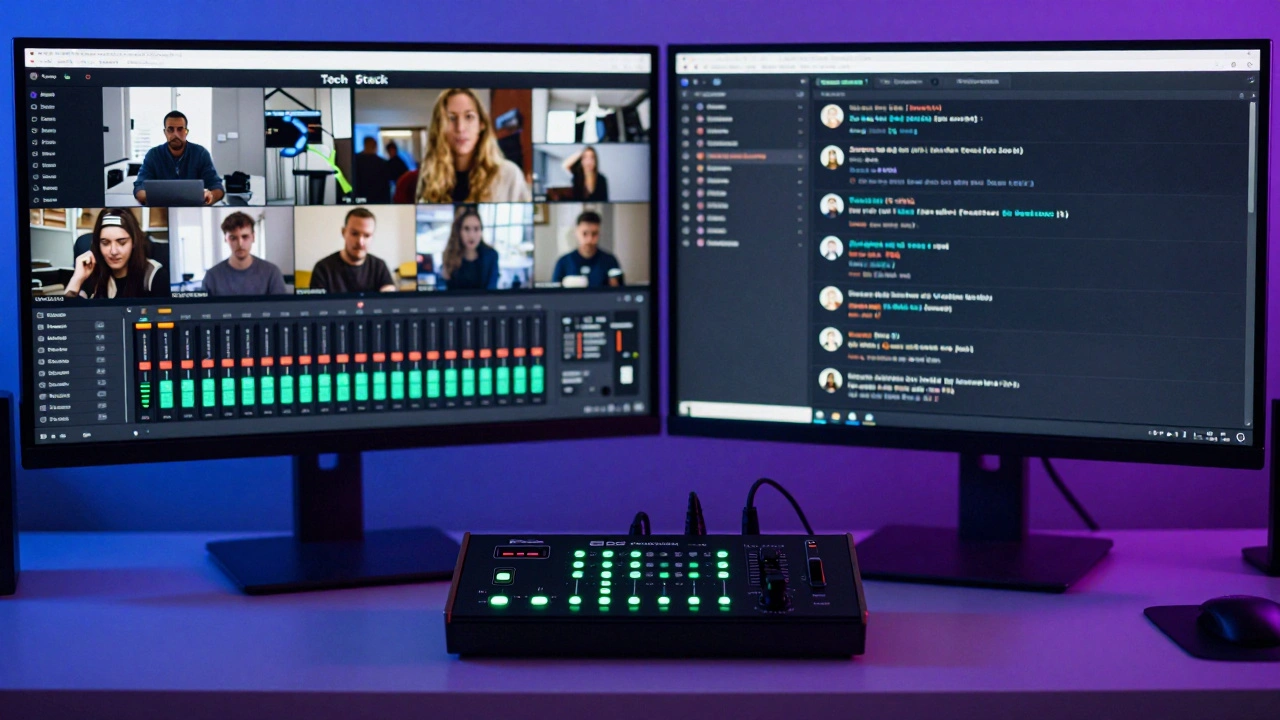
Consider the 'Latency Loop.' When you stream, there is a delay between when you play a note and when the audience hears it. While this doesn't matter for the audience, it matters for you if you are interacting with a live chat. Pro tip: Use a separate monitor or a tablet dedicated solely to the chat feed so you aren't flipping between your performance software and your social media. This keeps the energy high and ensures you don't miss a shout-out from a fan in another time zone.
Choosing Your Ticketing Infrastructure
You can't just post a link to a public YouTube stream and hope people pay you. You need a gated experience. There are three main ways to handle this. First, there are specialized platforms like Dice or Eventbrite, which handle the payment and send a unique link to the buyer. This is the most professional route and reduces the risk of 'link leaking' where a single ticket holder shares the URL with everyone on Reddit.
Second, you can use a membership-based model. If you already have a Patreon, you can set the stream as a reward for a specific tier. This creates recurring revenue rather than a one-off payment. Third, for those who want total control, self-hosted solutions using a website plugin allow you to keep 100% of the profit, though you'll have to handle the customer support when someone loses their password five minutes before the show.
Promoting the Event: From 'Scroll' to 'Sale'
Selling a virtual ticket is harder than selling a physical one because the perceived value is lower. People associate 'digital' with 'free.' To counter this, you have to sell the exclusivity. Don't just call it a 'Live Stream.' Call it a 'Virtual Listening Party' or an 'Intimate Living Room Session.' The language must suggest a unique experience that cannot be replicated by watching a music video on YouTube.
Start your promotion cycle at least three weeks out. Week one should be about the announcement with a 'teaser' clip of a song you'll play. Week two is for 'behind the scenes' content-show your gear, your rehearsal space, and the chaos of setting up. This builds a narrative. By week three, you move into scarcity mode: 'Only 50 virtual seats available' or 'Early bird pricing ends Friday.' When people feel like they might miss out on a limited digital experience, they are more likely to click 'Buy.'
Utilize Instagram Stories and TikTok to create countdown clocks. These tools trigger notifications for followers, reminding them to tune in. Also, consider a 'bundle' offer. If someone buys a ticket, they get a digital download of a new demo or a discount code for your physical merchandise. This increases the tangible value of the ticket.
The Performance: Keeping the Audience Engaged
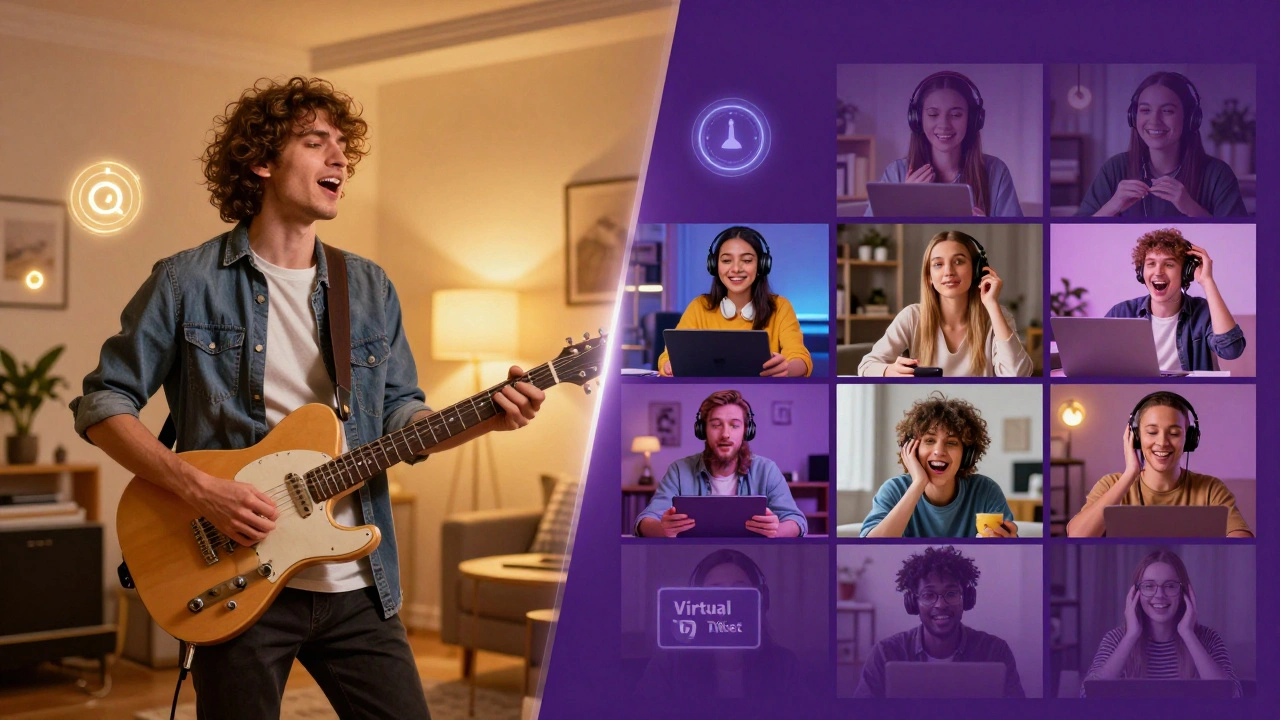
The moment your stream starts is critical. If the screen is black or you're just staring at the camera saying 'Can you hear me?', you've already lost half your audience. Start with a 10-minute 'lobby' phase. Play a curated playlist of your influences and have a graphic on screen that says 'The show begins shortly.' This gives people time to join and get settled.
Structure your setlist for a digital format. Attention spans are shorter online. Instead of a 60-minute uninterrupted set, break it into segments. Play three songs, then take five minutes to read a few messages from the chat. Do a short storytelling segment about how a specific song was written. This interaction turns a passive viewing experience into an active community event. Use a Call to Action (CTA) mid-way through-ask people to follow your Spotify or sign up for your newsletter while the energy is peaking.
| Phase | Action | Goal |
|---|---|---|
| Pre-Show | Curated Playlist + Countdown | Reduce bounce rate |
| Opening | High-energy track + Direct greeting | Establish immediate connection |
| Mid-Set | Live Q&A / Storytelling | Maintain engagement |
| Closing | Merch pitch + Next show date | Convert viewers to long-term fans |
Common Pitfalls and How to Avoid Them
The most common technical failure is the 'Internet Drop.' If you are streaming in 1080p or 4K, your upload speed must be stable. Never use Wi-Fi for a ticketed event. Run an Ethernet cable directly from your router to your computer. If you absolutely must use Wi-Fi, use a dedicated 5GHz band and ensure no one else in the house is streaming Netflix while you're performing.
Another trap is the 'Audio Peak.' When you're excited, you might sing louder or hit a crash cymbal harder, causing the audio to 'clip' or distort. Use a Limiter on your master output channel in your DAW. A limiter acts as a ceiling, preventing the audio from crossing the 0dB threshold, which ensures your audience doesn't experience ear-piercing distortion.
Lastly, don't forget the 'Post-Show Slump.' Once the stream ends, the connection is severed. Immediately send an email to all ticket holders thanking them and providing a link to a recording of the show or a special 'thank you' discount code for your store. This turns a one-time ticket buyer into a loyal fan who will buy a ticket for your next virtual event.
What is the best internet speed for streaming a concert?
You should focus on your upload speed, not download. For a stable 1080p stream at 60fps, you need at least 10-15 Mbps of dedicated upload speed. However, to avoid buffering and lag, it's safer to have a connection that provides 25 Mbps or more. Always test your speed using a tool like Speedtest.net before the event.
Can I use Zoom for a ticketed music event?
Zoom is great for meetings, but poor for music. It uses aggressive audio compression that removes low and high frequencies to prioritize voice. If you must use Zoom, go into the settings and enable 'Original Sound for Musicians,' but for a professional ticketed event, a dedicated streaming setup with OBS is far superior.
How much should I charge for a virtual ticket?
Pricing varies based on your following, but most independent artists charge between $5 and $20. A common strategy is to offer a 'Pay What You Want' model with a minimum floor of $5, or a tiered system where a $25 ticket includes a digital songbook or a shout-out during the stream.
Do I need expensive cameras for a live stream?
Not necessarily. A modern smartphone with a 4K camera often looks better than a cheap webcam. You can use apps like IVCam or EpocCam to turn your phone into a wireless camera for OBS. The key is lighting; a cheap ring light or a few soft-boxes will make a $100 camera look like a $1,000 one.
How do I stop people from sharing my stream link for free?
The best way is to use a platform that requires a login or a unique token for each user. Platforms like Dice or certain Patreon settings prevent simple link-sharing. If you are using a private YouTube or Twitch link, be aware that it can be leaked, so focus more on the exclusive 'live' experience and the community aspect rather than just the video itself.
Next Steps for Your First Stream
If you've never done this before, don't make your first attempt a paid show. Run a 'Technical Rehearsal' stream. Set up your gear, go live to a private link, and invite two or three trusted friends to watch. Ask them to report any audio glitches, lag, or lighting issues. This 'stress test' will save you from a nightmare scenario during the actual event.
Once the tech is dialed in, start your promotion. Remember, the goal is to create a sense of occasion. Treat the digital space with the same respect you'd treat a physical stage. When you put in the effort to make it feel like a real concert, your fans will be more than happy to pay for the ticket.