You spent weeks perfecting the sound. You wrote a press release that actually sounds like your band, not a corporate robot. You hit send to fifty blogs, podcasts, and radio stations. Two days later, you check your streaming numbers. Nothing happened. Or worse, someone posted a link, but it went nowhere because they used the wrong URL.
The problem isn’t usually the music or the writing. It’s the links inside the press release. In music public relations, a link is more than just a way for people to find your song. It is a data point. It tells you who listened, where they came from, and whether your pitch worked. If you are sending out plain, naked URLs, you are flying blind. You need a smart link strategy.
Why Plain Links Fail in Music PR
Imagine you send a press release to three different outlets: a local indie blog, a national playlist curator, and a regional radio station. You include one generic Spotify link for everyone. When traffic spikes on Monday, you have no idea which outlet drove the listeners. Did the blog post go viral? Did the radio DJ mention you? Or did a bot crawl your site?
Without distinct links, you cannot measure return on investment (ROI). You also lose credibility. Journalists hate cluttered text. A long, messy Spotify URI looks unprofessional and can break formatting on certain platforms. More importantly, if you move your music from Spotify to Apple Music, or update your master recording, that old link becomes dead. Dead links kill momentum.
This is why we use Smart URLs, which are shortened, trackable web addresses that redirect users to your desired destination while collecting click data. Unlike static links, smart URLs act as a bridge between your promotional effort and your audience's behavior.
What Is a Smart URL in Music Marketing?
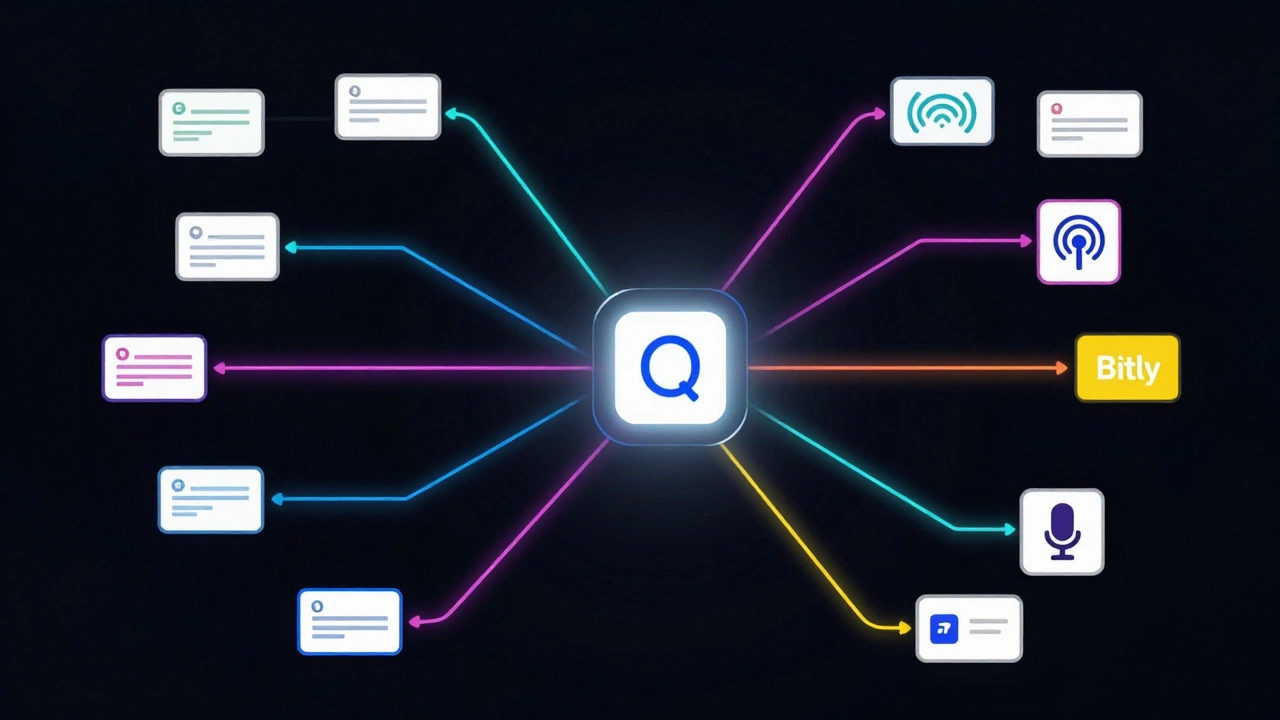
A smart URL is a short link-often using a custom domain-that redirects to your final destination, such as a Spotify album page, an Apple Music single, or a YouTube video. The magic happens in the redirect. Before the user lands on Spotify, the smart link service records the click.
Services like Linktree, Hyperfollow, Genie.link, or Bitly provide these tools. For musicians, Hyperfollow and Genie.link are often preferred because they display a "smart landing page" that shows the best platform for the user based on their location and preferences. If a listener is in Germany, they might get directed to Spotify. If they are in China, they might see QQ Music or NetEase.
The key attribute of a smart URL is its ability to be customized. You can create unique variations for each journalist. Instead of sending `artist.com/new-album`, you send `artist.com/pr-billboard` or `artist.com/pr-npr`. This allows you to tag every source individually.
Building Your Link Architecture
Before you write a single word of your press release, you need to set up your link structure. Do this at least two weeks before your release date. Here is how to build a system that scales.
- Create a Master Landing Page: Use a tool like Hyperfollow or a dedicated WordPress page. This page should hold all your assets: streaming links, social media profiles, bio, high-res photos, and contact info.
- Generate Unique Short Links: For each major outlet or campaign type, generate a specific short link pointing to that master page or directly to the streaming service. Name them clearly in your dashboard (e.g., "Pitch-Blog-01", "Radio-Local-05").
- Test Every Link:** Click every single link on multiple devices (iPhone, Android, Desktop). Ensure the redirect works instantly and the metadata (OG tags) displays correctly when shared on social media.
A common mistake is creating links too late. If a journalist asks for a link yesterday and you scramble today, you will likely reuse an old link. Keep a spreadsheet ready with pre-made links for your top 20 target outlets.
Tracking Clicks vs. Streaming Numbers
Here is the hard truth: clicks do not equal streams. A journalist might click your link to verify the song exists, then close the tab. Or they might share the link in a newsletter, and hundreds of readers click it, but only ten listen past the first thirty seconds.
To get accurate data, you need to look at two layers of analytics:
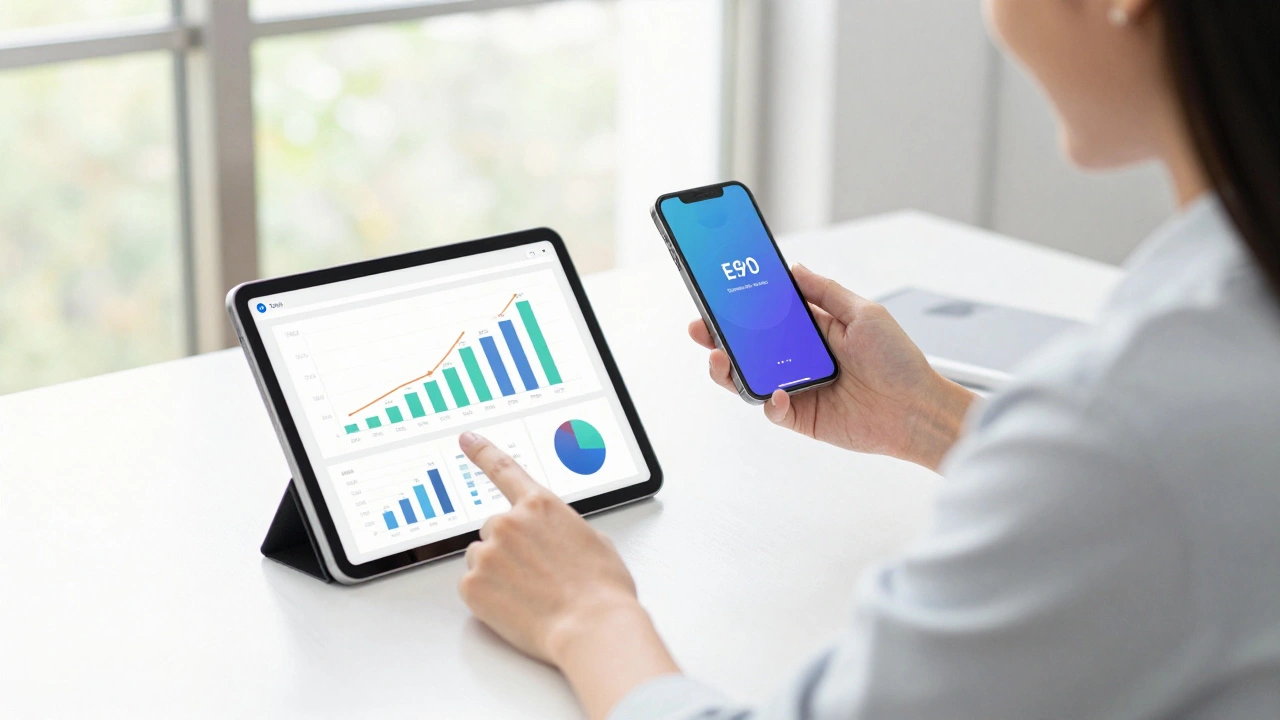
- Click-Through Rate (CTR): Provided by your smart link provider. This tells you how many people clicked the link in your press release. High CTR means your headline and hook were compelling.
- Streaming Conversion: Provided by Spotify for Artists, Apple Music for Artists, etc. This tells you how many listeners actually engaged with the audio. Low conversion suggests the link was clicked by bots, or the artist name didn't match expectations.
If you see high clicks but zero streams, check if the link redirected to a broken page or if the artist profile was private. If you see low clicks, your press release subject line may have failed to entice the reader to open the email or read further.
Best Practices for Embedding Links
How you place the link in the press release matters. Never dump raw URLs in the body text. It looks amateurish and distracts from your story. Instead, follow these rules:
| Strategy | Pros | Cons |
|---|---|---|
| Anchor Text | Clean appearance; integrates naturally into sentences. | Mobile users cannot copy-paste easily if not tapped correctly. |
| Dedicated "Listen Here" Section | High visibility; clear call-to-action (CTA). | Can look salesy if overused. |
| Footer Resource Box | Standard industry practice; keeps main text clean. | Journalists might miss it if they skim quickly. |
I recommend using a combination of anchor text and a footer resource box. In the second paragraph, mention the single and hyperlink the title or the phrase "listen here." Then, in the final "About the Artist" section, include a clear block with: Stream [Song Title]: [Your Smart URL] This ensures both skimmers and detailed readers find the link.
Avoiding Common Pitfalls
Even experienced PR managers make mistakes with links. Watch out for these issues:
- Link Rot: Using a temporary hosting solution that expires. Always use a permanent smart link service or your own domain.
- Platform Exclusivity: Sending a direct Spotify link to a journalist who primarily uses Apple Music. They might ignore it. Use a smart landing page that offers choices.
- Broken Redirects: Failing to update the destination if you change your distributor. Set up alerts in your link management tool to notify you if a destination returns a 404 error.
- Overloading the Email: Including five different links in one email. Stick to one primary CTA (Call to Action). If you must include social media, group them under one smart link.
Another subtle error is ignoring UTM parameters. While smart links are great, adding UTM codes (e.g., `?utm_source=press_release&utm_medium=email&utm_campaign=spring_single`) gives you even deeper data in Google Analytics. This helps you correlate website visits with press efforts, not just streaming clicks.
Measuring Success Beyond the Click
Your link strategy should inform your future pitches. After a campaign ends, review your data. Which outlets drove the most qualified traffic? Did local blogs perform better than national ones? Did podcast listeners convert more than blog readers?
Use this data to refine your next press release list. Stop pitching outlets that never drive clicks. Double down on the ones that do. If a particular journalist consistently shares your link and drives streams, consider sending them exclusive content or early access next time. Relationships matter, and data proves who values your work.
Remember, the goal isn't just vanity metrics. The goal is building a fanbase. A smart link strategy turns random clicks into identifiable fans. Over time, you can retarget these users with ads, email newsletters, and tour announcements. That is how you turn a press release into a career asset.
Should I use Bitly or a music-specific tool like Hyperfollow?
For general tracking, Bitly is fine, but for music releases, tools like Hyperfollow, Genie.link, or Linkfire are superior. They automatically detect the user's location and preferred streaming service, ensuring they always see the correct platform (Spotify, Apple Music, Tidal, etc.). They also provide richer analytics about listener demographics.
Can journalists tell if I am tracking their clicks?
Generally, no. The URL looks like a standard short link. However, transparency builds trust. If asked, simply explain that you use smart links to ensure the link works across all devices and platforms. Most professionals understand the need for basic analytics.
How many links should I include in one press release?
Stick to one primary link per press release. Usually, this is a link to the new single or album. If you need to include social media profiles, bundle them into a single smart landing page. Too many links dilute your call-to-action and confuse the reader.
What if a journalist refuses to use my smart link?
Some publications have strict policies against shortened links due to security concerns. In this case, provide the direct, full URL to the streaming platform (e.g., open.spotify.com/...). Just remember that you will lose the ability to track that specific source's performance accurately.
Do smart links affect SEO?
Smart links themselves do not pass significant SEO value because they are redirects. However, the traffic they drive can improve your site's engagement metrics if they land on your website first. For press releases, SEO is less critical than immediate click-through rates and social sharing.