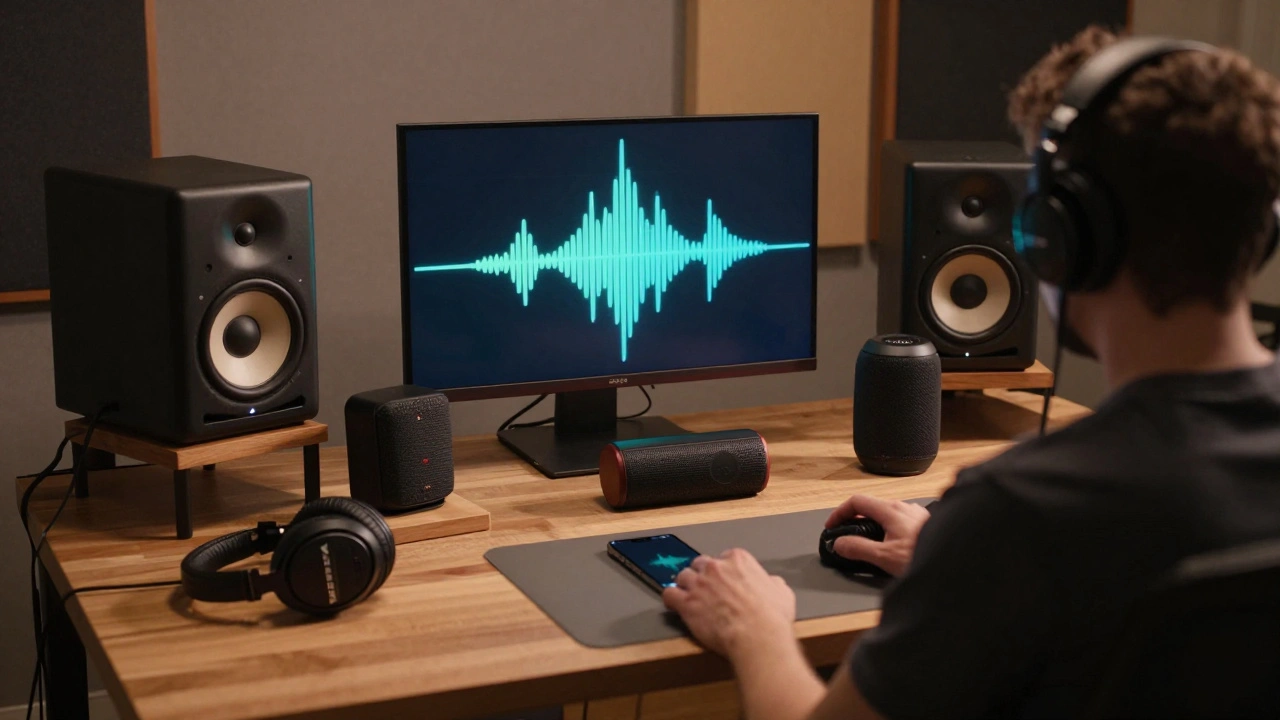
Ever spent hours perfecting a mix, only to play it in your car and realize the bass is gone? Or hear it on your phone and think, "Wait, where did the highs go?" If this sounds familiar, you’re not alone. The truth is, your studio monitors don’t tell the whole story. Real-world listening environments - from Bluetooth speakers to cheap earbuds - are where your music actually lives. That’s why testing your mix on multiple systems isn’t optional. It’s the last step that separates okay from unforgettable.
Why Your Studio Monitors Lie to You
Studio monitors are designed to be accurate. But accuracy doesn’t mean universal. Your room’s acoustics, speaker placement, and even the age of your gear can color what you hear. A mix that sounds perfect on nearfield monitors might collapse on a laptop speaker or sound muddy on a home theater system. Why? Because every playback device has its own frequency response, distortion profile, and dynamic range limitations.
Think of it like cooking. You taste your soup in the kitchen with a clean spoon. But when you serve it, you’re handing it to someone who eats with a plastic fork in a noisy diner. If you never tested it in that environment, you’d be shocked when they say it’s too salty.
The Five Systems You Must Test On
You don’t need a dozen devices. Just five key ones that cover the most common listening scenarios:
- Your studio monitors - your baseline. Use them to judge balance and detail.
- Headphones - especially mid-range models like Sony MDR-7506 or Audio-Technica ATH-M50x. They reveal phase issues and subtle panning flaws.
- Car stereo - even if it’s basic. Cars have small speakers, heavy bass roll-off, and road noise. If your kick doesn’t punch through here, it won’t work for 60% of listeners.
- Smartphone speakers - play it on your iPhone or Android. These tiny drivers cut off below 100 Hz and boost mids aggressively. If your vocals sound harsh or your low end disappears, that’s a red flag.
- A budget Bluetooth speaker - like an Amazon Echo Dot or JBL Flip. These are what people use in kitchens, bathrooms, and dorm rooms. If your mix sounds flat or one-dimensional here, it’s not translating.
Don’t just play the track once. Do this: listen to the same 30-second section on each system, back-to-back. Pay attention to how the low end behaves, how the vocals sit, and whether the stereo image stays stable.
What to Listen For on Each System
Each playback device exposes different weaknesses. Here’s what to watch for:
- On headphones: Are there phase cancellations? Does the left channel feel louder than the right? Does the reverb smear? These are often hidden on speakers.
- On car speakers: Does the bass feel thin? Does the snare lose its crack? Cars have a natural low-end dip around 80-120 Hz - if your kick and bass sit there, they’ll vanish.
- On smartphone speakers: Are the high-hats sibilant? Do the vocals sound like they’re shouting? These speakers emphasize 2-5 kHz. If your mix is already boosted there, it’ll break up.
- On Bluetooth speakers: Is the mix compressed? Do the dynamics disappear? Many budget speakers have built-in compression. If your track sounds louder but flatter, you’re over-compressing.
Pro tip: Use a familiar reference track. Pick a song you know inside out - one that’s professionally mixed and mastered. Play it on the same system. If your mix doesn’t hold up, you’ve found your gap.
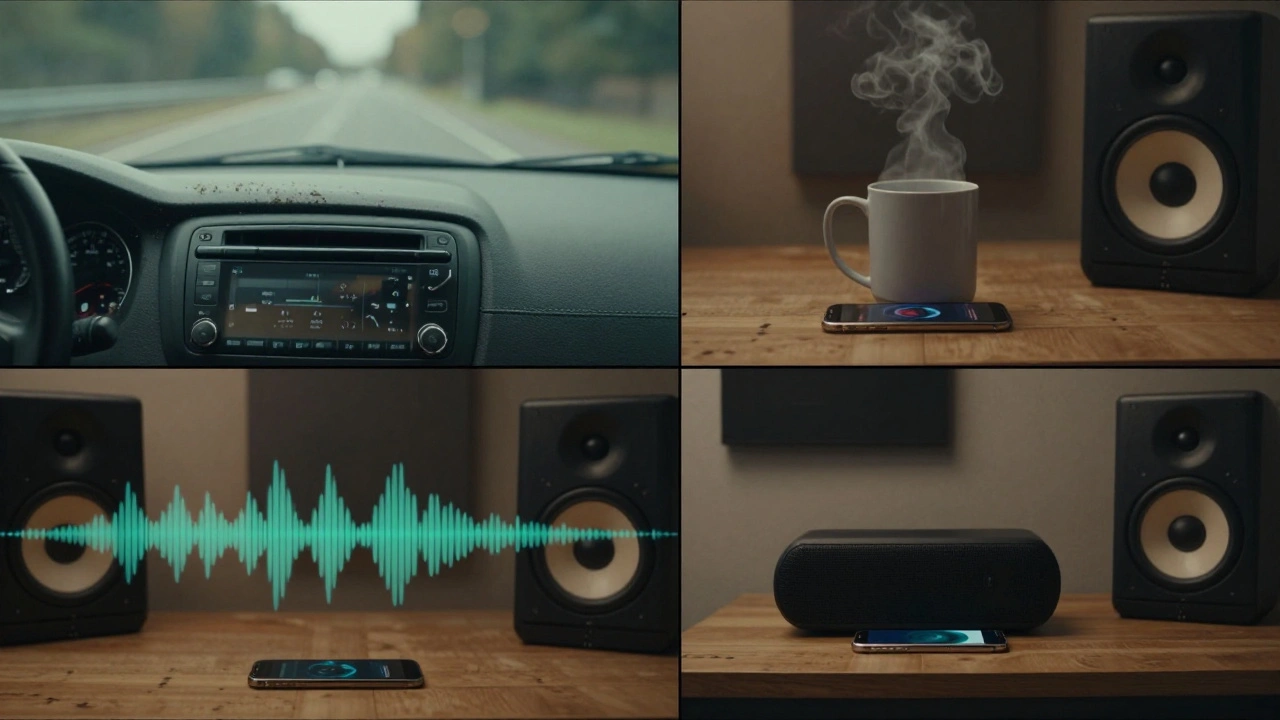
How to Adjust Based on What You Hear
Testing reveals problems. Adjusting fixes them. But don’t go back to your studio and start EQing wildly. Here’s how to make smart changes:
- If bass disappears on phones and cars: Check your low-mids. A buildup around 200-400 Hz can mask the fundamental kick and bass frequencies. Try a narrow cut there. Also, ensure your kick and bass aren’t competing. Sidechain compression can help.
- If vocals sound harsh on Bluetooth speakers: You likely have too much energy between 3-5 kHz. Use a gentle shelf cut starting at 4 kHz. Don’t remove it - just tame it.
- If the stereo image collapses on mono systems: Test your mix in mono. If everything sounds thin or phasey, you’ve got stereo imbalance. Use a correlation meter. Keep your center content (vocals, kick, snare) solid. Panned elements should complement, not fight.
- If the track feels flat on all systems: You might be over-limiting. Try reducing your master limiter’s gain by 1-2 dB. Dynamic range matters more than loudness.
Small tweaks make big differences. One 0.5 dB cut at 3.2 kHz can fix a harshness issue that’s been hiding for days.
Tools That Help (Without Buying More Gear)
You don’t need fancy plugins to test translation. But a few free tools make it easier:
- SPATIALIZER by iZotope (free version) - simulates how your mix sounds on headphones, TVs, and earbuds.
- Sonarworks SoundID Reference (free trial) - calibrates your monitors to mimic consumer systems.
- Monitors on a stick - yes, literally. Place your phone or Bluetooth speaker on a wooden block near your desk. The resonance mimics how people actually listen - not on a desk, but on a counter or nightstand.
Even just playing your mix on YouTube through a smart TV gives you real-world feedback. People don’t listen in treated rooms. They listen while cooking, commuting, or scrolling.
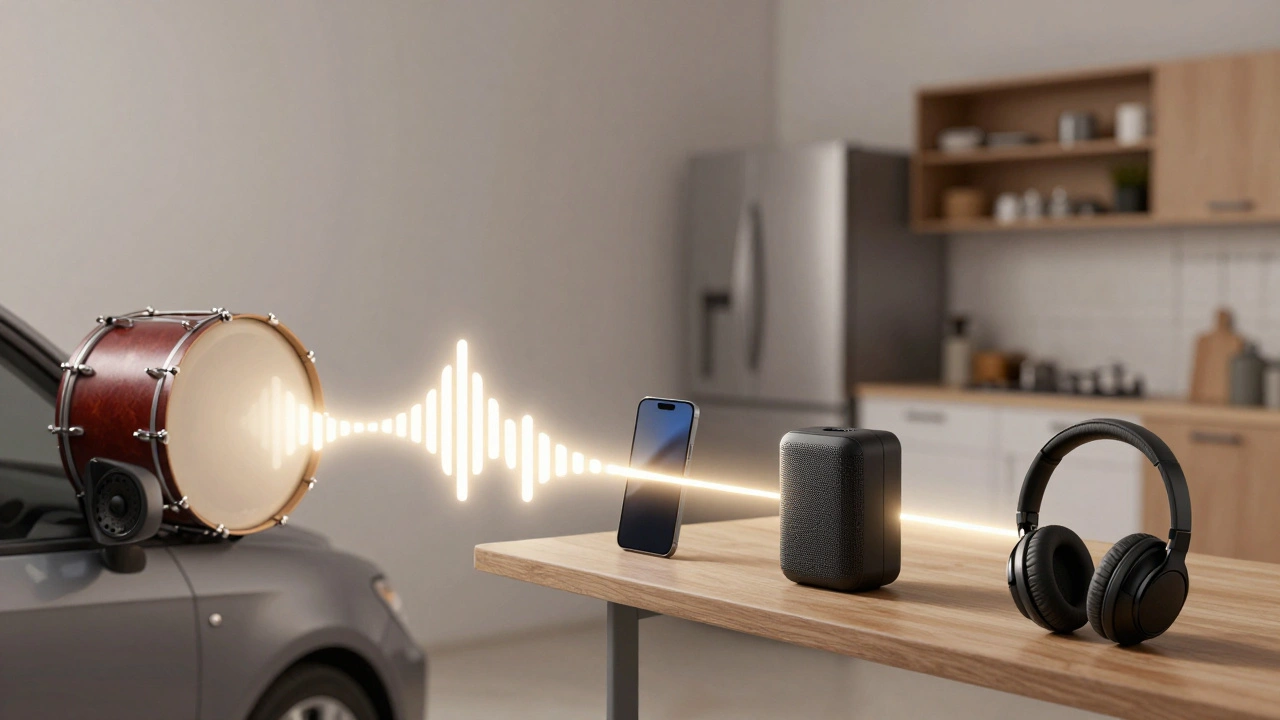
The 24-Hour Rule
Here’s a pro trick: don’t test your mix the day you finish it. Wait 24 hours. Listen to it in different rooms, at different volumes, and at different times of day. Your ears reset. What sounded great at 2 a.m. might sound dull at noon.
Play it while you’re washing dishes. Let it run while you walk the dog. Put it on repeat in your car during a grocery run. The goal isn’t perfection - it’s consistency. If it still sounds good under messy, real-world conditions, you’ve done your job.
Final Checklist Before You Export
Before you bounce your final mix, run through this:
- Played on headphones? ✔
- Played in your car? ✔
- Played on your phone’s speaker? ✔
- Played on a Bluetooth speaker? ✔
- Played in mono? ✔
- Compared to a reference track on each system? ✔
- Waited 24 hours before final judgment? ✔
If you checked all six, you’ve done more than 90% of home producers.
Why This Matters More Than You Think
People don’t buy gear to hear your mix. They listen on whatever’s handy. Your job isn’t to make it sound perfect in your studio. It’s to make it sound good everywhere.
Think about streaming. A song on Spotify might be heard on a $5 earbud, a $300 soundbar, or a car’s factory radio. If your mix only works on one of those, you’re losing listeners. Consistency builds trust. People come back to music that always sounds right - no matter where they play it.
Testing on multiple systems isn’t about fixing mistakes. It’s about making sure your art survives the real world.
What if I don’t have a car to test my mix on?
You don’t need your own car. Borrow a friend’s, use a car rental service for an hour, or visit a car audio shop that lets you test mixes. Alternatively, use a car speaker simulator plugin like iZotope’s SPATIALIZER or even a YouTube video of a car audio test. The goal is to simulate the frequency response - a car’s small speakers roll off below 100 Hz and emphasize mids. If your mix sounds weak or muddy in a simulation, it’ll sound the same in a real car.
Can I rely on headphone-only testing?
No. Headphones isolate sound and remove room interaction, which hides phase issues and stereo imbalance. A mix that sounds spacious on headphones can collapse into a muddy mess on speakers. Always test on at least one speaker system - even a cheap Bluetooth speaker - to catch problems headphones hide.
How often should I test my mixes on multiple systems?
Every time. Even if you’ve mixed 100 tracks, each one is different. Genre, arrangement, and processing change how translation works. A hip-hop beat needs different bass handling than an acoustic folk song. Make multi-system testing part of your final step - no exceptions.
Should I EQ my mix based on what I hear on Bluetooth speakers?
Not directly. Don’t try to make your mix sound perfect on a $50 speaker - that’s impossible. Instead, use it as a diagnostic tool. If it sounds thin or flat, it’s likely because your mix lacks low-end presence or has too much high-mid energy. Go back to your studio, check your spectrum analyzer, and fix the root issue - not the speaker’s response.
Is there a difference between testing on wired vs. Bluetooth speakers?
Yes. Bluetooth compression (especially SBC or AAC) can reduce high-frequency detail and introduce latency. Wired speakers give you the full signal. But since most people listen wirelessly today, you must test on Bluetooth. Use both: compare the wired version to the Bluetooth one. If the Bluetooth version sounds duller or compressed, your mix might be too dynamic or too bright - both can suffer from compression artifacts.