The Morning Of Reality Check
It is 8:00 AM on your launch date. You hit send on your campaign three hours ago. Now, you are waiting for the analytics to start popping up. If your inbox looks like it did last week-empty and silent-you might panic. That fear comes from not having a structured plan for how people interact with your news when it matters most. A Release Day Email Blast is not just about sending a link; it is about converting interest into action immediately while the algorithm favors your new drop. By the end of this guide, you will understand exactly how to segment your list, write copy that gets opened, and track whether your efforts actually drove sales or streams.
We need to move past simply asking people to "check it out." In the current landscape, attention spans are short, and inboxes are cluttered. Your message needs to do the heavy lifting so you don't have to chase fans across different platforms later. If you get this right on day one, you trigger the initial velocity that keeps your project visible for weeks afterward.
Building the Foundation Before You Write
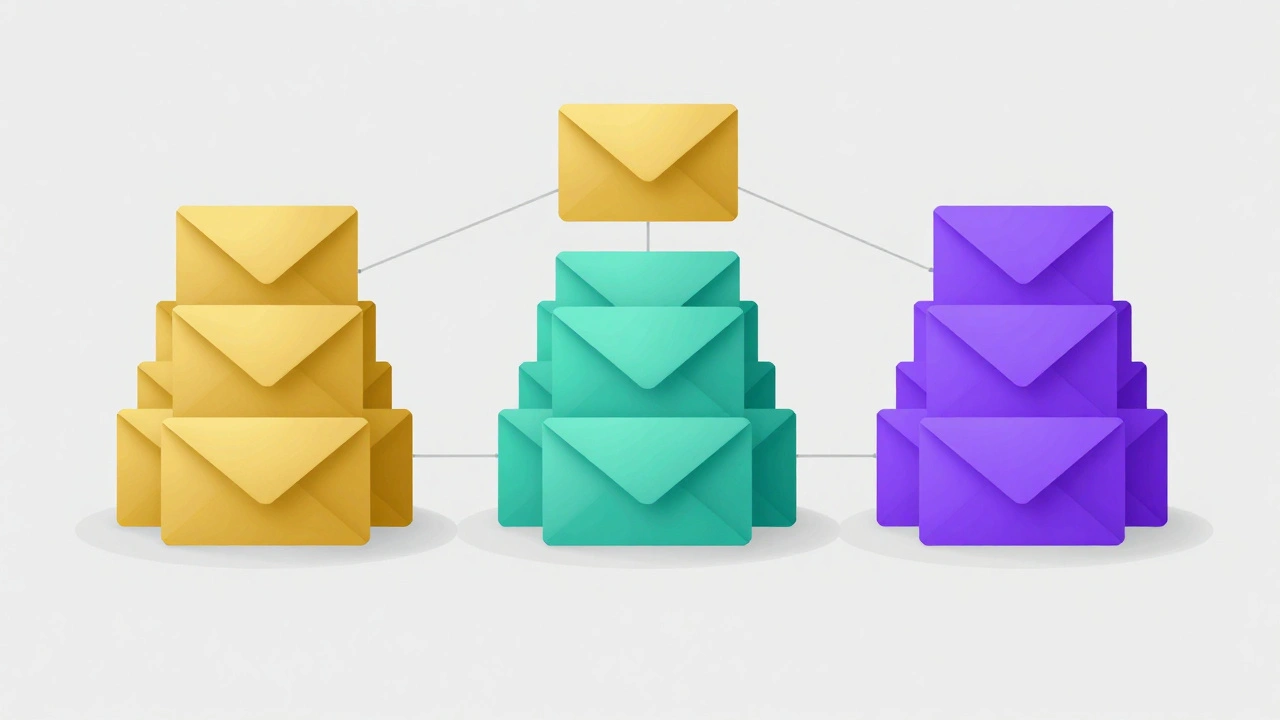
Before you type a single word of your email, you must look at who is actually in your database. Sending a massive broadcast to everyone indiscriminately often dilutes your open rates. You need to apply list segmentation, which divides your subscribers based on their past behavior and interests to deliver more relevant content.
- Super Fans: These are the people who pre-ordered, attended live shows recently, or have bought merch multiple times. They need direct access, perhaps a backlink to a private community or an exclusive early listen.
- Casual Listeners: People who clicked a link months ago but haven't engaged much since. They need a stronger reminder of why they signed up and what this release offers them personally.
- New Subscribers: Anyone who joined your list specifically for this launch. Their excitement is high, but they don't know your history yet. Focus on the immediate value proposition.
Using segments ensures your metrics stay healthy. If your open rate dips too low, email service providers might start routing your future messages to spam folders. Protecting your sender reputation is just as vital as the revenue you generate today. By treating a die-hard fan differently from a passive follower, you acknowledge their loyalty without annoying the others with over-intimate updates.
Crafting the Irresistible Subject Line
The biggest hurdle in email marketing is getting the recipient to open the message. You can have the perfect offer, but it doesn't matter if it stays buried in a Gmail tab. Your subject line acts as the headline for this digital billboard. You want to avoid vague phrases like "New stuff is out!" because those disappear instantly among promotions from other brands.
Instead, lean into specificity and curiosity. Tell them exactly what changed. If you are launching a song, mention the genre or the mood. If you are releasing a book chapter, hint at the plot twist. Here are a few approaches that typically work better than generic greetings:
| Type | Example | Why It Works |
|---|---|---|
| Urgency | Available now: [Project Name] | Creates a time-sensitive feeling. |
| Personalization | [First Name], your early access is here | Makes the user feel uniquely recognized. |
| Benefit-Driven | Stop scrolling: Listen to this first | Tells them exactly what to do next. |
| Question | Ready to hear the full version? | Engages the brain to answer 'yes'. |
Avoid using all-caps or excessive punctuation marks. Words like "Free," "Win," or "$$$" often trigger spam filters. While we are in 2026, spam filters remain aggressive, filtering anything that looks predatory. Keep your tone authentic to your brand voice. If you usually talk to your fans casually, don't suddenly sound corporate just because it is launch day.
The Core Message and Call to Action
Once they click, what happens next determines the success of the conversion. The body of your email should bridge the gap between the excitement of the subject line and the utility of the link. Don't bury the lead. Place your primary Call to Action near the top, preferably above the fold so they see it without scrolling.
If you are promoting multiple items-a streaming link, a physical vinyl copy, and a concert ticket-choose one primary focus for this specific email. Overloading the reader with five choices creates decision paralysis. They will likely pick none of them. You can always send follow-ups later that highlight secondary products. For the main release announcement, driving traffic to the most crucial metric (usually streams or sales) is the priority.
Keep the visual design clean. Too many images can slow down load times, and many mobile email clients block images by default. Rely on clear text links as backups. Ensure that if the image fails to load, the text still explains exactly what the button does. Writing descriptive alt-text for every image is a small step that improves accessibility and ensures clarity for those reading through screen readers.
Your Ready-to-Use Release Day Template
You need a reliable structure that you can adapt quickly. Do not spend days designing graphics for a one-off email. Speed matters because momentum is fleeting. Below is a layout optimized for mobile devices, which account for over half of all email opens in recent data.
Three years of writing, recording, and touring has led us to this exact moment. Today, [Product/Album Name] is officially live.
This isn't just another release. It's the soundtrack to [Context/Emotion/Story]. We poured everything into creating something that resonates with you.
Be one of the first to support:
P.S. If you want to grab the limited edition [Merch Item], you only have 24 hours before stock runs out. Check inventory here.
Unsubscribe | Update Preferences
This template uses a hierarchy that guides the eye. It starts with the emotional hook, provides brief context to justify the request, and finishes with a clear directive. Notice the Post Scriptum (P.S.). It adds a secondary layer of urgency for upselling, targeting those who are ready to buy but haven't committed yet. The "Stream Now" button should be large and tappable on thumbs.
Timing and Distribution Logistics
Sending the email at the wrong time is a critical mistake that no amount of great copy can fix. Most industries operate within specific windows where attention peaks. For creative releases, Monday through Wednesday mornings are statistically strong. Thursday and Friday tend to have lower open rates due to weekend fatigue, though for music, Friday is the standard global release day.
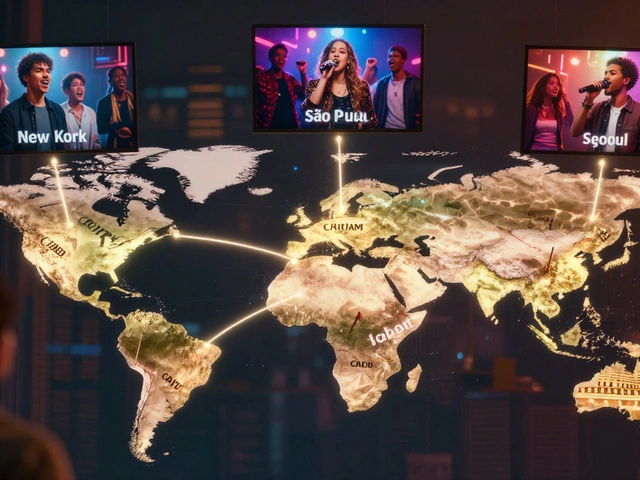
If your release aligns with the standard industry window (typically Fridays), schedule your email blast to go out early Friday morning-ideally between 8 AM and 9 AM local time of your target audience. This captures people checking their phones before work begins. If you are targeting international fans, you might need two blasts: one for North American markets and one for European audiences, adjusted for time zones.
Automating this sequence helps prevent "human error." Set up your email software to queue the blast so you aren't frantically clicking buttons while your phone is blowing up with notifications. You want to be engaging with fans on social media, not staring at your dashboard wondering why the email hasn't gone out.
Tracking Metrics That Actually Matter
After the hour of silence passes, the data begins to flow. Resist the urge to obsess solely over the number of people who opened the email. High open rates are vanity metrics unless they lead to action. Focus instead on the Click-Through Rate (CTR) . This tells you how persuasive your call to action was.
Compare this number against your previous campaigns. If your CTR dropped significantly, your audience might be fatigued, or the link placement was too obscure. Another vital metric is conversion rate-the percentage of people who not only clicked but completed the desired action (like a purchase or a stream). This requires setting up event tracking on your website or streaming backend.
Don't ignore the unsubscribe rate completely, but don't freak out either. Releasing new content attracts fresh interest while reminding inactive fans they haven't engaged in months. Clean lists are healthier than bloated ones. Removing disengaged users improves your overall deliverability scores for future newsletters.
Frequently Asked Questions
How far in advance should I announce the release date via email?
Start your pre-launch sequence 2-3 weeks before the official date. One week prior is ideal for a "save the date" reminder, followed by the final countdown email 24 hours before launch, and then the main blast on release day.
Should I include a video in my email?
Embedding video directly in emails increases file size significantly and often fails to play. Instead, upload your video to YouTube or Vimeo and embed the thumbnail as an image that links to the video page. Add a visible play icon overlay to signal interactivity.
What is the best time to send a launch email internationally?
Ideally, split your list by timezone. Send a blast at 9:00 AM Eastern Time, then a second batch at 9:00 AM UK/London time to cover the major markets sequentially without confusing the timing relative to when the project is globally available.
Is it okay to ask for reviews in the same email?
Only if you are selling a digital download or software. For physical goods or streams, keep the release day email focused on consumption. Ask for reviews in a separate follow-up sent a week after delivery to ensure the customer has had time to experience the product.
How do I handle a low budget for email marketing tools?
Many services offer free tiers for lists under 2,000 subscribers. Prioritize functionality over aesthetics. Text-only emails often perform surprisingly well because they load faster and feel more personal. If you need automation, look for tools that specialize in small business growth.