When you’re launching a new album, book, or art collection, release day isn’t just another date-it’s the moment your audience has been waiting for. But sending your email once on that day isn’t enough. Many creators miss the real opportunity: resending to people who didn’t open it the first time. The trick isn’t just when you resend-it’s who you resend to.
Why Resending Matters More Than You Think
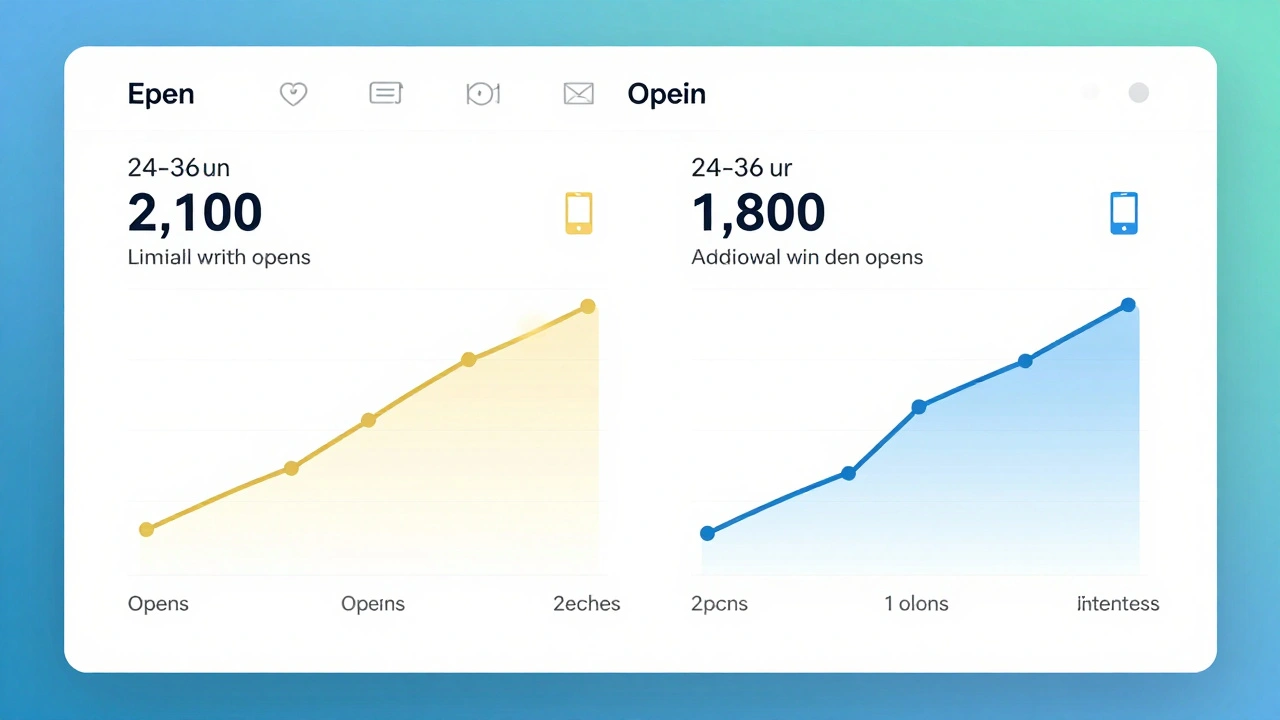
Studies show that 30-40% of email opens happen after the first send. That’s not a small number. It’s half your audience. If you only send once, you’re leaving money, clicks, and engagement on the table. A musician who sent a release day email to 10,000 subscribers saw 2,100 opens on day one. But after a 24-hour resend to non-openers, another 1,800 opened it. That’s a 85% increase in total engagement from one simple action.
People are busy. They get 100+ emails a day. Your release email might have landed in a folder they never check. Or they opened it on their phone, got distracted, and never scrolled down. Resending isn’t spammy-it’s thoughtful.
The Best Resend Window: 24 to 36 Hours
Don’t wait 48 hours. Don’t resend the same day. The sweet spot is between 24 and 36 hours after the first send.
- Before 24 hours: People might still be opening it. You risk sending the same email twice to the same person.
- After 36 hours: The momentum fades. The buzz around the release starts to cool. People move on.
Why 24-36? Because that’s when most people have finished their morning routine, checked their main inbox, and are now scanning their secondary folders. It’s also when they’re likely to be on desktop, not mobile-where they’re more likely to click through.
One indie game developer tested resending at 12, 24, 36, and 48 hours. The 36-hour window had the highest open rate (32%) and the most clicks to the pre-order page. The 12-hour window? Only 14% opens. The 48-hour? Down to 18%. Timing isn’t guesswork-it’s science.
Segment Your List Before You Resend
Not everyone who didn’t open your first email is the same. Resending to your whole list again is wasteful-and risky. You could annoy people who never open emails, or worse, trigger spam filters.
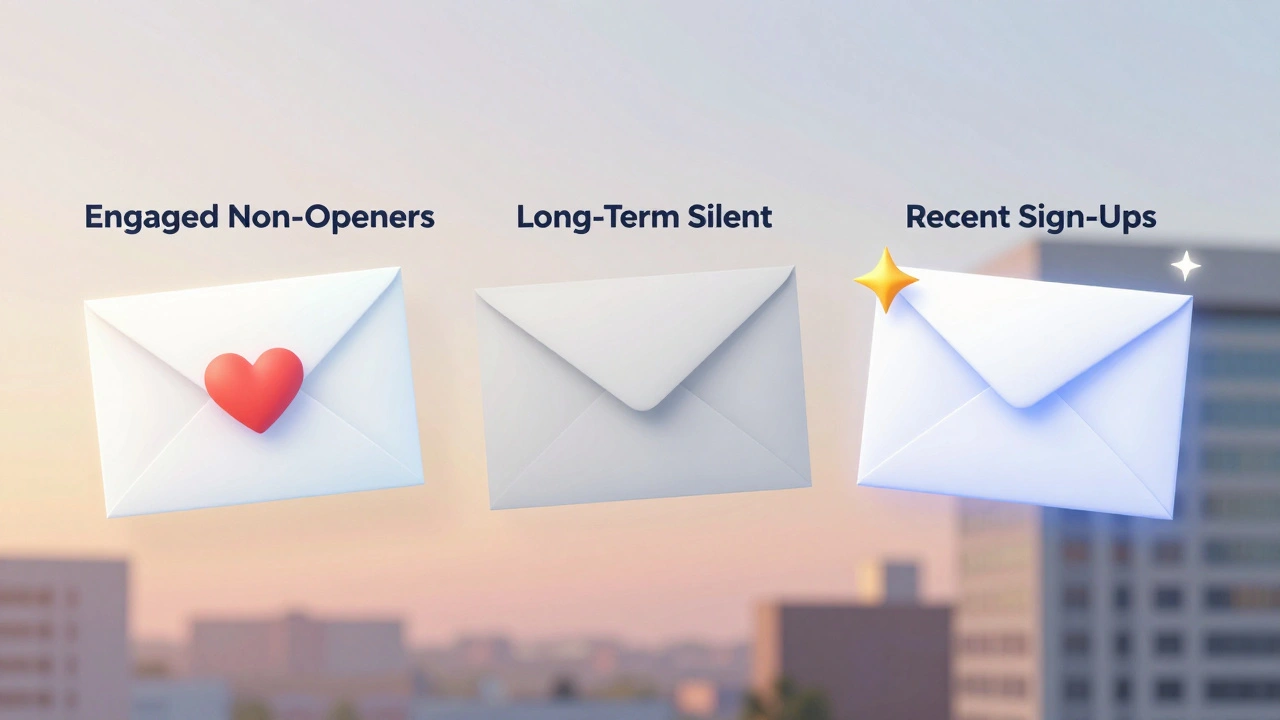
Split your non-openers into three groups:
- Engaged non-openers - People who opened past emails but missed this one. They care. They’re your low-hanging fruit.
- Long-term silent subscribers - People who haven’t opened anything in 6+ months. They’re likely disengaged. Don’t resend to them unless you have a strong subject line.
- Recent sign-ups - People who joined in the last 30 days but didn’t open. They’re excited. They just might’ve missed it.
Here’s what works:
- Resend only to engaged non-openers and recent sign-ups. That’s usually 60-70% of your non-openers.
- For long-term silent, send a separate email 7 days later with a different subject: “We thought you might’ve missed this” + a personal note.
One visual artist segmented her list this way and saw a 41% higher click-through rate on the resend than when she sent to everyone. She also dropped 12% of her unsubscribe rate.
How to Write a Resend Subject Line That Doesn’t Feel Like Spam
You can’t just copy the first subject line. People will recognize it. And they’ll ignore it.
Try these formulas:
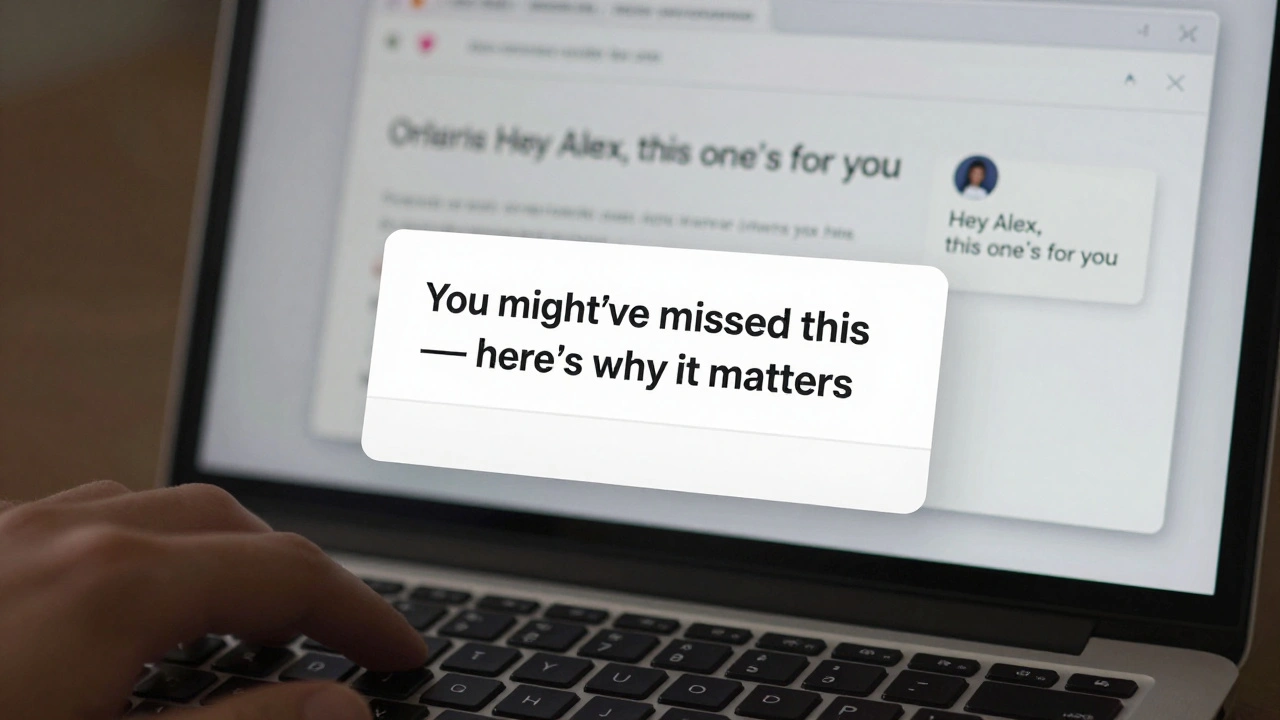
- “You might’ve missed this - here’s why it matters”
- “Just a quick reminder: [Project Name] drops today”
- “We saved a special spot for you - inside”
- “Still haven’t seen it? Here’s the link”
Avoid: “Second chance,” “Final reminder,” or “Last chance.” Those sound urgent and manipulative. Your audience is creative-they respond to warmth, not pressure.
Another trick: Add a tiny personal touch. “Hey [First Name], this one’s for you” increases open rates by 17% according to a 2025 Mailchimp study of 2.3 million emails.
What to Change in the Resend Email
Don’t just hit resend. Make small tweaks:
- Subject line - Use one of the formulas above.
- Preview text - Change it. If the first one said “Your exclusive early access,” make the second say “Still waiting? Here’s your link.”
- Call-to-action button - Use a different color or wording. “See the release” instead of “Watch now.”
- Body copy - Add one sentence: “We noticed you didn’t get to see this earlier-so here it is again, just for you.”
These tiny changes signal: “We know you didn’t see it. We’re not just blasting everyone. We’re thinking of you.” That builds trust.
Tools That Make This Easy
You don’t need to do this manually. Platforms like Mailchimp, ConvertKit, and Beehiiv let you set up auto-resends based on open behavior.
- In Mailchimp: Use Automation → Send to non-openers → Set delay to 24 hours.
- In ConvertKit: Use Sequences → Add a 1-day delay → Filter by “Didn’t open email.”
- In Beehiiv: Enable Resend to non-openers in your campaign settings.
Most tools let you customize the resend email. Use that. Don’t just copy-paste.
What Not to Do
Here are three mistakes creators make:
- Resending too soon - Less than 12 hours. People are still digesting the first email.
- Resending to everyone - Including silent subscribers. It hurts deliverability.
- Using the same subject line - Feels like a bot. Kills trust.
One photographer resented to her whole list 12 hours later with the same subject line. Her spam report rate jumped 300%. Her next campaign had 22% lower deliverability. She didn’t fix it for three months.
Final Tip: Track the Right Metric
Don’t just track opens. Track clicks to your release page. That’s what matters. If 500 people open the resend but none click, you’ve got a problem with the link or the landing page-not the timing.
After your release, ask yourself:
- What was the resend open rate?
- What was the click-through rate on the resend vs. the first send?
- Did more people complete the action (buy, sign up, stream) from the resend?
If the resend drove 30% more conversions than the first send, you’ve nailed it. Keep doing it.
How soon after the first send should I resend my release day email?
The best window is 24 to 36 hours after the first send. This gives people time to check their main inbox and move to secondary folders, while still catching them before the release buzz fades. Sending too early (under 12 hours) risks duplicate opens, and waiting longer than 48 hours reduces engagement significantly.
Should I resend to everyone who didn’t open the first email?
No. Only resend to engaged non-openers (people who opened past emails) and recent sign-ups (within the last 30 days). Avoid long-term silent subscribers (no opens in 6+ months). Resending to inactive users hurts your deliverability and can trigger spam filters. Segmenting your list improves results and protects your sender reputation.
Can I use the same subject line for the resend?
No. Using the same subject line makes your email look like a duplicate or automated blast. People will ignore it. Instead, use a new subject line that acknowledges they might’ve missed it-like “You might’ve missed this - here’s why it matters” or “Still haven’t seen it? Here’s the link.” Personalized language increases open rates by up to 17%.
What tools can help me automate this process?
Platforms like Mailchimp, ConvertKit, and Beehiiv all support automated resends to non-openers. In Mailchimp, use the “Send to non-openers” automation. In ConvertKit, set up a sequence with a 24-hour delay and filter by “Didn’t open.” Beehiiv has a built-in resend toggle in campaign settings. All let you customize the email content so it doesn’t feel repetitive.
What if my resend open rate is low?
If your resend open rate is below 20%, check three things: your subject line, your preview text, and your list quality. Are you using a personalized, curiosity-driven subject line? Is your preview text clear and compelling? Are you including silent subscribers? Try A/B testing two subject lines on a small group first. Also, consider sending a follow-up email 7 days later with a different tone-like “We thought you might’ve missed this”-to re-engage the quietest segment.