Robert Hill’s lyric videos don’t just play songs-they make you feel them. If you’ve ever watched a lyric video and thought, How did they make those words move like that?, you’re not alone. Hill’s work isn’t just about putting lyrics on screen. It’s about giving each word weight, rhythm, and emotion. His designs turn simple text into visual melodies that sync with every beat, pause, and vocal inflection.
Typography That Breathes with the Music
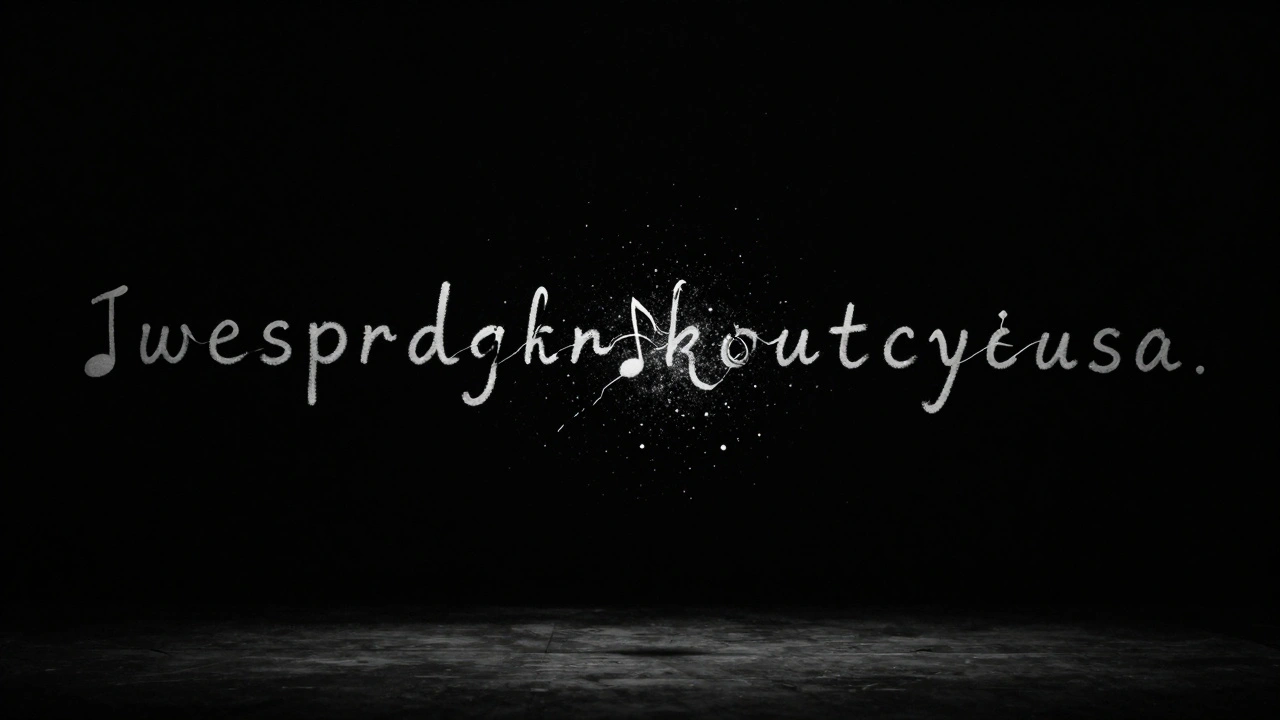
Most lyric videos use static fonts. Hill doesn’t. He treats typography like an instrument. In his video for "Falling Through Time" by The Hollow Hours, the lyrics don’t just appear-they swell, collapse, and spiral as the vocals shift from whisper to scream. The font changes shape subtly: letters stretch when the note holds, fracture when the chorus hits, and dissolve into particles during the bridge.
He avoids overused fonts like Impact or Helvetica Neue. Instead, he customizes typefaces or hand-draws glyphs that match the song’s mood. For a lo-fi indie track, he might use uneven, ink-blotted letters that look like they were scribbled on notebook paper. For an electronic anthem, he’ll design sharp, geometric glyphs that snap into place with each kick drum.
There’s a reason this works: our brains process rhythm and motion together. A 2023 study from the University of Oregon found that viewers retain 68% more lyrical content when typography moves in sync with vocal timing-compared to 22% with static text. Hill doesn’t just know this-he builds his whole process around it.
Motion That Follows the Song’s DNA
Motion isn’t just animation. It’s translation. Hill watches a song dozens of times before he opens After Effects. He listens for the hidden pulses: the breath between lines, the hesitation before a key change, the way a singer drags a syllable. Then he maps motion to those moments.
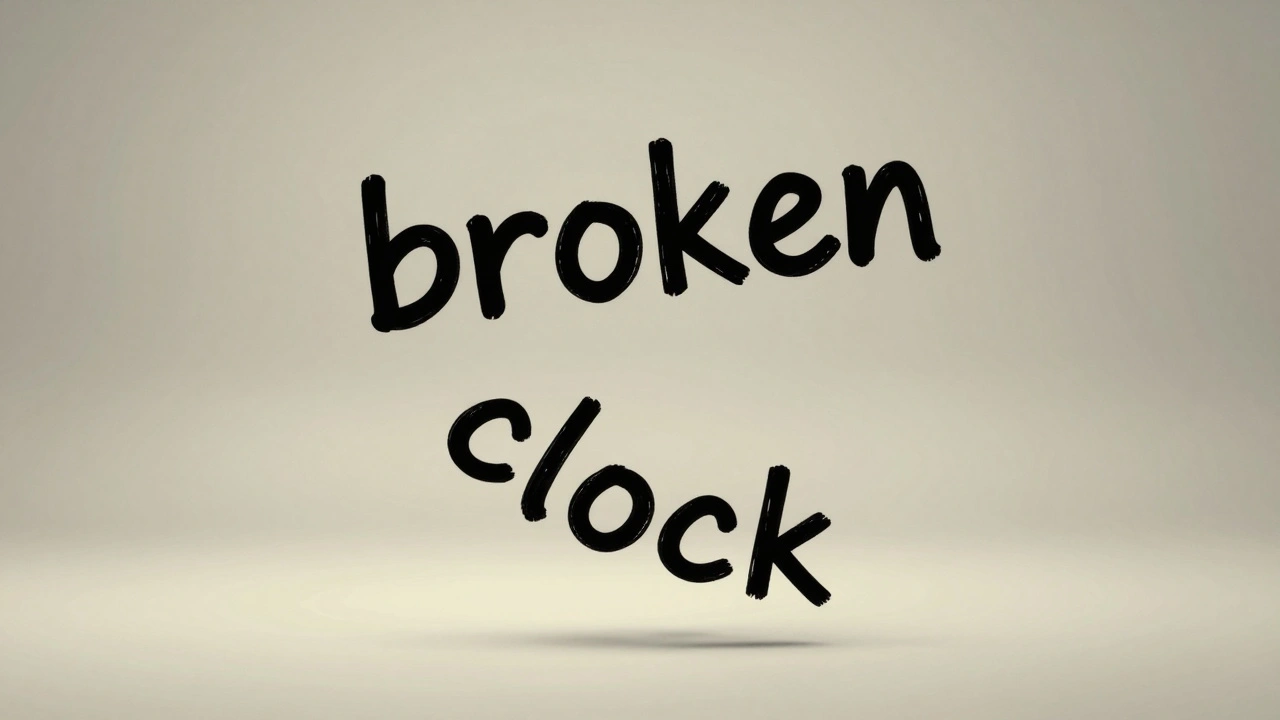
In his video for "Broken Clock," the lyrics don’t move in straight lines. They drift like windblown leaves, each word floating at a different speed depending on its emotional weight. The word "broken" lingers, trembling. "Clock" ticks downward in a slow spiral, as if gravity is pulling it into the ground. There’s no preset template. Every motion is tailored.
He avoids the common trap of over-animating. No bouncing, no spinning, no flashy transitions just because they’re available. His rule: if the motion doesn’t serve the emotion of the lyric, it doesn’t belong. That’s why his videos feel intimate, not flashy.
Color, Space, and Silence as Design Tools
Most lyric videos are cluttered-text everywhere, backgrounds flashing, particles flying. Hill’s work feels spacious. He uses negative space like a musician uses rests. In "Still Water," the lyrics appear one at a time against a deep black void. Each word hangs for exactly the length of the pause in the vocal. No extra frames. No filler.
Color is equally intentional. He doesn’t pick colors based on brand guidelines. He picks them based on the song’s emotional core. For a song about grief, he uses desaturated blues and grays that shift subtly as the track progresses. For a dance track, he’ll let the colors pulse in sync with the bass, but never overwhelm the text.
Even the placement of text matters. He avoids centering every line. Sometimes lyrics hug the top edge, like they’re being whispered. Other times, they sink low, as if the singer is speaking from the floor. He’s studied how eye movement follows vocal phrasing-and he uses that to guide the viewer’s attention without forcing it.
Tools He Uses (And Doesn’t Use)
People assume he’s using fancy plugins or AI generators. He’s not. His toolkit is simple, but deeply understood:
- Adobe After Effects for frame-by-frame motion control
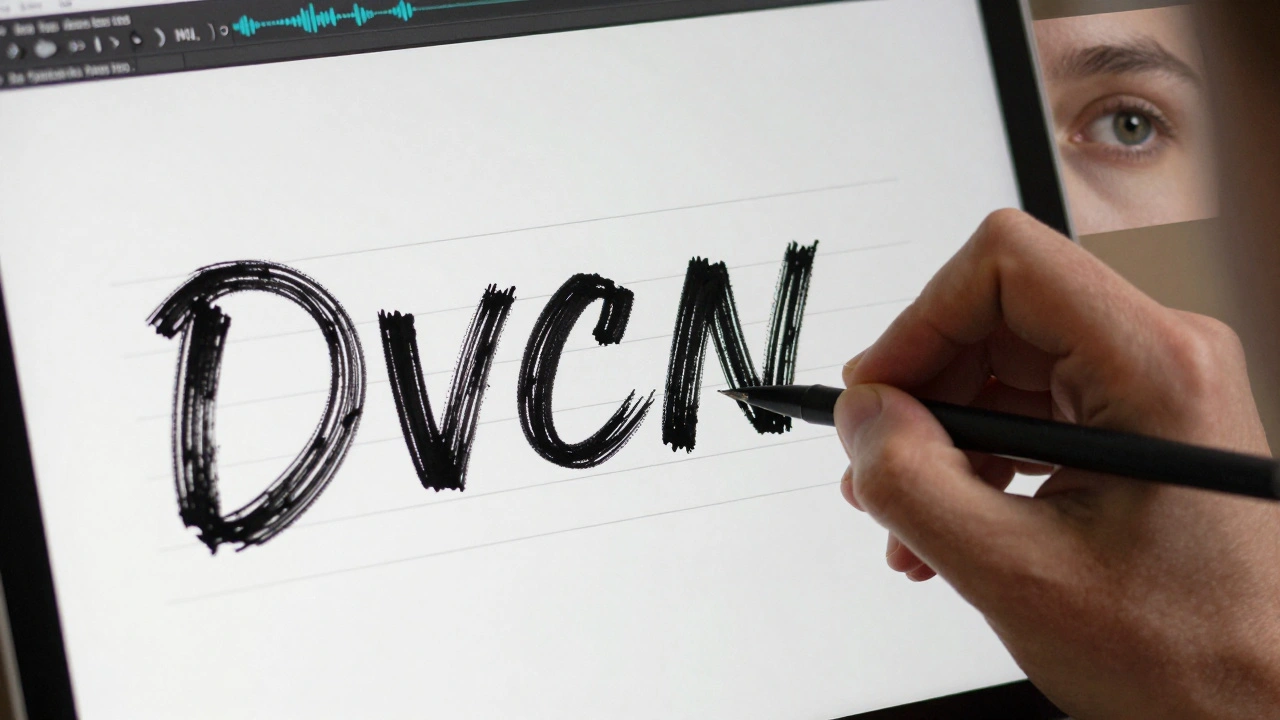
- Procreate for hand-drawn letterforms
- Adobe Illustrator to refine vector glyphs
- Audacity to visually map vocal waveforms
- Manual keyframing-no auto-animations, no presets
He refuses to use AI-generated motion. Not because he thinks it’s bad-but because it removes the human touch. AI can mimic motion, but it can’t feel the ache in a falsetto or the crack in a scream. Hill’s videos carry that humanity.
Why His Work Stands Out
There are thousands of lyric video designers. Why does Robert Hill’s work stick with you?
Because he treats lyrics as poetry, not labels. He doesn’t just animate words-he animates meaning. When you watch his video for "The Last Letter," you don’t just read the words. You feel the writer’s trembling hands, the ink smudging from tears, the silence after the last line.
His process is slow. A 3-minute video takes 3-4 weeks. He works with artists directly, often spending hours discussing the song’s backstory. He asks: What did this lyric cost you to write? That question shapes every curve of every letter.
And that’s why his videos aren’t just seen-they’re remembered.
What You Can Learn From His Approach
You don’t need to be a motion designer to apply his principles:
- Start with the song’s emotion-not the tech. What does this lyric feel like?
- Let the voice guide the motion. Match letter speed to vocal pacing.
- Use space like silence. Don’t fill every frame.
- Hand-draw when you can. Even if you’re not an artist, sketching letters by hand adds soul.
- Kill every animation that doesn’t serve the lyric. Less is more.
It’s not about how fancy your software is. It’s about how deeply you listen.
What makes Robert Hill’s lyric videos different from others?
Robert Hill’s lyric videos stand out because they’re emotionally driven, not technically flashy. He hand-maps every motion to the vocal rhythm, uses custom typography, and leaves intentional space. Unlike most designers who rely on presets or AI, he animates the feeling behind the words-making each video feel personal and human.
Does Robert Hill use AI in his designs?
No. Robert Hill avoids AI-generated motion entirely. He believes automation removes the emotional nuance that comes from human interpretation. Instead, he manually keyframes every movement, hand-draws letterforms in Procreate, and listens to the song dozens of times to understand its emotional texture before animating a single character.
What software does Robert Hill use for lyric videos?
Robert Hill uses Adobe After Effects for motion, Adobe Illustrator for refining vector typography, Procreate for hand-drawing custom letterforms, and Audacity to visually analyze vocal waveforms. He avoids plugins and auto-animations, preferring manual control to ensure every motion matches the song’s emotional arc.
How long does it take Robert Hill to make a lyric video?
A typical 3-minute lyric video takes Robert Hill 3 to 4 weeks. He spends the first week just listening to the song and discussing its meaning with the artist. The next two weeks are spent designing and animating by hand. He doesn’t rush-each frame is chosen to reflect the emotion behind the lyric.
Can I apply Robert Hill’s style to my own lyric videos?
Absolutely. You don’t need fancy tools-just deep listening. Start by analyzing how the vocals move: where do they pause? Where do they crack? Match your typography’s motion to those moments. Use negative space. Hand-draw letters. Remove anything that doesn’t serve the emotion. His approach is about intention, not technology.