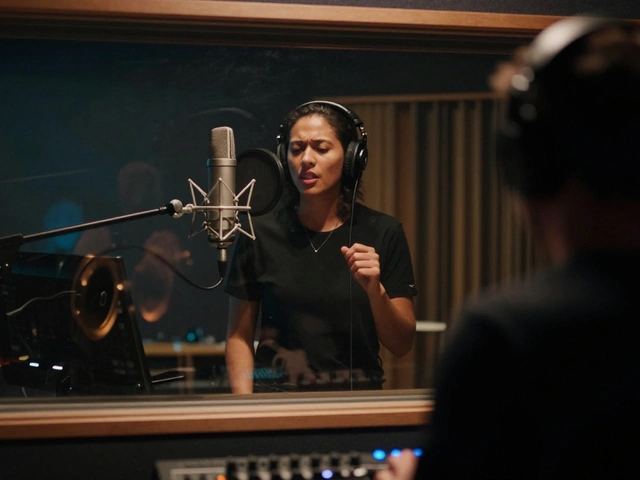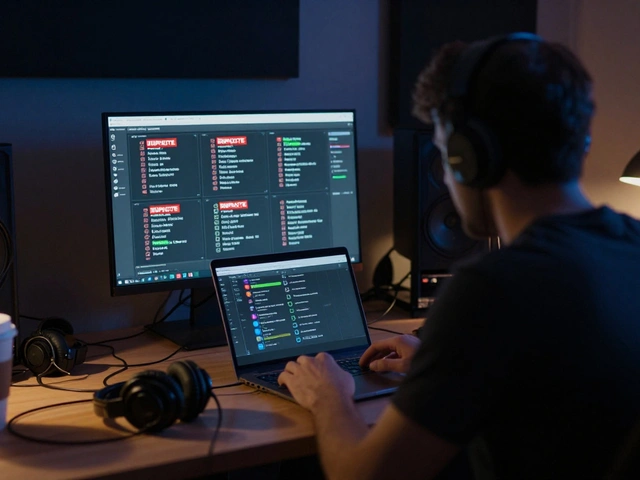
Drop a full-length music video and watch the views trickle in? That era is dead. In 2026, if your YouTube Shorts vertical short-form videos under 60 seconds designed for quick consumption and high discoverability aren’t working for you, your music probably isn’t either. The algorithm doesn't care about your album art or your press release. It cares about retention. It cares about whether someone watches that 15-second clip twice.
You are not just uploading a clip; you are running a funnel. Your goal with these vertical videos is to tease the full experience without giving it all away. You want the viewer to feel like they missed out on something epic unless they click the link to watch the full video. This requires a shift in mindset from 'posting content' to 'engineering curiosity.'
The Anatomy of a Viral Teaser
Most musicians fail here because they treat a Short like a mini-music video. They upload the chorus, add some captions, and hope for the best. That’s lazy. A successful teaser has three distinct parts: the Hook, the Value, and the Cliffhanger.
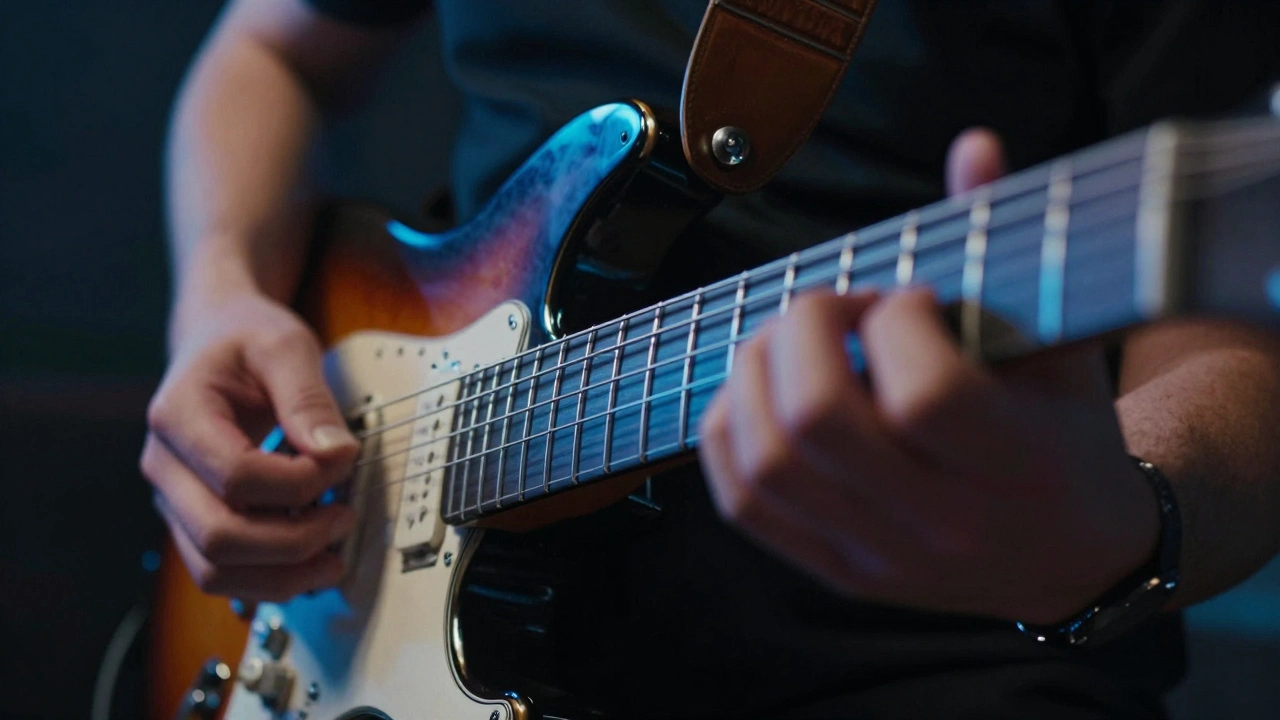
- The Hook (0-3 Seconds): You have less time than a sneeze to stop the scroll. Do not start with a fade-in. Start with movement, a loud sound, or a visual shock. If you’re playing guitar, don’t show your face smiling. Show your fingers flying across the fretboard in extreme close-up. If it’s a vocal track, start mid-sentence with high energy.
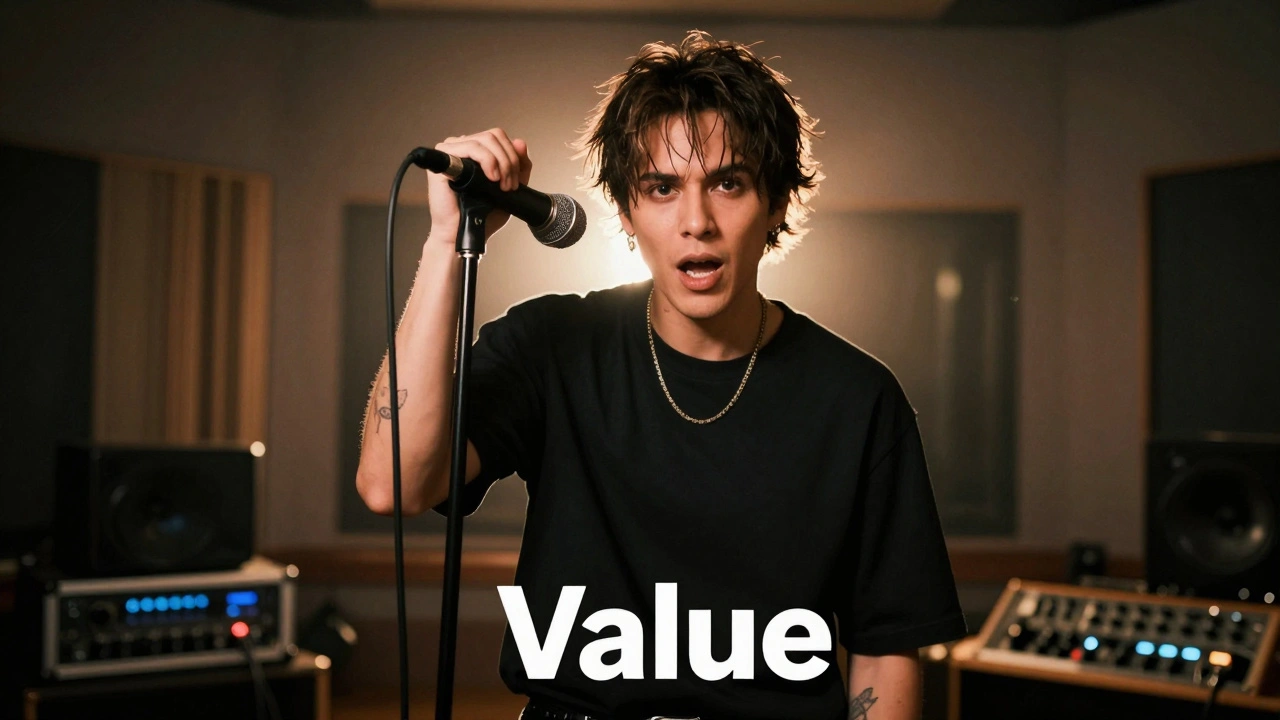
- The Value (3-45 Seconds): This is where you deliver the goods. Show the best part of the song-the drop, the highest note, the funniest lyric. But keep it tight. Cut out the breaths. Cut out the transitions. Make it feel faster than the actual song.
- The Cliffhanger (Last 5 Seconds): This is crucial. Do not let the video end naturally. End right before the payoff. Or, end with a question. Or, visually cut to black while the audio peaks. You need the viewer to think, "Wait, what happened next?"
If you give them the whole chorus, they don’t need to click through. Give them the appetizer so good they have to order the main course.
Visual Storytelling in Vertical Format
The frame is different now. It’s 9:16, not 16:9. This changes everything about how you shoot. You can’t just crop your horizontal footage; you lose context. You need to compose specifically for mobile screens.
- Center Stage: Keep the action in the middle third of the screen. The bottom is covered by captions and the title. The right side is covered by like/share buttons. If your subject is off-center, they get hidden.
- Text Overlays: Use bold, easy-to-read text. Many people watch with sound off initially. Put lyrics on screen, but don’t clutter. Highlight key words in a contrasting color.
- Dynamic Angles: Static shots die fast. Move the camera. Zoom in slightly during the beat drop. Shake it gently during heavy hits. Physical movement keeps eyes glued to the screen.
Think about artists like Bad Bunny Puerto Rican rapper and singer known for his innovative use of social media and short-form video to promote reggaeton music. He doesn’t always use high-budget CGI in his shorts. Often, it’s just him, a mic, and raw energy. The production value matters less than the authenticity and the pacing.
Leveraging Audio Trends vs. Original Sound
Here is the tricky part. You want people to hear *your* song. But the algorithm pushes videos that use trending sounds. How do you balance this?
Use the "Remix" or "Duet" feature strategically. Find a trending instrumental or a viral meme audio, and overlay your music video clip onto it. Or, better yet, use your own song as the audio, but tag it with relevant hashtags that connect it to current trends. For example, if there’s a trend about "summer vibes," and your song fits that mood, use those tags.
Also, consider the "Sound Bite" strategy. Extract the most catchy 15 seconds of your track and encourage others to use it. Create a challenge. "Show us your dance to this bridge." When users create content using your audio, your song gets distributed to their followers. This is organic reach on steroids.
The CTA: Directing Traffic Without Getting Banned
YouTube hates when you try to trick users into clicking links. They also hate spammy comments. So, how do you drive traffic to the full video?
First, use the "Related Video" link feature. When you post a Short, you can now directly link it to a long-form video on your channel. This is the cleanest, most effective method. Pin this Short to the top of your channel homepage.
Second, use verbal CTAs. Say it in the video. "Watch the full video on my channel!" Point up (where the related video usually appears). Visual cues work better than text overlays for driving clicks because they guide the eye physically.
Avoid putting links in the caption. Nobody reads captions. Avoid asking people to "check the description." They won’t. Make the path of least resistance obvious.
| Strategy Type | Best For | Risk Level | Conversion Potential |
|---|---|---|---|
| Lyric Video Clip | Songwriters, Acoustic Artists | Low | Medium |
| Behind-the-Scenes | Building Personal Brand | Low | High (for fans) |
| Visual Shock/Cinematic | Pop, Rock, Electronic | Medium | Very High |
| Trend Jacking | Viral Growth | High (can look desperate) | Variable |
Timing and Consistency: The Algorithm's Fuel
Posting once a week won’t cut it. Shorts are a volume game. You need to test, iterate, and flood the zone. Aim for one Short per day leading up to your video release. Why? Because each Short is a lottery ticket. Some will flop. Some will hit. You need enough tickets to guarantee a winner.
Post at times when your audience is active. Check your YouTube Studio analytics. Usually, evenings between 6 PM and 9 PM local time work well, but test it. If you’re targeting students, weekdays after school might be better. If it’s professionals, lunch breaks or commutes.
Consistency signals to the algorithm that you are an active creator. It also trains your subscribers to expect content from you. If you disappear for two weeks, you lose momentum. Rebuilding an audience is harder than keeping one engaged.
Analyzing Performance: What Metrics Actually Matter
Don’t obsess over likes. Likes are vanity metrics. Views are okay, but they’re misleading. The metric that determines success is **Retention Rate** and **Swipe-Away Rate**.
- Swipe-Away Rate: This tells you how many people swiped past your video instead of watching. If this is above 30%, your hook is weak. Change the first 3 seconds.
- Average View Duration: Aim for over 100%. This means people are re-watching. If it’s under 50%, your content is boring or too long. Cut it down.
- Click-Through Rate (CTR) to Long Form: Are they actually going to the full video? If you have high views on the Short but zero new views on the long video, your CTA is failing. Try a different verbal cue or a more intriguing cliffhanger.
Use this data to refine your next post. If a behind-the-scenes clip got 50k views but the lyric video got 500, pivot to more BTS content. Let the audience tell you what they want.
Common Pitfalls to Avoid
Even seasoned marketers make these mistakes. Don’t be one of them.
Watermarking from Other Apps: Never upload a video with a TikTok logo or Instagram watermark. YouTube’s algorithm actively suppresses these videos. Export clean files directly from your editing app.
Ignoring Comments: Engagement boosts visibility. Reply to every comment in the first hour. Ask questions in your captions to prompt replies. "What’s your favorite lyric?" "Tag a friend who needs to hear this." Build a community, not just a broadcast list.
Over-Promising: Don’t tease a massive explosion if the full video is just a guy singing in a bedroom. The disconnect leads to dislikes and unsubscribes. Match the energy of the teaser with the quality of the full video.
How long should a music video teaser be on YouTube Shorts?
Aim for 15 to 30 seconds. While Shorts can go up to 60 seconds, shorter clips often have higher retention rates. The sweet spot is long enough to establish the vibe but short enough to encourage a re-watch or a swipe-through to the full video.
Can I use copyrighted music in my Shorts teaser?
Yes, YouTube has a library of licensed music you can use in Shorts without copyright strikes. However, if you are promoting your *own* music, always use your original audio. Using someone else’s popular song might get views, but it won’t help listeners discover your track.
Should I post the same Short on TikTok and Instagram Reels?
Absolutely. Cross-posting maximizes reach. Just ensure you remove any platform-specific watermarks before uploading to another site. Tailor the hashtags and captions to fit each platform’s culture, but the core video asset can remain the same.
What is the best way to link a Short to a long-form video?
Use YouTube’s built-in "Related Video" feature available in the Shorts creation tool. This places a clickable link directly on the video player, making it seamless for viewers to transition from the short teaser to the full music video.
How often should I post Shorts to promote a music video?
During the launch window (1-2 weeks before and after release), aim for daily posts. This keeps your channel active and increases the chances of hitting the algorithmic jackpot. After the initial push, you can scale back to 2-3 times per week to maintain engagement.