When your music drops, every second counts. Fans are ready. They’ve been waiting. They’ve shared the countdown. They’ve saved the date. But if your link doesn’t work right, if it sends them to the wrong platform, or if it’s slow, or if they have to click through three pages to find your song - you just lost them. A smart link isn’t just a URL. It’s your release day lifeline.
Why Your Link Matters More Than You Think
On release day, your audience doesn’t care about your label, your PR team, or how many streams you got last week. They care about one thing: hearing your music, right now. If your link takes them to a generic homepage instead of the track, they’ll bounce. And they won’t come back. Studies show that over 60% of listeners who land on a non-direct link during a release window abandon the attempt within 10 seconds. That’s not just a missed stream - that’s a missed opportunity to turn a casual listener into a fan.
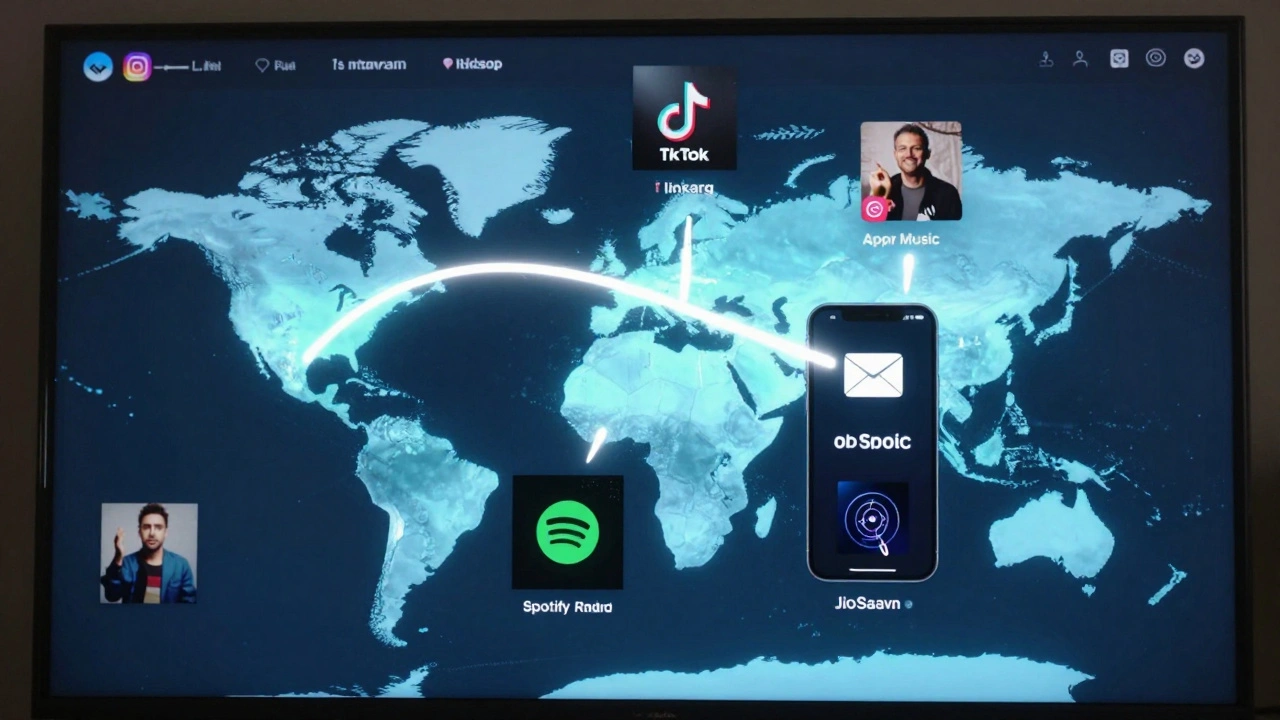
Smart links fix this. They detect where someone is clicking from - Instagram, TikTok, email, Twitter - and send them to the right platform automatically. If they’re on iPhone, they go to Apple Music. Android? Spotify. Someone in Europe? Deezer. Someone who already follows you on YouTube? They get the music video. No guessing. No extra taps. Just instant access.
How Smart Links Actually Work
Think of a smart link like a GPS for your fans. It doesn’t just point to one place. It reads the user’s device, location, and past behavior, then chooses the best path. Here’s how it breaks down:
- Device detection: Knows if you’re on iOS, Android, desktop, or tablet.
- Location routing: Sends users to regional platforms based on country (e.g., QQ Music in China, JioSaavn in India).
- Platform preference: If someone has streamed your music before on Spotify, it remembers and sends them there again.
- Link history: If they clicked your link last week and bought a merch item, it might show them the bundle again.
Services like Linkfire, a smart link platform designed for music releases that routes fans to their preferred streaming services based on device, location, and behavior, HyperFollow, a tool that combines smart routing with customizable landing pages for music releases, and SoundOn, TikTok’s own release platform with built-in smart routing for TikTok-driven audiences handle this automatically. You don’t need to code anything. Just paste your links, set your rules, and let the system do the rest.
Setting Up Your Smart Link in 5 Steps
Here’s how to get it done without hiring a dev or spending weeks testing:
- Pick your smart link tool. Start with Linkfire if you’re on major platforms. Use HyperFollow if you’re heavy on TikTok or Instagram. SoundOn is free if you’re already pushing content through TikTok.
- Add all your release links. Paste in your Spotify, Apple Music, YouTube, Amazon Music, Tidal, and any regional services (like Gaana or Joox). Don’t skip any - even if you think no one uses them.
- Set your routing rules. Choose default behavior: “Send everyone to Spotify” or “Let the system decide.” Most artists start with auto-routing and tweak later.
- Customize your landing page. Add your cover art, release date, a short video, and a CTA like “Stream now” or “Pre-save before midnight.” Make it look like your brand - not a generic template.
- Test it. Open the link on your phone, on your friend’s Android, on a laptop. Click it from Instagram Stories, from an email, from a TikTok bio. Does it go where it should? Fix any glitches before release day.
What Most Artists Miss (And How to Avoid It)
Here’s what goes wrong when smart links aren’t set up right:
- Only linking to Spotify. If you’re an indie artist with a growing fanbase in Brazil or Japan, you’re leaving streams on the table. Over 40% of listeners in those regions use local platforms. Your smart link should route them there.
- Forgetting pre-save. A smart link can track pre-saves. Use it. Send people to a pre-save page 3-7 days before release. That’s how you boost your first-day numbers.
- Not tracking clicks. Smart links give you analytics. You’ll see which platform drives the most traffic, which country has the highest conversion, and which social post underperforms. Use that data to plan your next release.
- Using a long, messy URL. A link like
https://yourlabel.com/artist/track/release/2026/03/05looks unprofessional. Shorten it. Use your artist name:yourname.link/release.
Real-World Example: How a Bedroom Producer Got 120K Streams on Day One
Last year, a producer in Portland named Mira Lane dropped her first EP. She didn’t have a label. She didn’t have a PR team. But she had a smart link.
She set up Linkfire with:
- Spotify, Apple Music, YouTube - all linked
- A custom landing page with a 15-second clip of her favorite track
- A pre-save banner that triggered 48 hours before release
- Geo-routing: Japan → Line Music, Brazil → Deezer, US → Apple Music
She shared the link in her Instagram bio, TikTok video captions, and email newsletter. On release day, she got 120,000 streams in the first 24 hours. Why? Because every fan, no matter where they were or what device they used, got straight to the music. No friction. No confusion. Just play.
What to Do After Release Day
Don’t just delete your smart link after release. Keep it alive. Update it.
- After 7 days, change the CTA from “Stream now” to “Add to your playlist”
- After 30 days, add your merch store or tour dates
- After 90 days, add a fan survey or a video message
Your smart link becomes your hub. It’s not just for release day. It’s your permanent fan gateway.
Smart Link vs. Regular Link: The Difference
| Feature | Smart Link | Regular Link |
|---|---|---|
| Routing | Auto-sends to best platform per user | Always goes to one place |
| Customization | Full branding, video, CTA, pre-save | Basic URL, no design |
| Analytics | Tracks clicks, location, device, conversion | No tracking |
| Regional Support | Includes local platforms (QQ, JioSaavn, etc.) | Usually only Spotify/Apple |
| Pre-Save Integration | Yes | No |
| Cost | Free tier available; paid plans from $10/month | Free |
What You Need to Get Started
You don’t need money. You don’t need tech skills. Just:
- Your music uploaded to all platforms
- A release date
- A cover art file (3000x3000 pixels)
- One hour to set up your link
That’s it. The rest? The system handles it.
Do smart links work for independent artists without a label?
Absolutely. Smart links were built for independent artists. You don’t need a label to use Linkfire, HyperFollow, or SoundOn. Most free plans let you create one smart link with full routing. Labels use them because they’re efficient - but you’re using them because they work better than anything else.
Can I change my smart link after release?
Yes. In fact, you should. After release day, update your CTA. Swap “Stream now” for “Add to playlist,” then later “Buy merch,” then “Join the fan club.” Your smart link evolves with your career. Most platforms let you edit the page anytime without changing the URL.
What if someone clicks my link on a device I didn’t expect?
Smart links handle this. If someone on a Windows laptop clicks your link but doesn’t have Spotify installed, the system will send them to Apple Music or YouTube instead. If they’re in a country with no major streaming service, it defaults to YouTube. You don’t have to predict every scenario - the tool does it for you.
Do I need to pay for a smart link service?
No. Linkfire and HyperFollow both offer free plans with basic routing and one custom link. You can release your music successfully on free tiers. Upgrade only if you need analytics for multiple releases, custom domains, or advanced fan segmentation.
Can I use a smart link for pre-saves?
Yes - and you should. Pre-save links are one of the biggest boosts to first-day streams. Set up your smart link 5-7 days before release with a pre-save banner. When fans click it, they’re taken to the pre-save page on their platform. This automatically adds your track to their library on release day. Platforms like Apple Music and Spotify count pre-saves as part of your launch numbers.